Operating menu
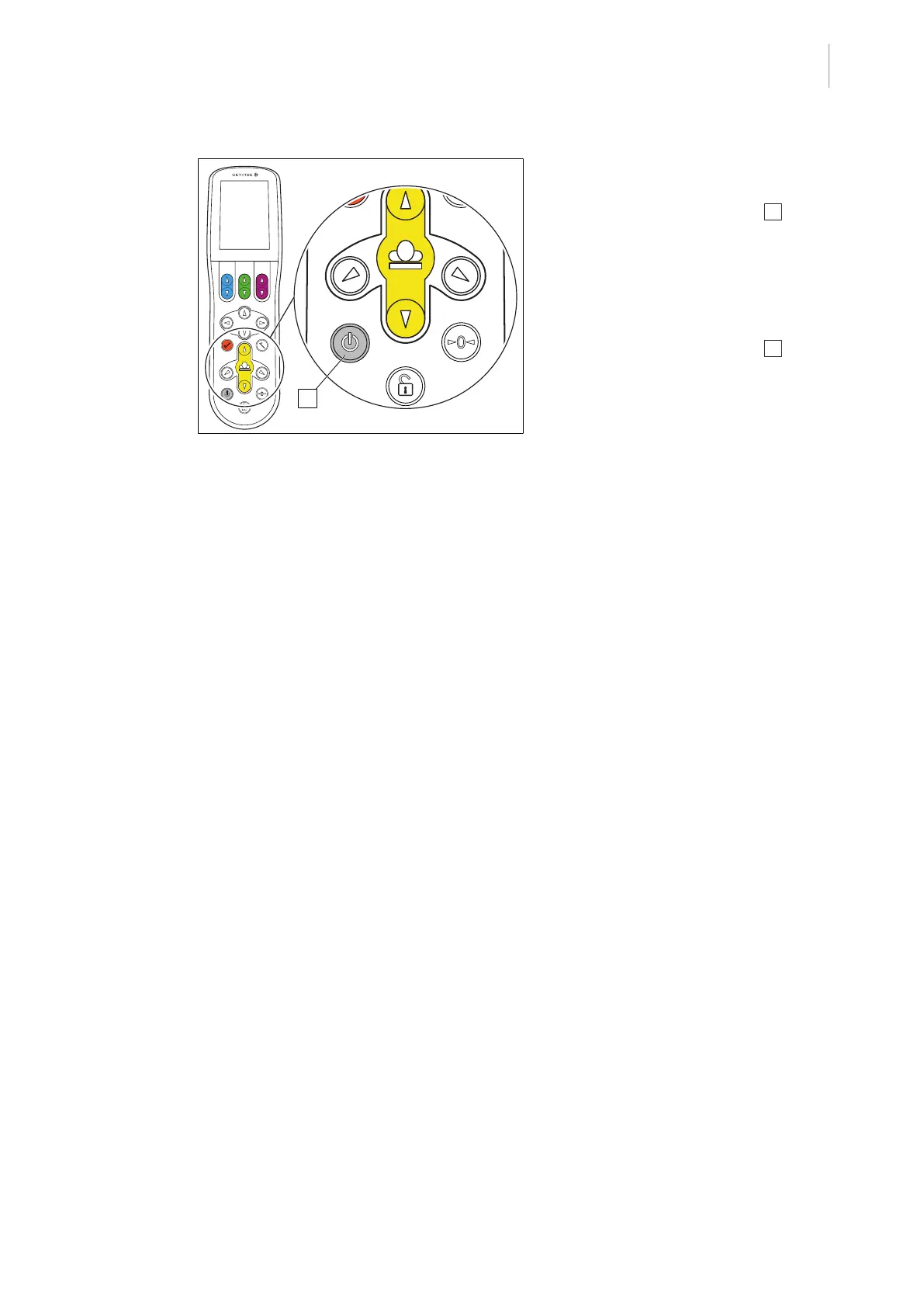
Activate control device from stand-by mode / set to stand-by mode
5
1009.25B0
IFU 1009.25 EN 01
61 / 92
Fig.65: Activating / deactivating stand-by mode
Activate control device from stand-by
mode
1. Press the [Stand-by] button 1 briefly.
Ø Control device is activated.
Ø Operating buttons and touchscreen
light up.
Set control device to stand-by mode
1. Press the [Stand-by] button 1 briefly.
Ø The control device will be switched into
stand-by mode, and the light on the
control device will switch off.
Ø If the control device is moved, the
[Stand-by] button will be illuminated.



 To Next Page