5 June 2020 CasTemp Wireless including CasTemp Superheat Page 17
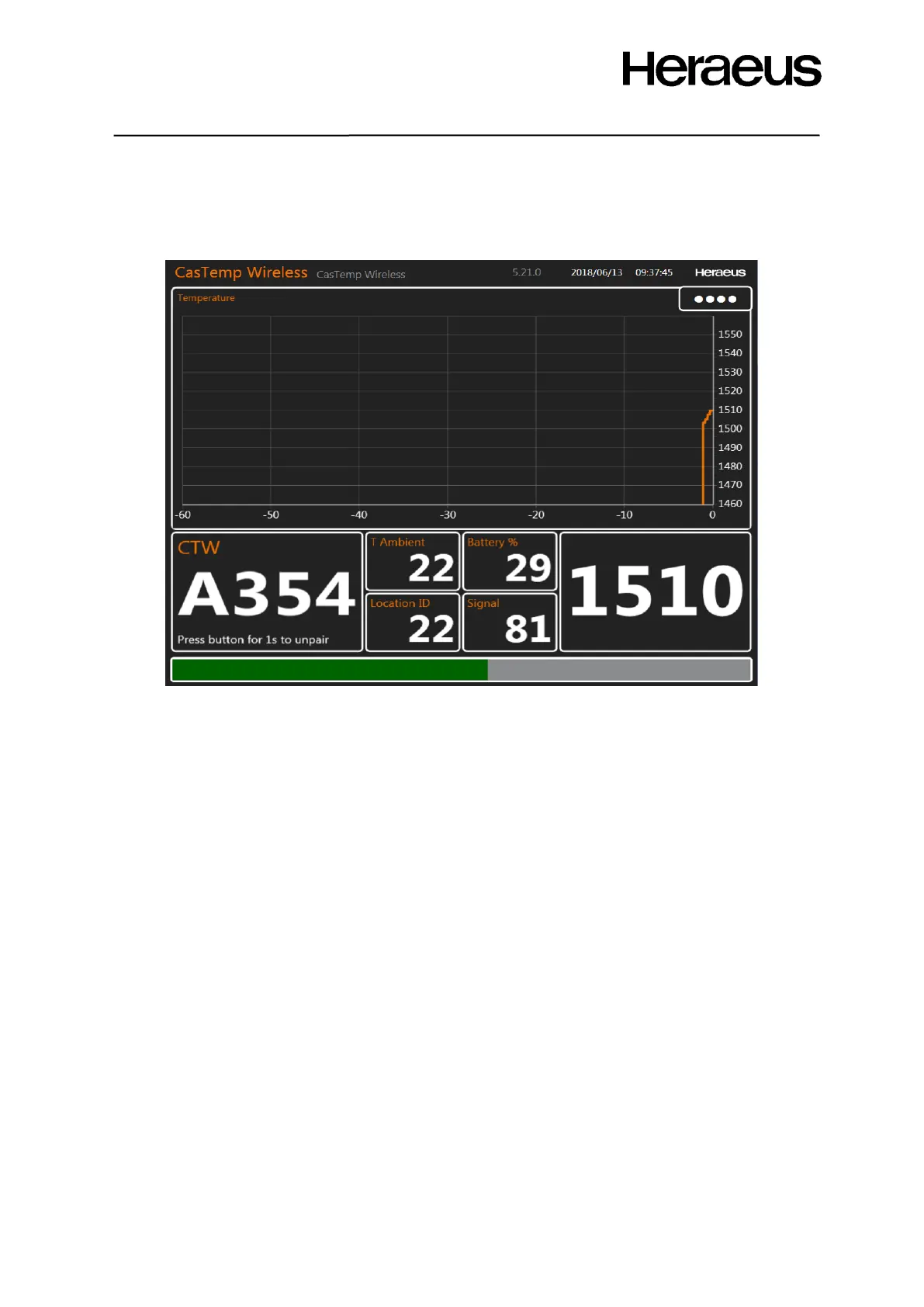
There is a setting to change the view of the measurement window. It is possible to configure the
CasTemp Wireless instrument so that the temperature evolution is shown on the top of the screen
and the temperature in the bottom right corner as can be seen Figure 16: CTW measurement window
with large graph.
Figure 16: CTW measurement window with large graph
4.2 Pairing and unpairing sequences
To be able to measure the temperature, the CasTemp Wireless instrument has to be paired with a
QUBE CTW module that is connected to a sensor. This pairing is unique during the period it is active
based on the unique and easy-to-remember module id of the QUBE CTW module.
This section describes the steps to be taken to establish this unique link.
In case the Qube CTW firmware is not compatible with the software this message will be displayed as
shown in Figure 17: Incompatible firmware message Figure 17: Incompatible firmware messageand the
firmware need to be updated (see section 0







 To Next Page