The size of a data telegram is limited to 128 bytes in Profibus.
The user can also select a number of available control characters, for example CR, LF, … The
selectable characters are listed in the “Control Character” list. Any ASCII characters can be input
using a keyboard. In the example of Figure 48, ‘Temp:’ and ‘;’ symbol were input manually via a
keyboard.
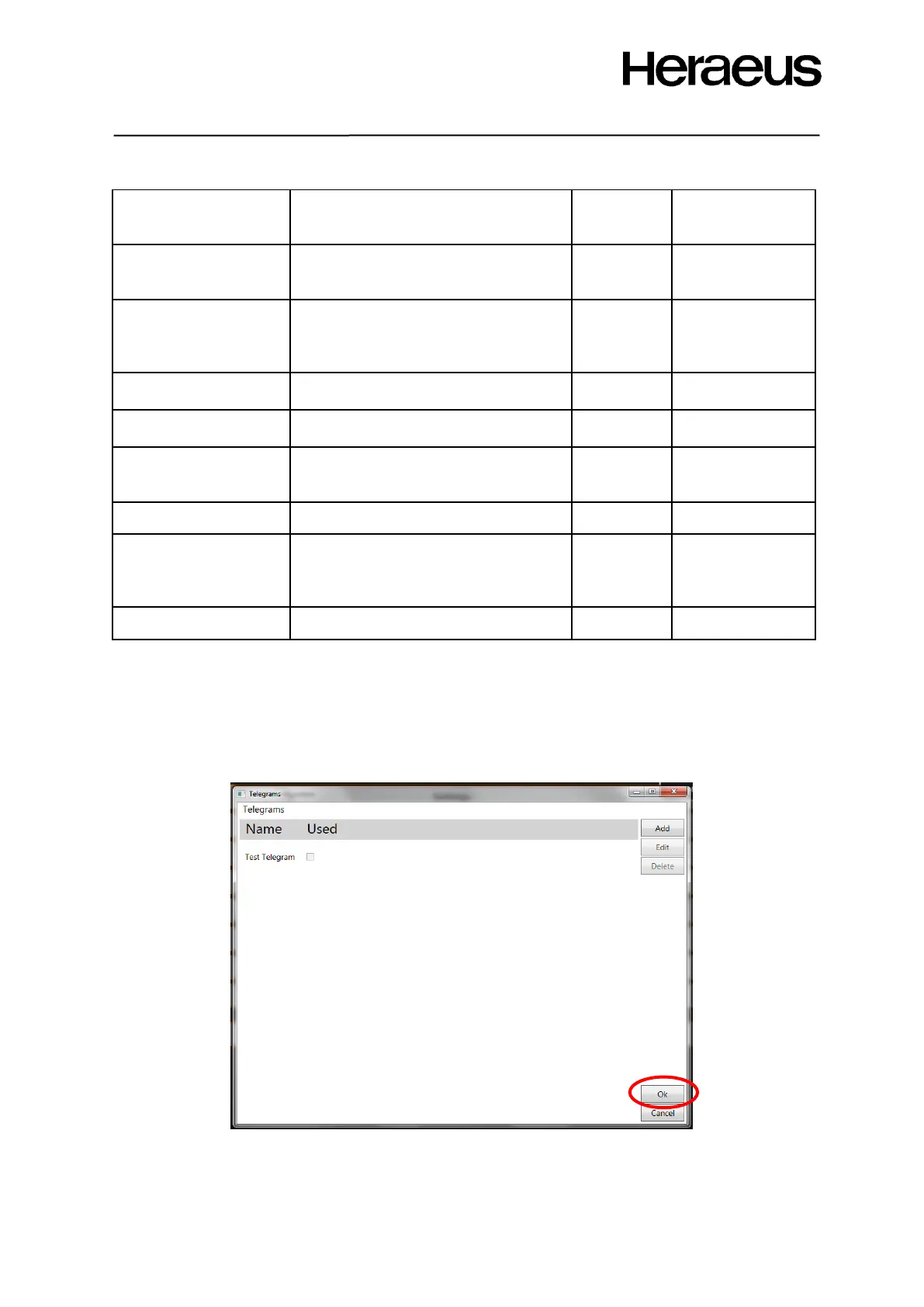
Click the OK button to save the data telegram
Accept the protocol, it will now appear in the telegram list.
Figure 49: new telegram added to the list
Click the OK button to return to the Level 2 configuration window of Figure 46: Level 2 configuration
window







 To Next Page