5 June 2020 CasTemp Wireless including CasTemp Superheat Page 31
5.2 Configuration possibilities when no measurement is ongoing
When the QUBE CTW module is NOT paired with the CasTemp Wireless instrument (or no
continuity), a number of parameters can be configured. To access the settings window from the start-
up screen (see Figure 19: CTW start-up screen), connect a keyboard and a mouse to the CasTemp
Wireless instrument (via the USB port) so that a window appears on the right top corner just below the
time and type 24816.
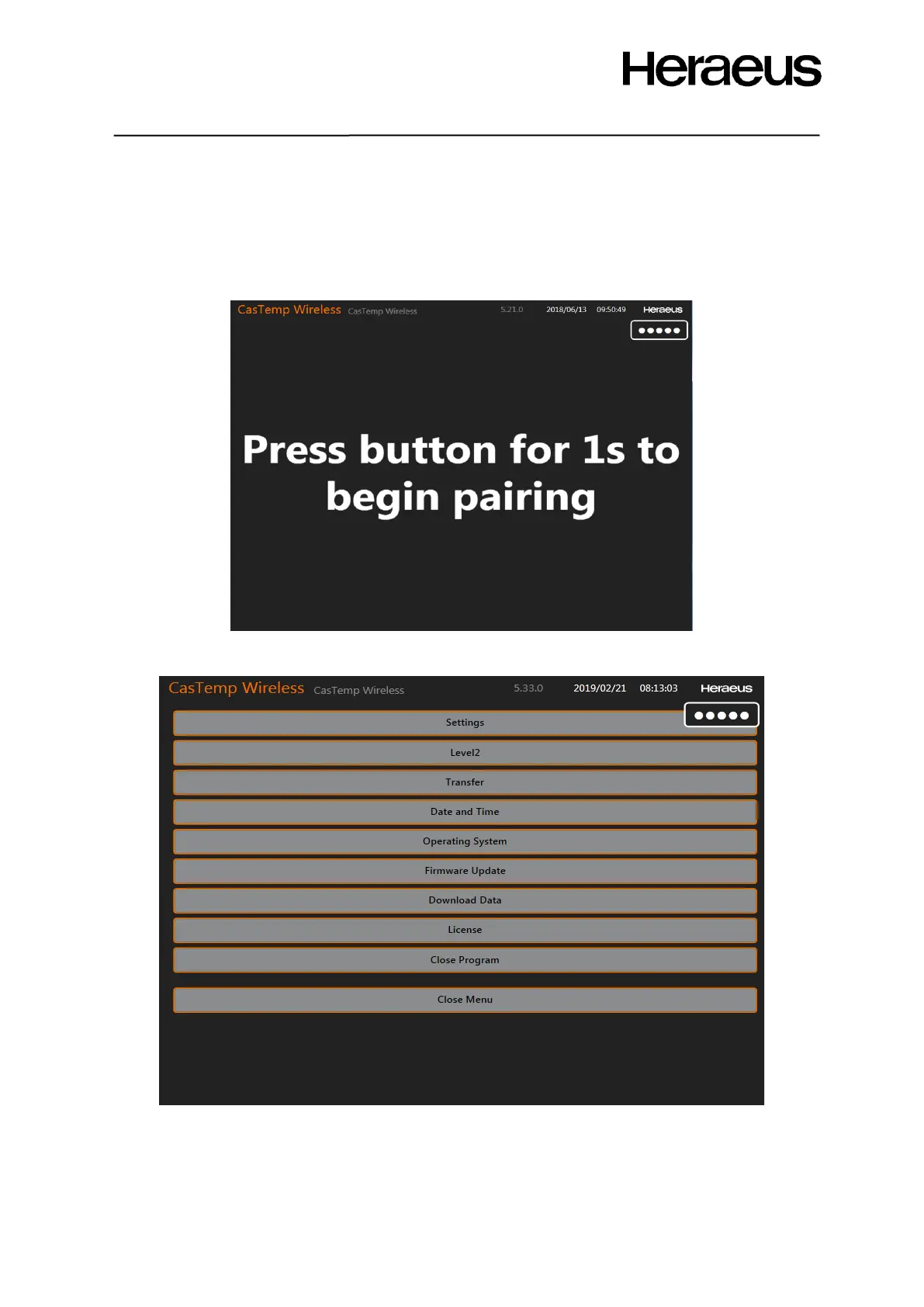
Figure 35: Home screen with login
If this code is entered Figure 36: menu selection window pops up
Figure 36: Menu selection window
Click the Settings button to change the parameters of the CasTemp Wireless instrument. Section 5.1
describes how to configure the language, separator and the graph size. When the QUBE CTW
module is NOT paired with the CasTemp Wireless instrument (or no continuity), i.e. no measurement
is ongoing, the CasTemp Wireless can be fully configured as described in the next sections.







 To Next Page