5 June 2020 CasTemp Wireless including CasTemp Superheat Page 28
5 Configuration of the system
5.1 Configuration possibilities during a measurement
When a measurement is ongoing, a limited number of settings may be changed.
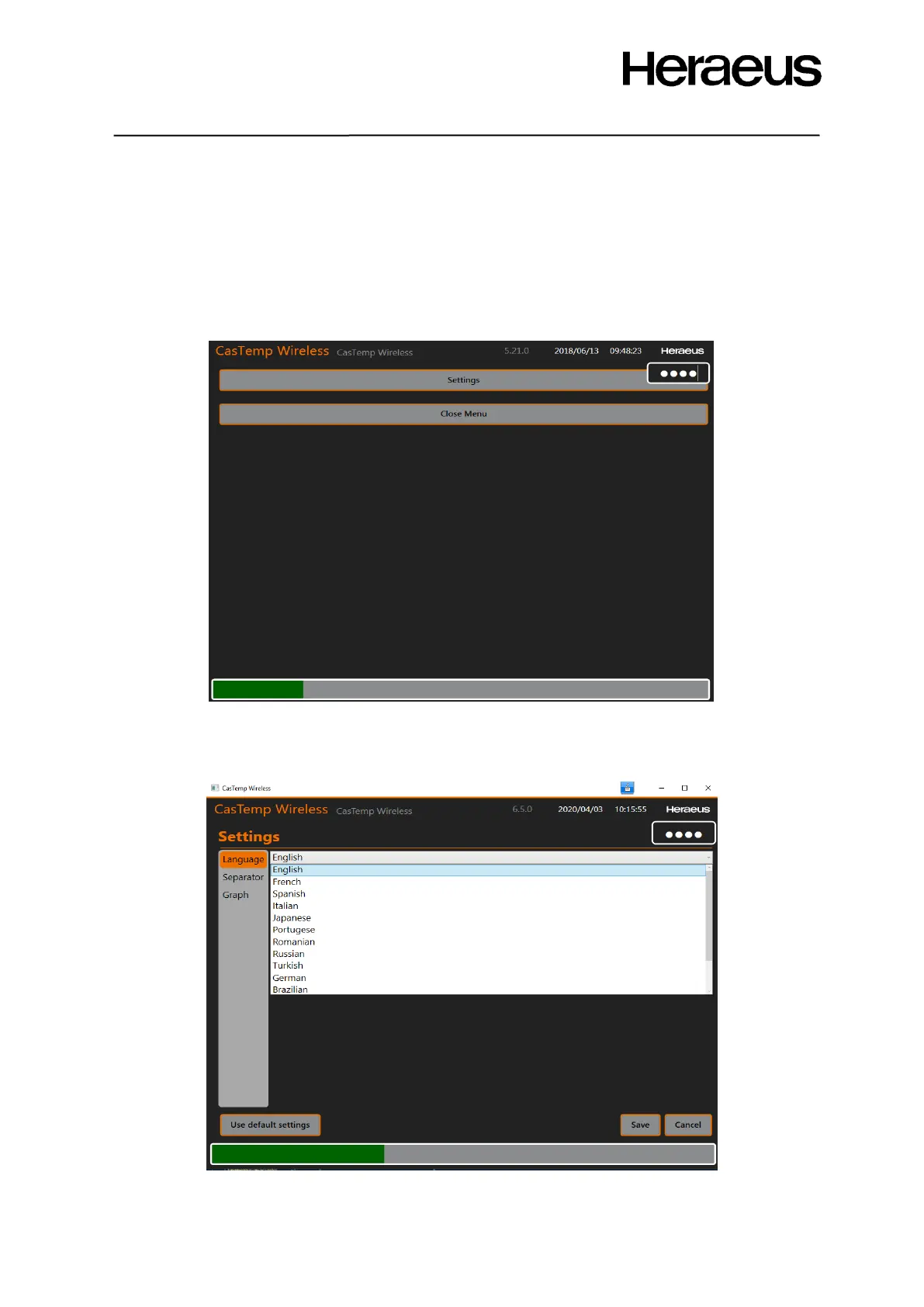
To access the settings window from the measurement window (Figure 15: CTW measurement
screen) connect a keyboard and a mouse (via the USB port) so that a window appears on the right
top corner (see Figure 31), and type 2448. The following window will be displayed:
Figure 31: Configuration window during a measurement
Click Settings to adjust some basic parameters of the instrument when a measurement is ongoing.
In this mode, only Language, separator and the graph can be adjusted as Figure 32: Basic settings
window indicates.
Figure 32: Basic settings window







 To Next Page