5 June 2020 CasTemp Wireless including CasTemp Superheat Page 41
6 Level 2 communication
The CasTemp Wireless instrument has different interfaces to provide communication that can be
used to send data to the Level 2 system of the plant. The different physical connections available are
listed:
• TCP/IP Server
• TCP/IP Client
• Serial Communication
• Profibus
• Ethernet IP
• Other options are possible. Please contact HEN representative for details.
Profibus and Ethernet IP are not supplied as standard hardware and an option pack is required. The
CasTemp Wireless instrument is ready wired for either option. Appendix 4: Profibus and Ethernet IP
Module Installation and set up describes the process for this.
The user can configure which data that has to be sent out. Therefore, data telegrams are used. The
timing is also configurable. The data telegram is sent at each new sample.
The Level 2 configuration can only be done when the CasTemp Wireless instrument is not measuring.
No QUBE CTW module can be paired to the CasTemp Wireless instrument.
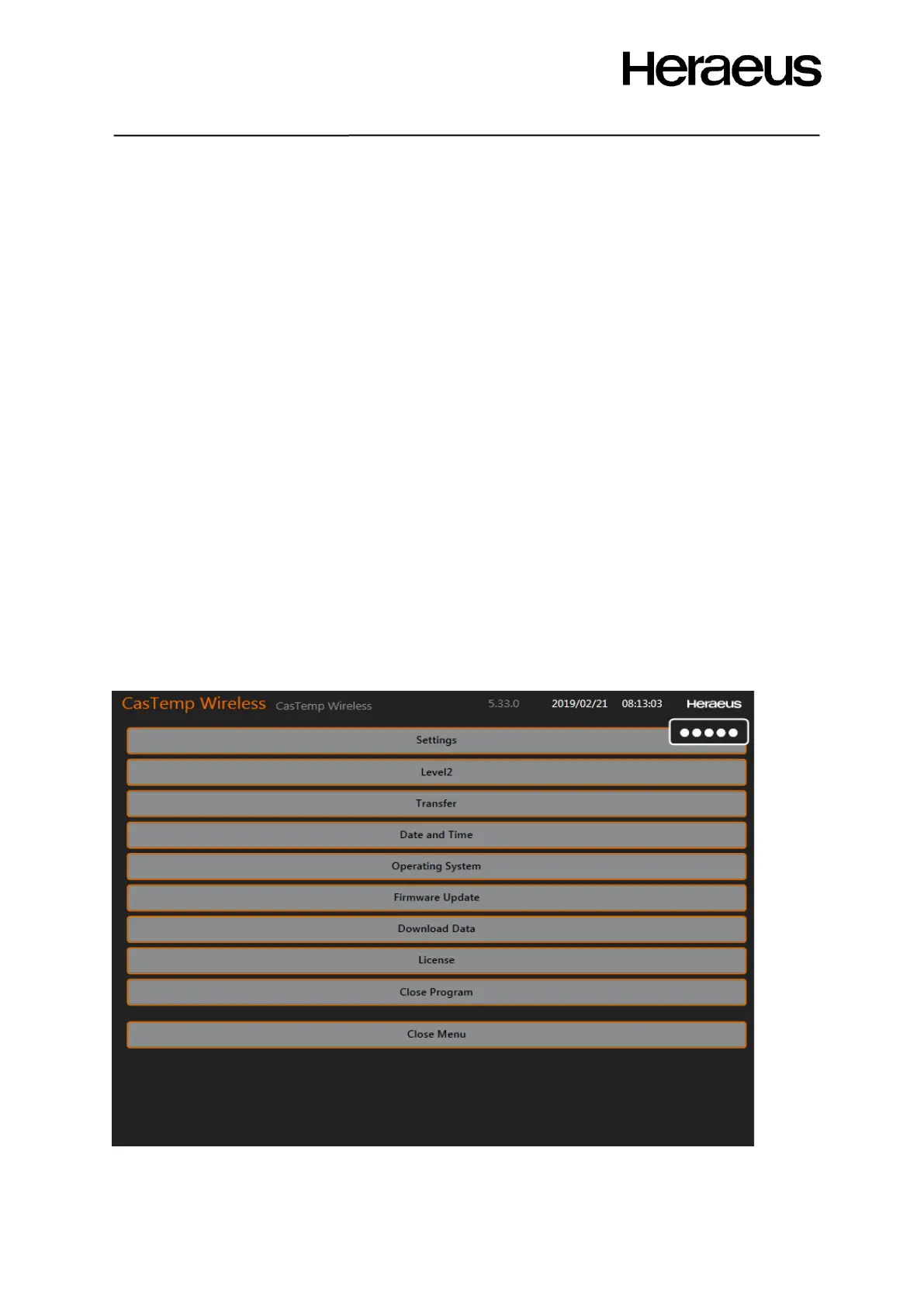
Connect a keyboard and a mouse using the USB port of the CasTemp Wireless instrument and enter
following code: 24816. On the right top corner of the screen the login can be done as in Figure 29:
Home screen with login
6.1 Telegram composer
After login, the screen of Figure 45 will appear.
Figure 45: Menu selection window
Click the Level2 button to access the Level 2 parameters. The screen of Figure 46 pops up.







 To Next Page