5 June 2020 CasTemp Wireless including CasTemp Superheat Page 47
6.2 Implemented protocols
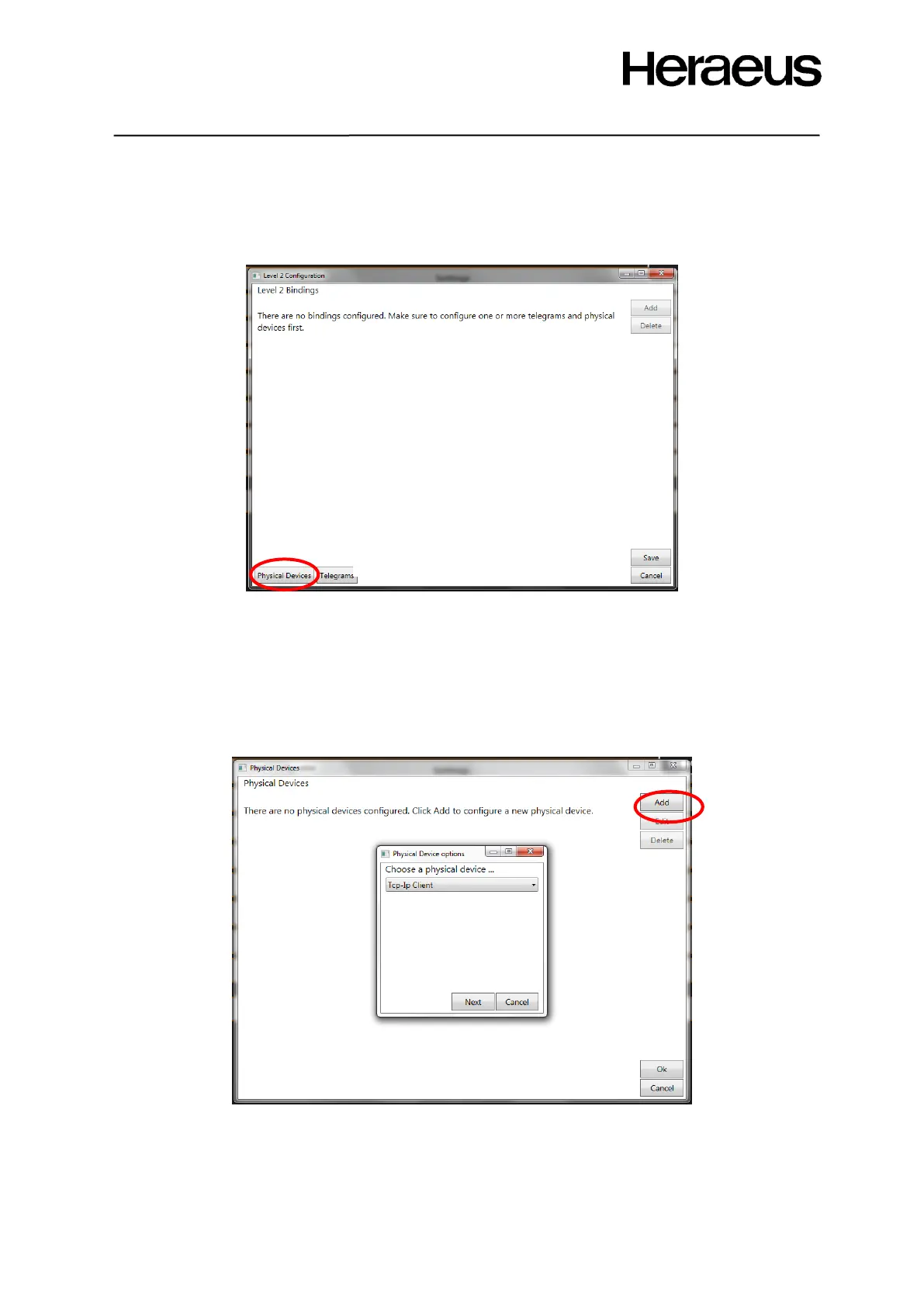
Communication can be done through different interfaces. To configure the protocols for these
interfaces, click the ‘Physical devices’ button in the level 2 composer window which is shown in Figure
50
Figure 50: Level 2 configuration window
To add a new physical protocol, select the ‘add’ button.
As shown in Figure 51, select the correct protocol from the available protocols’ list:
• Tcp-Ip client
• Tcp-Ip server
• Serial Device (RS232)
• Profibus (Hms)
• Ethernet IP (Hms)
Figure 51: Physical device options







 To Next Page