10.3 Appendix 3: Remote Client Installation and set up
The CasTemp Wireless instrument can be placed on a network and viewed remotely via a Remote
Client application installed on PC devices. The Remote Client allows for many different users to view
the CasTemp Wireless instrument and download data; providing similar functionality and visibility as
the screen on the instrument.
Key features of Remote Client
• Up to 9 such client applications can be connected to a single instrument
• Multiple instances can be run on a single pc looking at different instruments
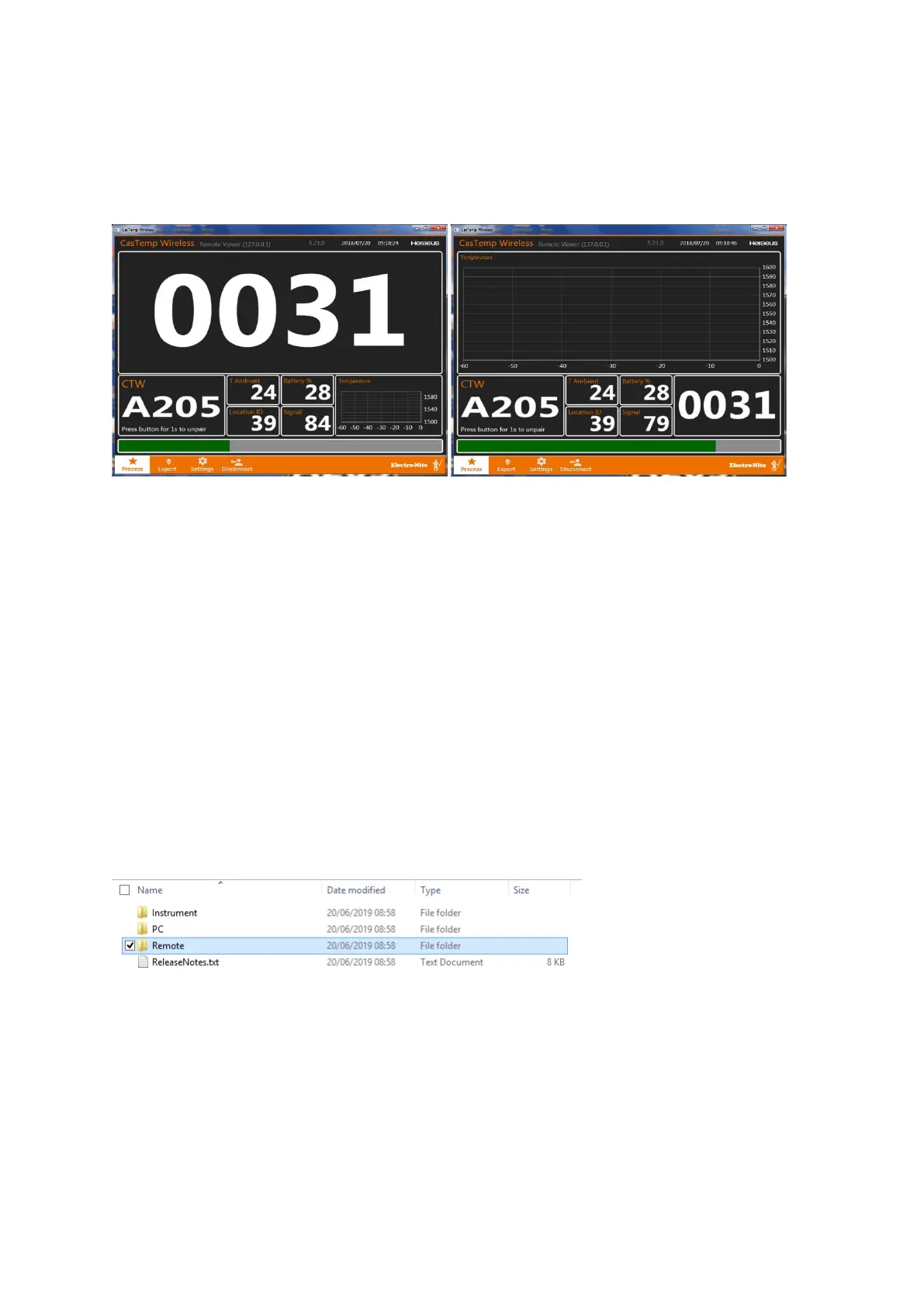
• As per the instrument, graphical or digital displays can be run
• Data download can be achieved without disconnecting the instrument, however this feature
may slow the instrument so manual selection of data has been used to limit the amount
selected
• The Remote client will automatically reconnect to the instrument in the event of the instrument
closing. However the remote client must be reset if it is closed and reopened
• A graphical display can be run on the remote client, whilst a digital display can be run on the
instrument
Application
• The remote client can be run in the control room, providing a larger screen format than
offered by the instrument, and by using multiple screens connected to the pc, 2 or more
instruments may be viewed
• The remote client may be run on an HMI at a remote location, for example at preheater
station or shroud platform to give local measurement information
Installation
• Install on the selected device using the deployagent in the Remote folder
On Windows10 machines, the installer may start then immediately close. If so:
Look in the CasTemp directory and open the deployagent log in Notepad, look for “new location” and
copy this address into the browser or otherwise navigate to it







 To Next Page