5 June 2020 CasTemp Wireless including CasTemp Superheat Page 23
If the button is released after the progress bar is completed, the push action is accepted by the
instrument. Note that the progress bar has a different appearance in superheat mode (see section 9.2
Screen differences).
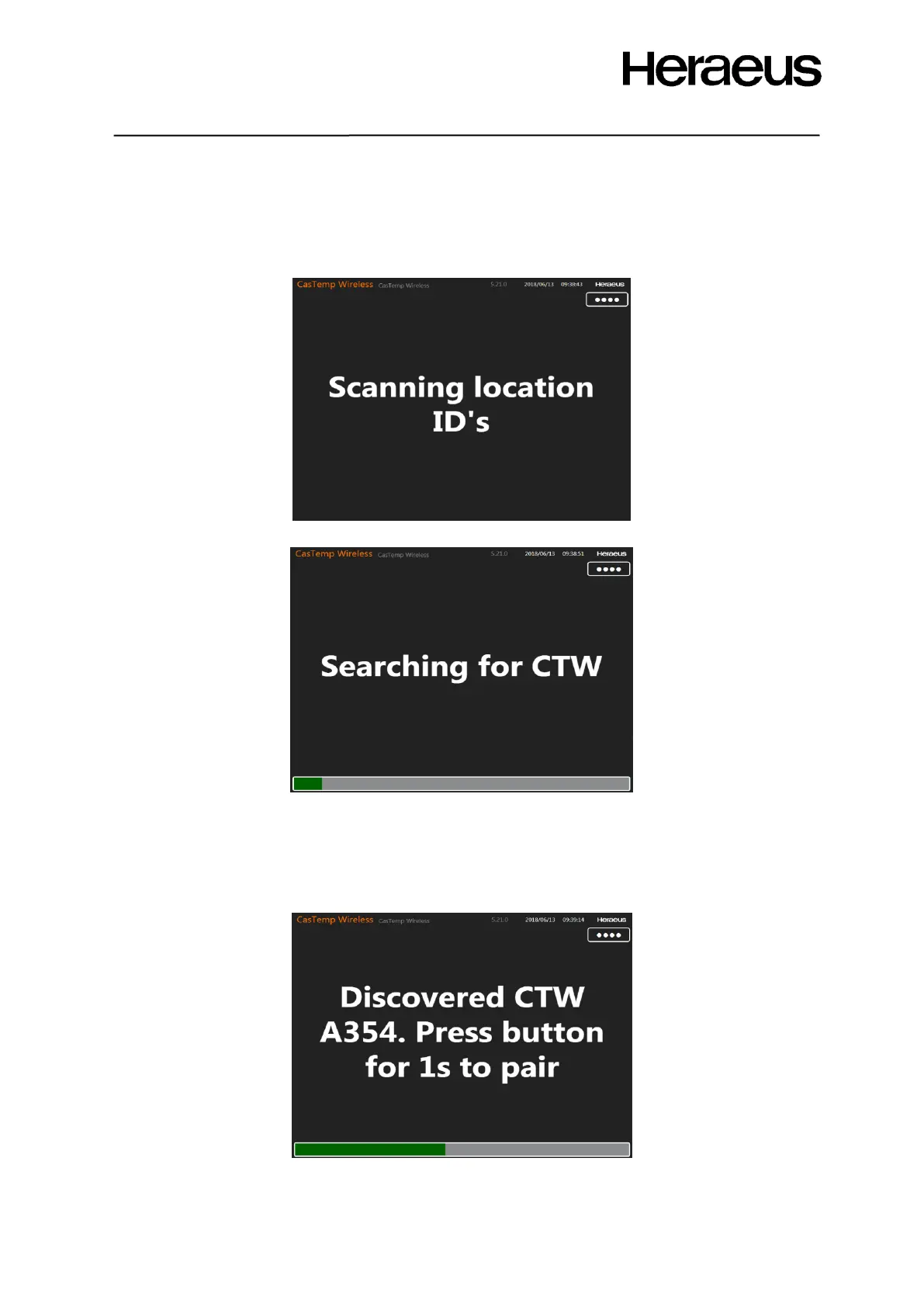
The instrument will now put itself in search mode to detect available QUBE CTW modules. The text of
Figures 20 and 21 will appear:
Figure 21: Scanning location ID’s
Figure 22: CTW instrument in search mode
4.2.2.8 Accept the QUBE CTW module on the CasTemp Wireless instrument
After some time, the instrument will detect the QUBE CTW module that has been installed and will
display its serial number on the screen with the request to accept the pairing (see Figure 23). Accept
this module by pushing the button again for 1 second.
Figure 23: Instrument has detected a QUBE CTW module







 To Next Page