5 June 2020 CasTemp Wireless including CasTemp Superheat Page 4
Note: Instrument recovery
After update, save the settings again, to desktop or USB drive. It can be good practice to keep a USB
drive inside the instrument case containing the latest software version, *.cws settings file and *.lic
licence file in case of instrument recovery. The licence file will only activate the instrument for which it
has been raised.
Note: Upgrade from V5.xx to ≥V6.4 running Superheat. Due to the different way the licence is
managed between these two versions; on initial boot up, the current licence will be lost.
Prior to Upgrade: Locate the superheat.lic retained in the C:\Castemp directory and save to another
location or obtain the original or a new licence file. Upgrade the software, and update as per section
7.6. For version ≥6.2, the licence is retained in the database. It is recommended to store the original
*.lic licence file in a known location, such as a USB drive as noted above.
Upgrade Remote Viewer
Confirm all Remote Viewer applications (HMI or PC based) and upgrade to the same software
version. See Appendix 3: Remote Client Installation and set up
7.3 Date and Time
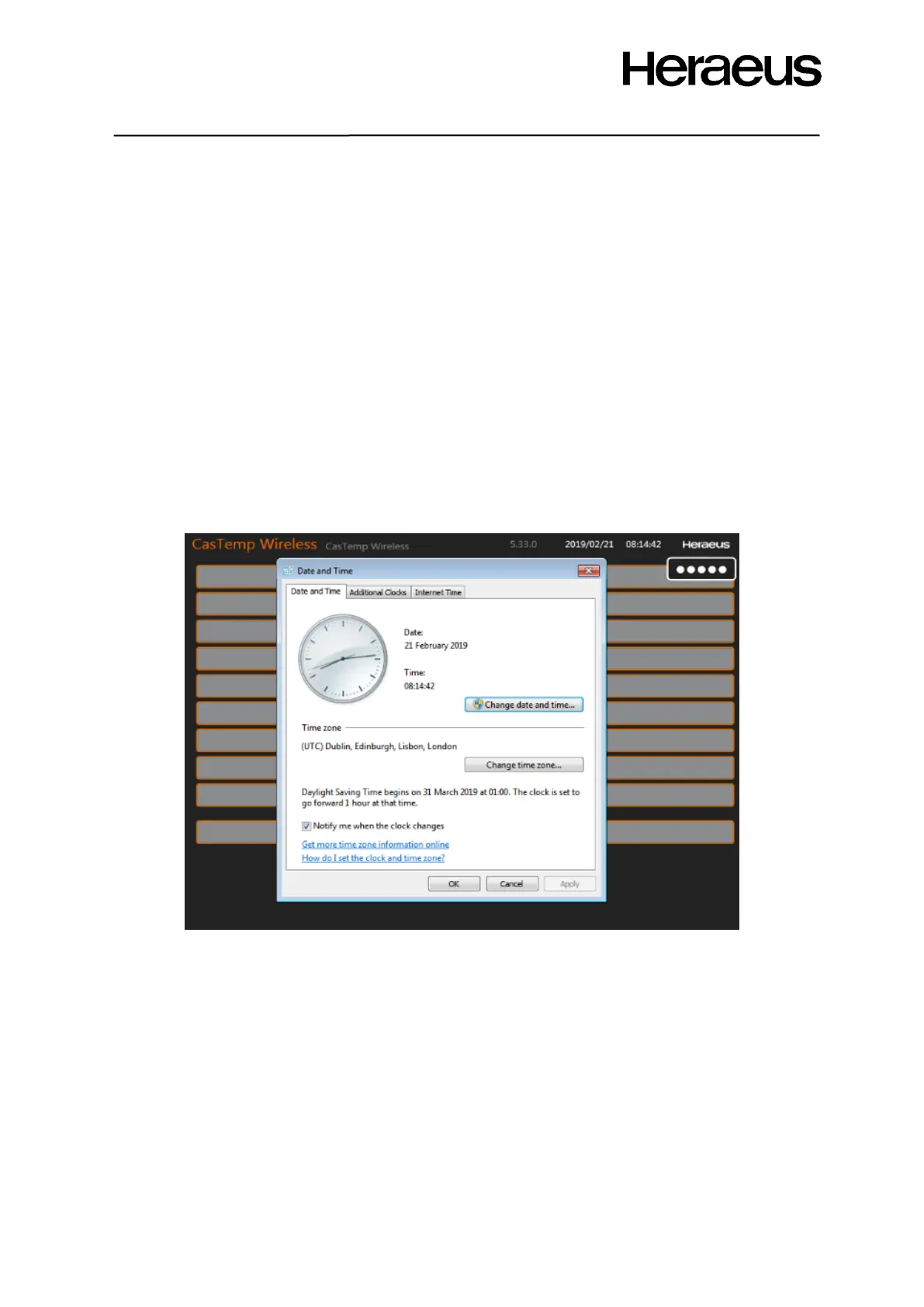
This allows the time zone and the date and time of the CasTemp Wireless instrument to be set to the
local environment by direct access to the control panel settings.
Figure 68: date and time seting







 To Next Page