5 June 2020 CasTemp Wireless including CasTemp Superheat Page 32
5.2.1 Configuring the Temperature parameters
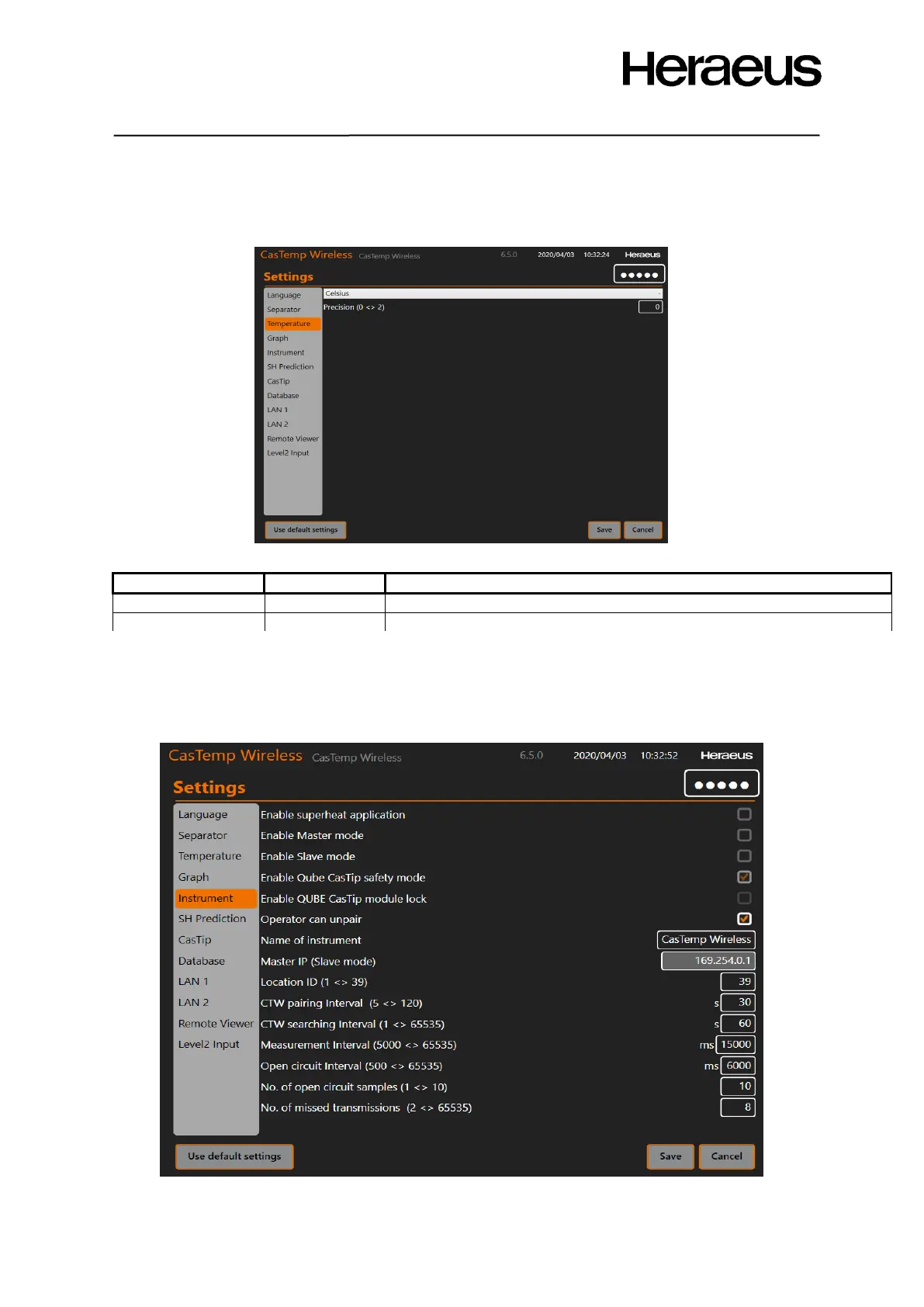
There are two settings in the temperature page. Whichever temperature unit you choose will affect the
value seen on screen and also the downloaded data.
Figure 37: Temperature type screen
5.2.2 Configuring the CasTemp Wireless instrument parameters
This configuration menu contains a number of parameters that have to be set by the plant and
parameters that should only be configured by Heraeus Electro-Nite service engineers. Figure 38:
Instrument settings shows what is configurable and the following table gives the default setting and
purpose.
Figure 38: Instrument Settings







 To Next Page