5 June 2020 CasTemp Wireless including CasTemp Superheat Page 3
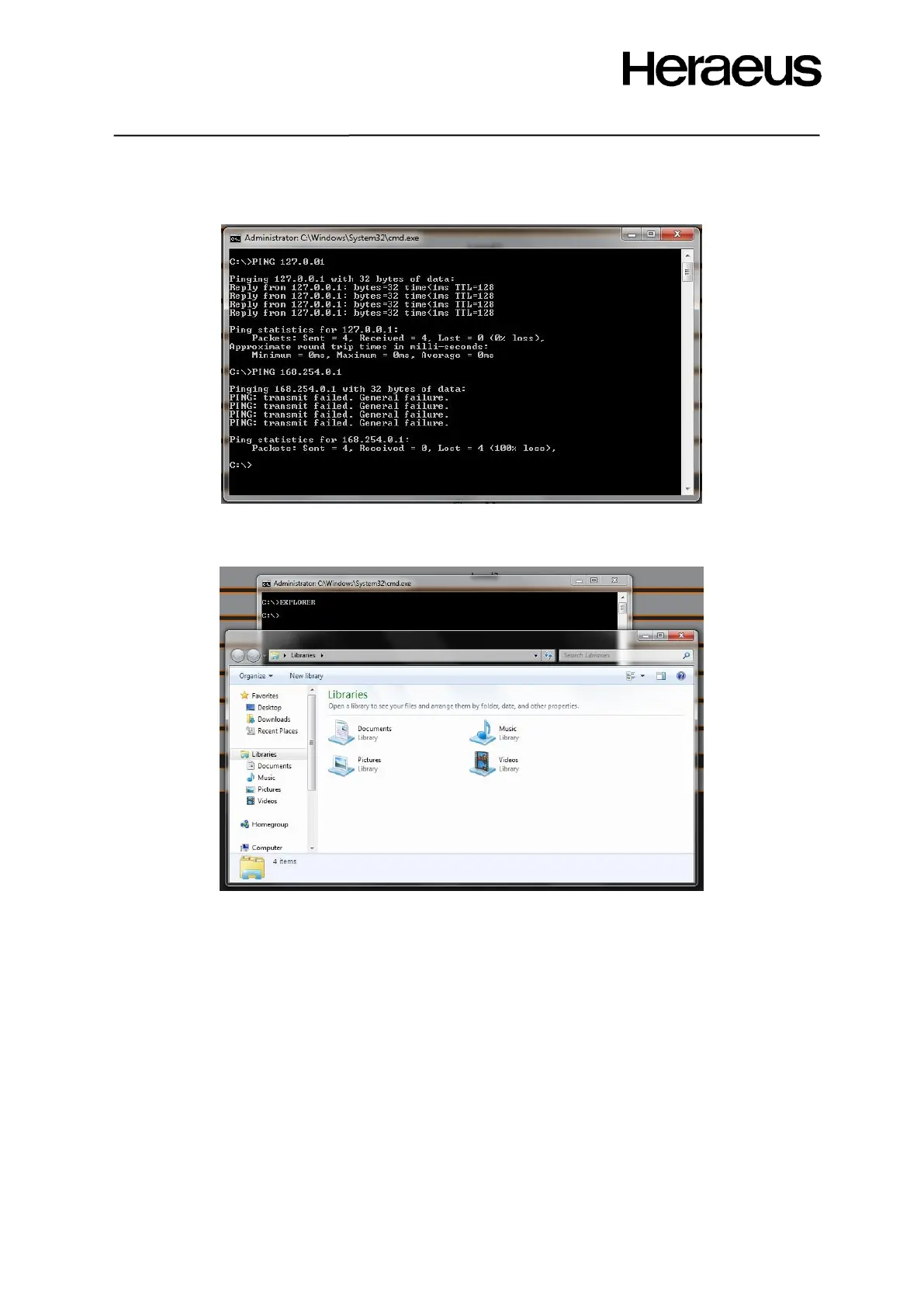
Check connection to other instruments using the “PING” feature. Type “Ping 127.0.0.1” to ping the IP
address to the system you would like to check communication with:
Figure 66: Operating system ping
Access file explorer by typing “explorer”
Figure 67: Operating system file explorer
7.2.1 Upgrading Software from ≤V3 to ≥V6.4 or V5.23 to ≥V6.4
Gain access to the file explorer as explained in section 7.2 and locate the “Instrument” folder and
within the file list, locate and start the installer “Heraeus.iM2.WirelessCastemp.DeployAgent.exe”.
Follow the on screen instructions.
Before carrying out a software upgrade or significant change:
For instruments of s/n < 180200: Check the free disk space in Windows Explorer. If <750 MB, refer to
HEN for further advice.
Save settings (either via download or photographically). For V6.x or later, use the “save settings”
feature to save to external storage or desktop (section 7.1). Key settings to record are:
• Settings
• LAN1 and 2
• Physical Devices
• Telegrams
• Bindings







 To Next Page