Documentation HERMA 500
1.10 GB (2019/02/28) 81
Unwinder
Function: hold and unwind the label reel, feed the label web to the dispensing beak and transport roller.
Rewinder
Function: rewind the backing paper after the labels are dispensed and applied.
Extended Settings
This menu allows you to make special settings for the control program, e.g. defining start screen parameters
(favourites, see also “Start Screen Parameters for Quick Access”), enabling functions, defining user passwords,
editing parameters for CAN, OPC, fieldbus, etc.
It contains the following submenus:
Set-Up Mode
This mode leads you through all the parameters that are necessary to operate the HERMA 500. This ensures that
the parameters are selected according to your requirements.
Starting with general prompts about language, display alignment and others, the system then leads you through
all other necessary parameters according to the information you entered and allows you to make adjustments.
You have the following options:
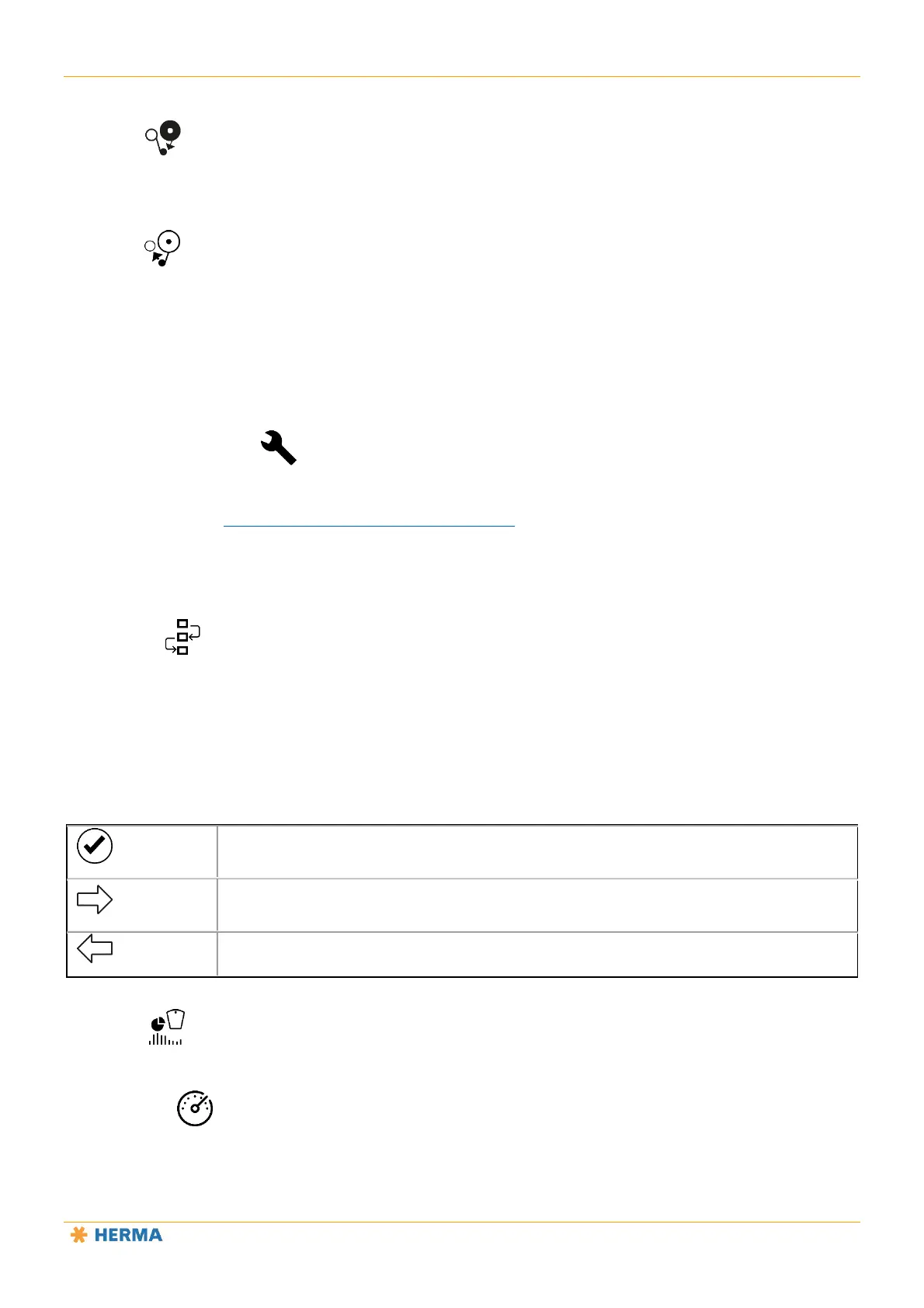
Tap the confirm button if you changed the setting for a parameter and want to save this
change.
Tap this button if you want to go to the next parameter without changing the parameter
currently displayed.
Tap this button if you want to return to the previous parameter.
Simulation
Password level 4 and higher.
Status Display
Password level 4 and higher.



 To Next Page