15–14 Upgrading a Hitachi Unified Storage 130 system
Hitachi Unified Storage Hardware Service Guide
7. On the Basic tab, click the Transfer and update Firmware button.
8. Click the Browse button, go to the location where you copied the
firmware file, and then click the file and click Open.
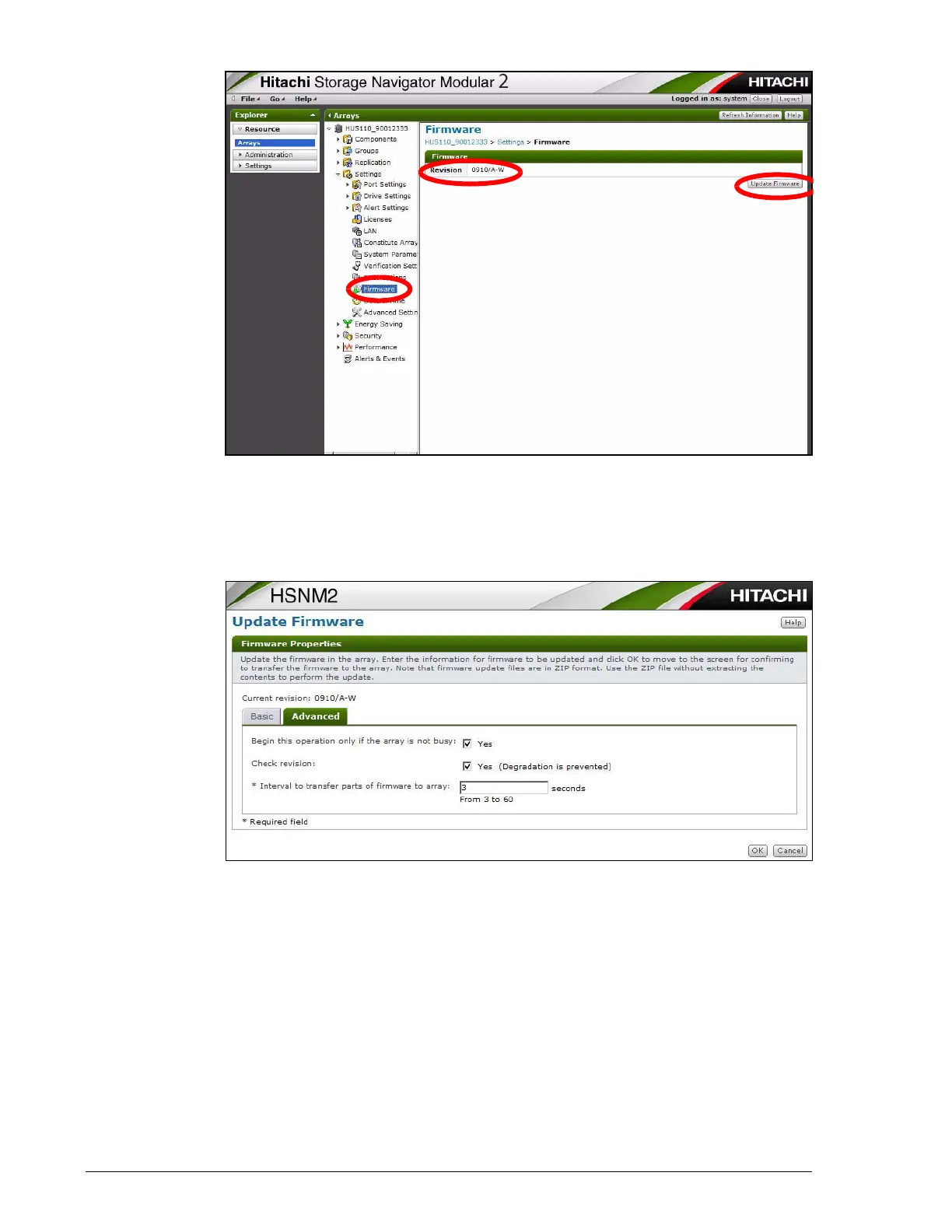
9. Click the Advanced tab and complete the Interval to transfer parts
of firmware to array option on the tab.
10.Click OK.
11.At the confirmation window, confirm that the last letter (model type) of
the firmware revision shown in the Local File Revision and Current
Revision fields is the same. In the following example, the last letter is
S and appears in both fields.
Record the local file revision here: ...............................



 To Next Page