Upgrading a Hitachi Unified Storage 130 system 15–15
Hitachi Unified Storage Hardware Service Guide
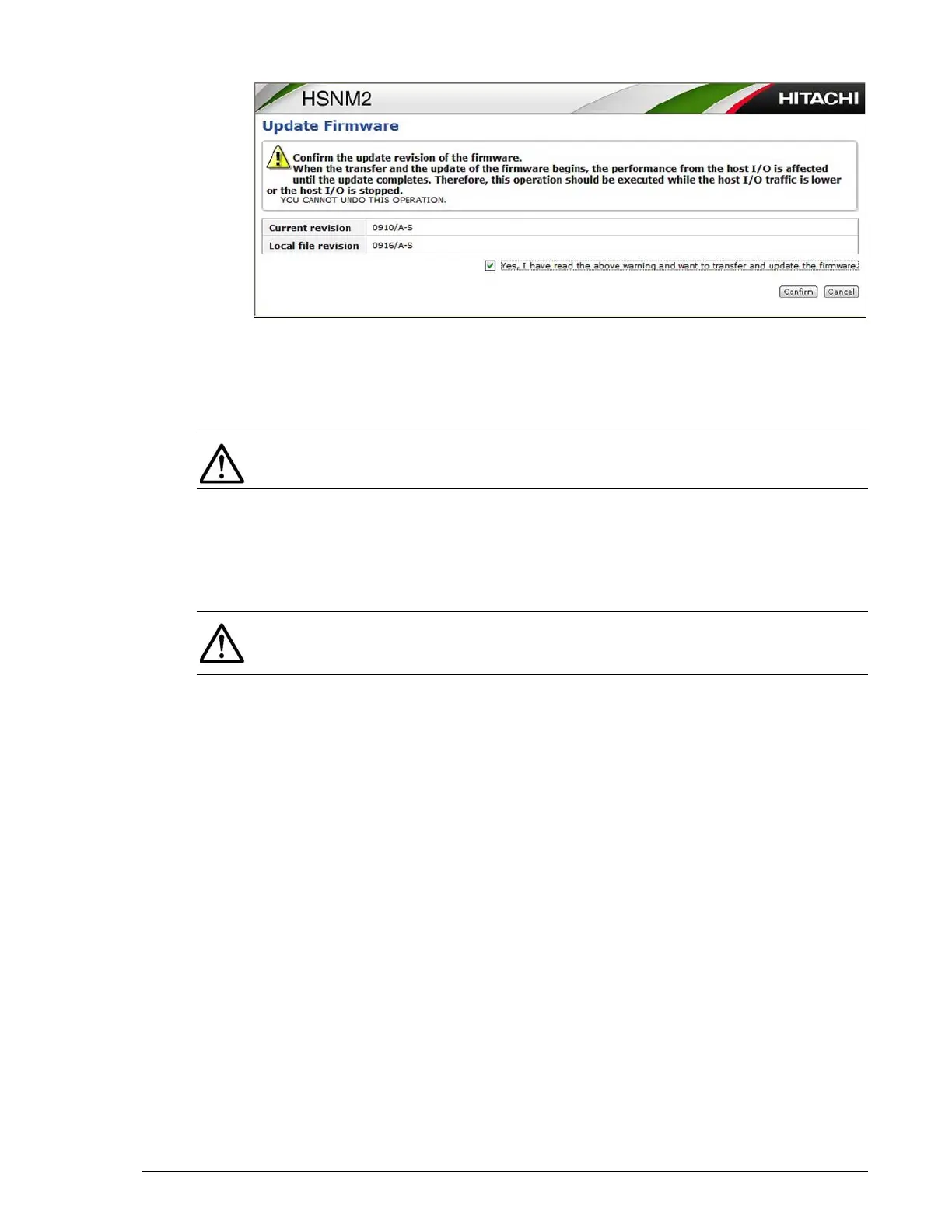
12.Check the confirmation message and click Confirm to update the
firmware.
13.When a message tells you that the firmware transferred successfully,
click Close.
14.In the middle pane, click Settings > Firmware.
15.Confirm that the firmware version shown on the right side of the page
matches the local file revision you recorded in step 11.
16.Repeat this procedure from step 4.
NOTE: If the firmware upgrade fails, repeat this procedure.
NOTE: If the message I14000 System copy started (Unit-x, HDU-y)
appears two or more times in Information Message on the WEB, you can
ignore it. This does not indicate a problem.



 To Next Page