Upgrading a Hitachi Unified Storage 130 system 15–31
Hitachi Unified Storage Hardware Service Guide
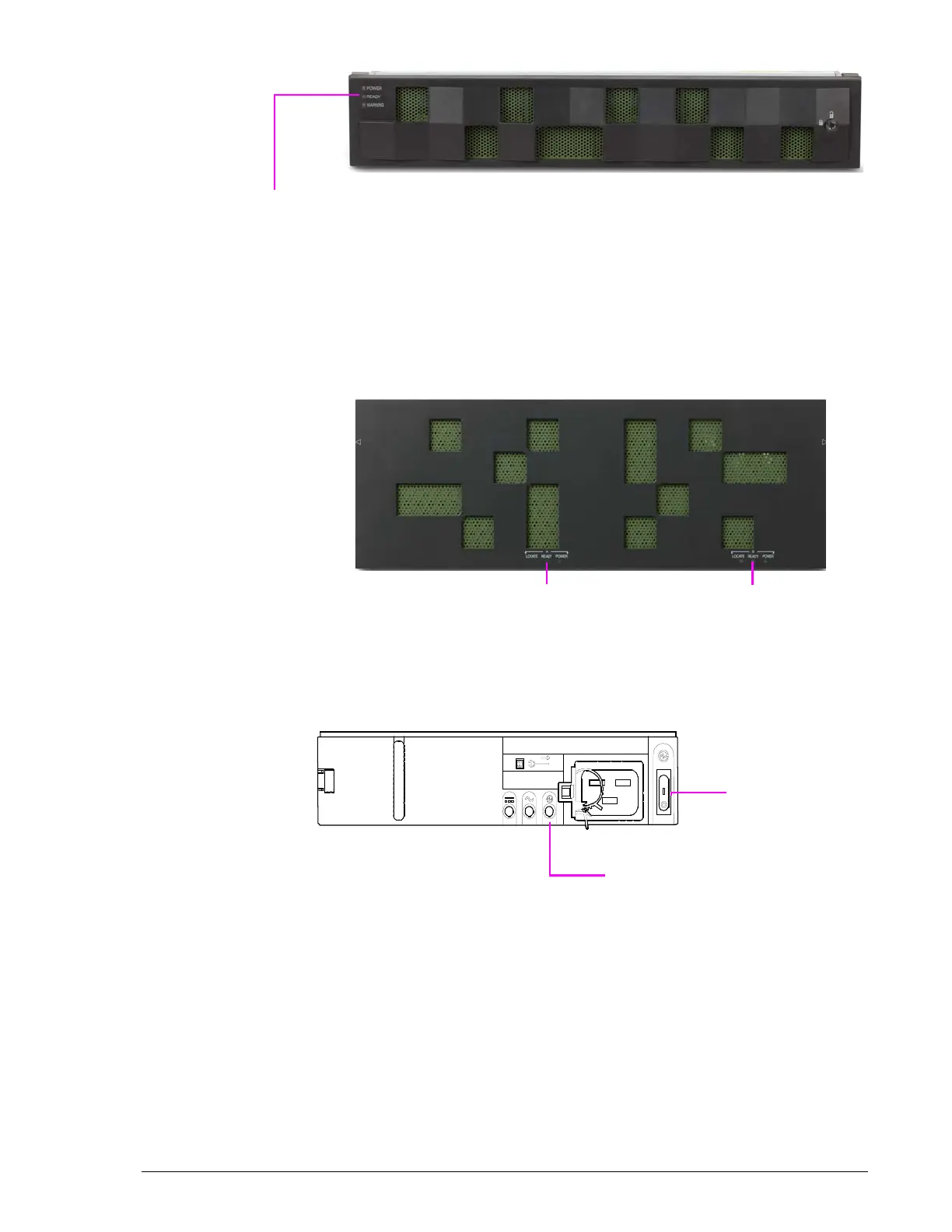
Figure 15-18: READY LED on DBSS and DBL Drive Boxes
For DBX Drive Boxes, verify that the:
a. Green READY LED on the front bezel goes ON (usually five minutes
after attaching power cables). See Figure 15-19 on page 15-31.
b. LED above the rear panel Drive Box ports goes ON when the port
links up.
Figure 15-19: READY LED on DBX Drive Box
For DBW Drive Boxes, turn on all Power Units and verify the following:
a. Green Power OK LED goes ON (see Figure 15-20).
b. DBW Power Unit goes ON.
Figure 15-20: Power OK LED and Switch on DBW Drive Box



 To Next Page