EasyManua.ls Logo

Hitachi CBXSS - Page 265

Hitachi CBXSS
292 pages
Print Icon
To Next Page IconTo Next Page
To Previous Page IconTo Previous Page
Loading...
Troubleshooting 17–5
Hitachi Unified Storage Hardware Service Guide
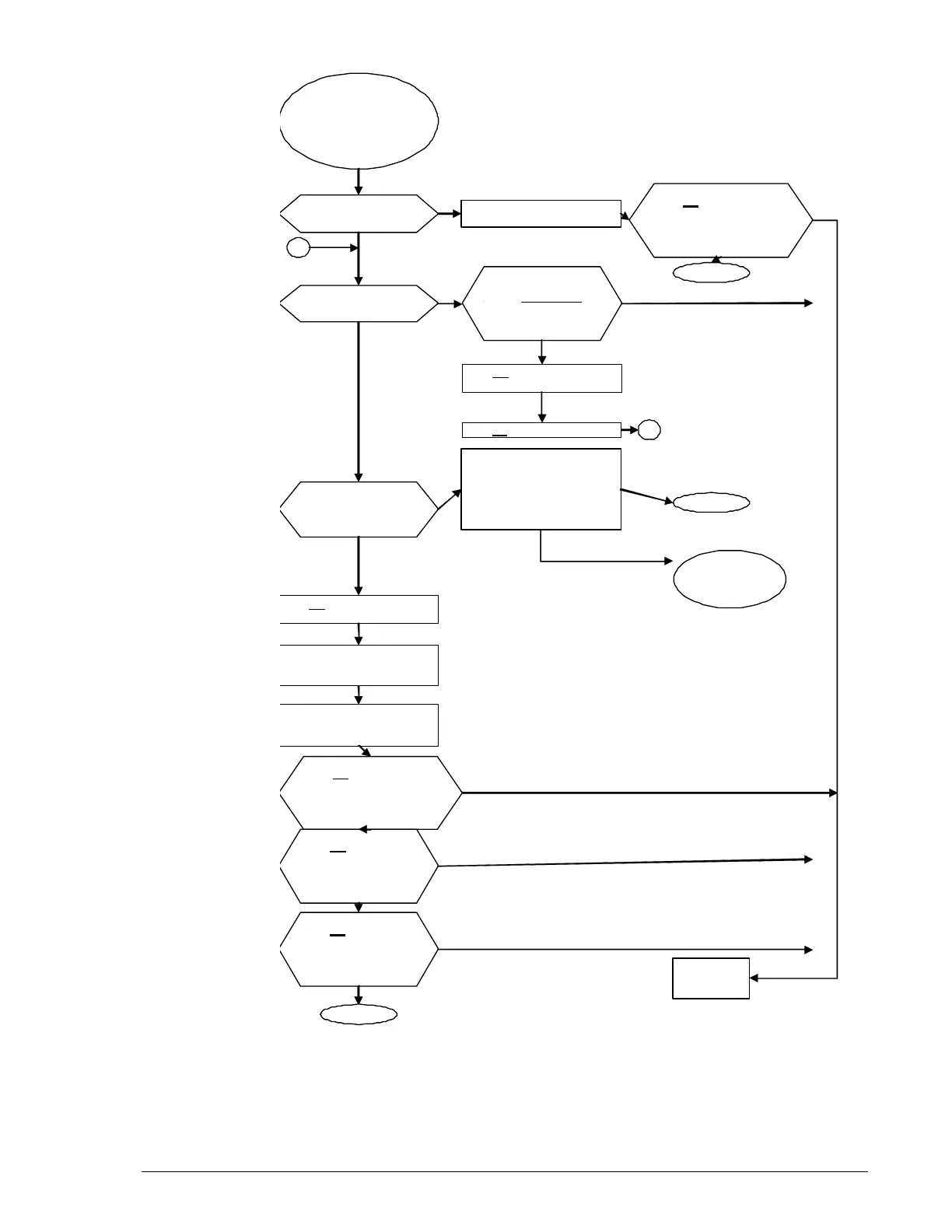
Figure 17-2: Troubleshooting workflow
if Storage Navigator Modular 2 cannot connect
Cannot connect to
the storage system
from Navigator 2
(Array Status
column
is ā€œ
-
-
-
ā€œ)
.
Check the storage
s
y
stem POWER LED.
LED OFF
If the power cables are
unconnected
,
connect them.
Check the storage
system READY LED.
(
see Note
1
)
T
urn on the main
switch, and check the
READY LED. (see Note
1
)
Recovery work on a
management LAN failure
between Navigator 2 and
the array (check LAN
cable connection, etc.)
see
T
able 1
7
-1.
Turn off the main switch,
and check the POWER LED.
Turn on the main
switch, and check the
READY LED. (see Note
1)
Turn off the main
switch, and check
the POWER LED.
(
see Note 3
)
Turn on the main
switch, and check
the READY LED.
(see
Note
s
2
,
3
)
.
Contact the
network
administrator
Remove two power cables
from the Power Units of all
s
tora
g
e s
y
stems.
L
ED ON
Failure
recovery
Failure unrecover
y
Contact your
administrator
.
Connect two power cables
to the Power Units of all
storage systems.
Check the storage
s
y
stem ALARM LED.
T
urn off
the main switch,
and check the POWER LED.
T
urn on
the main switch.
LED is OFF o
r
ON
for more than 20
minutes .
No
A
A
End
Did you the main
switch off and on
three times?
End
L
ED ON
L
ED ON
L
ED ON
Goin
g
Out
LED OFF
LED is OFF
or ON
for more than 20 minutes.
L
ED OFF
L
ED ON
L
ED OFF
L
ED ON
LED OFF
L
ED ON
End
Yes
LED
OFF
No
Cannot connect to
storage system from
Hitachi Storage Navi-
gator Modular 2 (Array
Status column is ā€œ---ā€).
Did you turn the main
switch off and on
three times?

Table of Contents

Related product manuals