1–4 Verifying component failures
Hitachi Unified Storage Hardware Service Guide
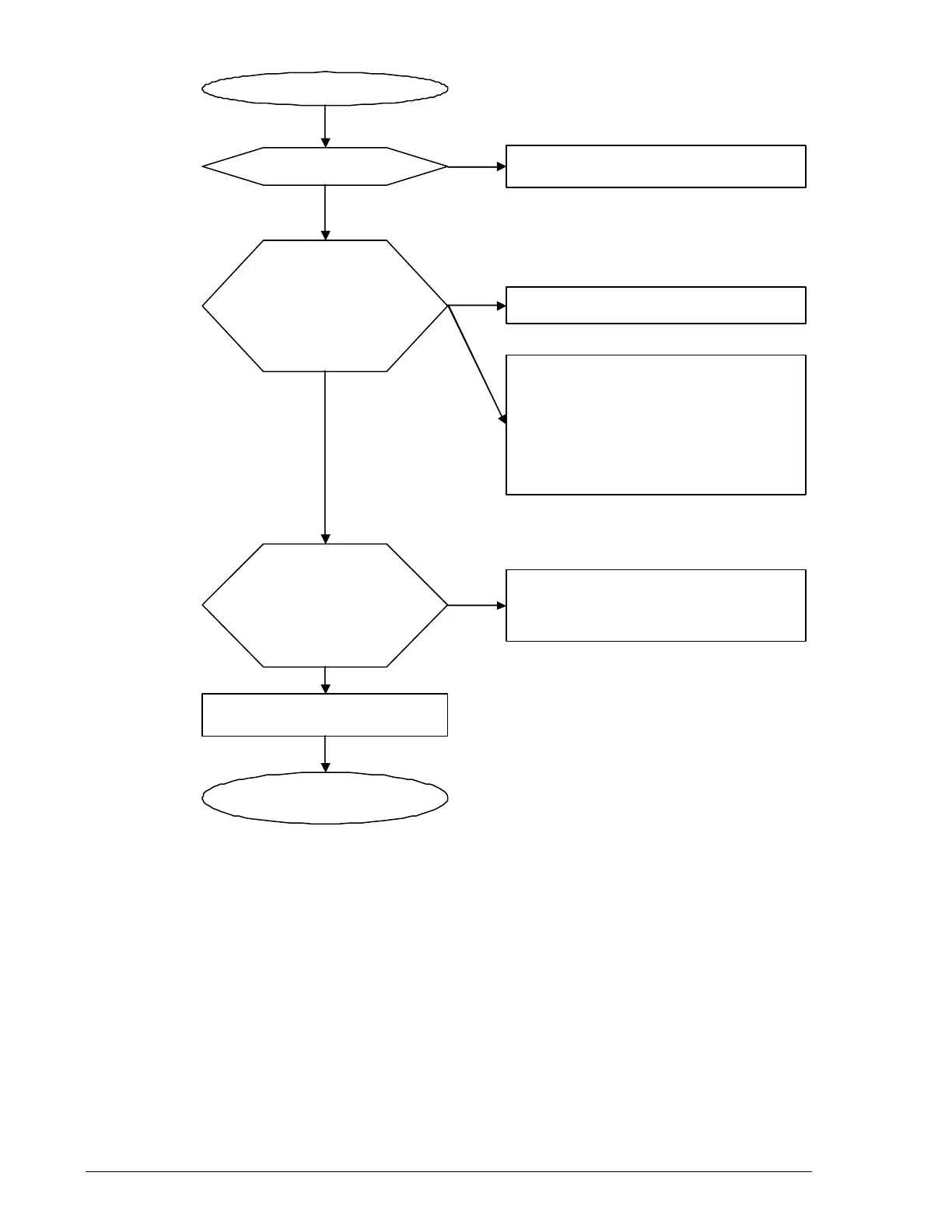
Figure 1-1: Flowchart for troubleshooting hardware faults
Failure reco
nized.
Start Navi
ator 2.
Check the status of
the array in which a
failure occurs by
Navigator 2.
Check the failed part
on the failure list
window in Navigator
2.
Check the detail of the failed
part.
Order the parts to be
re
laced.
See
Navi
ator 2 Does Not Start” in
Stora
e system is operatin
normally.
Cannot access from Navi
ator 2 to the
storage system. The storage system
power supply is turned off or a network
failure between the storage system and
Navigator 2 occurred.
See “Navigator 2 Runs but Cannot
Connect to the Storage System” in
Cha
ter 5.
A software failure may occur.
See “A Failure That Cannot Specify the
Failed Part Occurred in the Storage
System” in Chapter 5.
Nothin
is
It does not
It started.
Normal
-
Warnin



 To Next Page