Verifying component failures 1–5
Hitachi Unified Storage Hardware Service Guide
When a failure is recognized, use the following procedure to recover the
failure.
1. If Storage Navigator Modular 2 is not running, launch a Web browser,
and then start and log in to Storage Navigator Modular 2.
If Storage Navigator Modular 2 is running, in the Explorer pane, click
Arrays, and then return to the Storage Navigator Modular 2 main
window.
2. Using Storage Navigator Modular 2, check the status of the storage
system where the failure occurred.
3. Check the email or SNMP alert that notified you about the failure, or
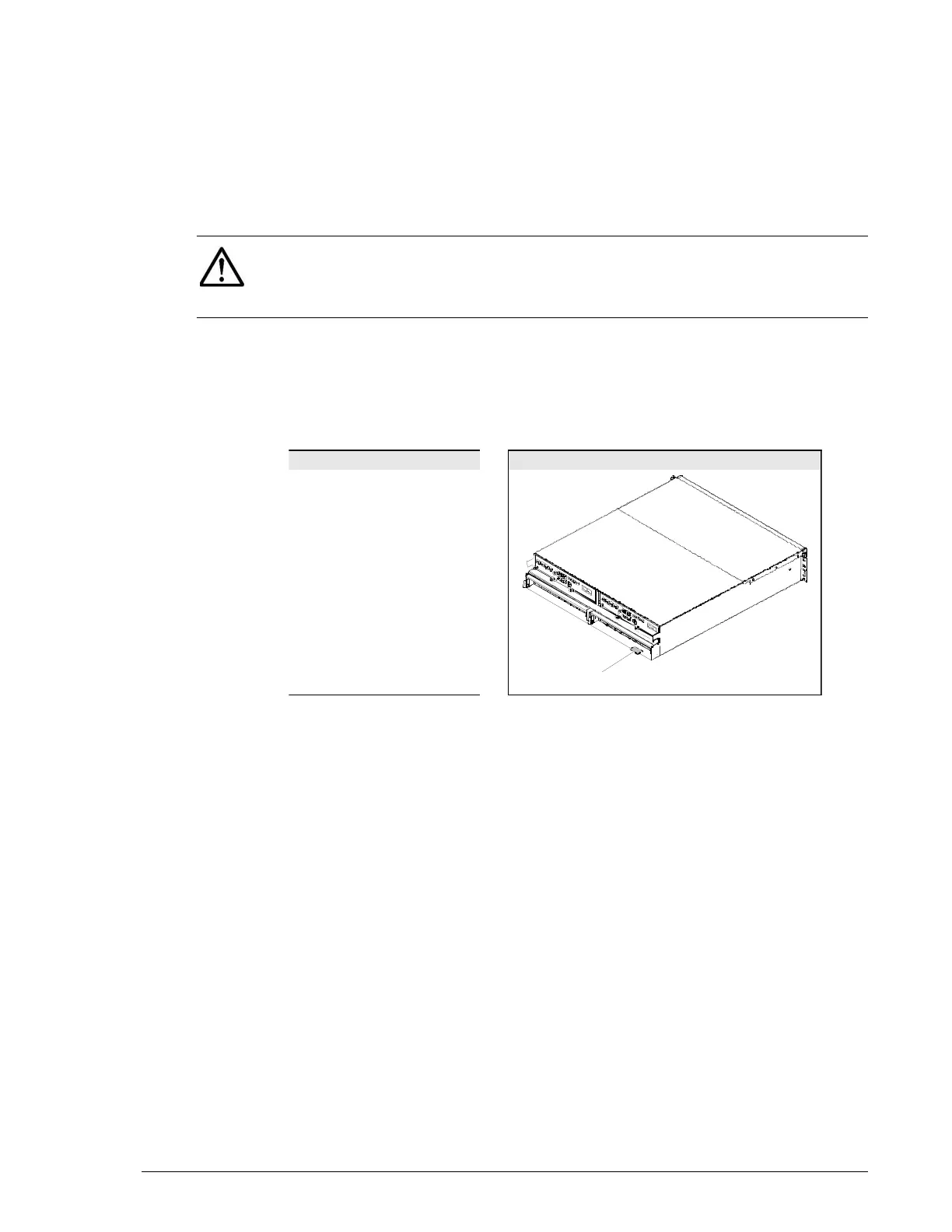
check the serial number on the label attached on the subsystem where
the failure occurred.
4. In the Storage Navigator Modular 2 Arrays window, check the Status of
the storage system array where the failure occurred.
NOTE: If Storage Navigator Modular 2 does not start, a communication
failure with the Storage Navigator Modular 2 host might have occurred or
the Storage Navigator Modular 2 host might not have started normally. See
Hitachi Storage Navigator Modular 2 does not start on page 17-2.
Mail or SNMP text Serial number label
xxxxxxxxxxxxxxxxxxxx
Hardware serial number:
92012345
xxxxxxxxxxxxxxxxxxxx
Array
serial



 To Next Page