1–6 Verifying component failures
Hitachi Unified Storage Hardware Service Guide
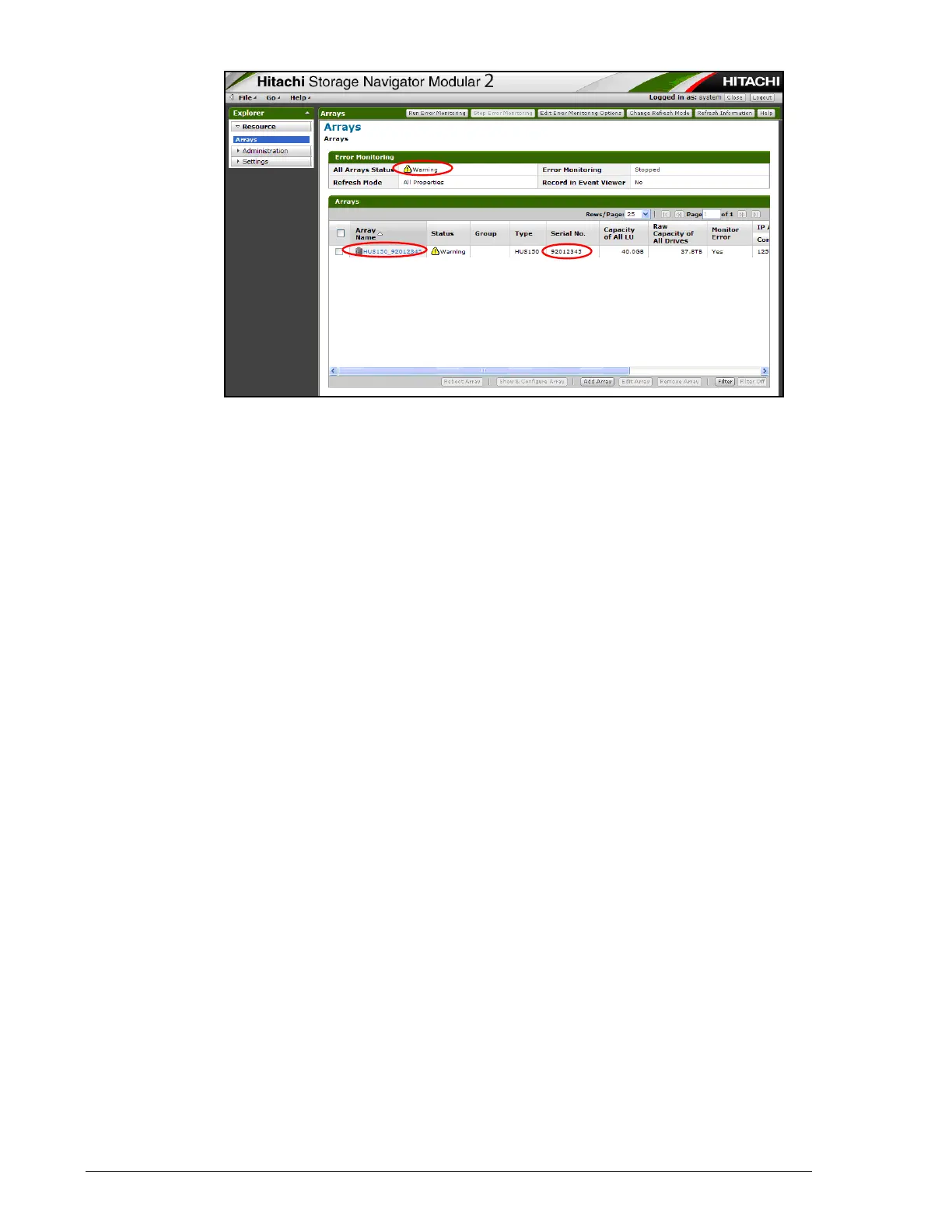
5. If the Status = Warning, click the Array Name.
If Status = Normal, a network failure between the storage system
might have occurred.
If Status = three dashes (---), Storage Navigator Modular 2 cannot
access the storage system. The storage system power supply might be
turned off or a network failure between the storage system and Storage
Navigator Modular 2 might have occurred. See Hitachi Storage
Navigator Modular 2 cannot connect to storage system on page 17-4.
6. In Storage Navigator Modular 2, go to the Alert & Events window and
check the failed part (see Collecting trace information on page 3-13).
7. Order the replacement part.



 To Next Page