178 Thor VM3 with Microsoft Windows Embedded Compact 7 User Guide
Mixer
Start > Settings > Control Panel > Mixer
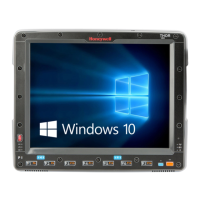
The Thor VM3 has two speakers (located at the bottom front of the unit) and one micro-
phone (located at the top front of the unit).
Use the settings on these panels to adjust the master volume, record gain and sidetone.
Factory Default Settings
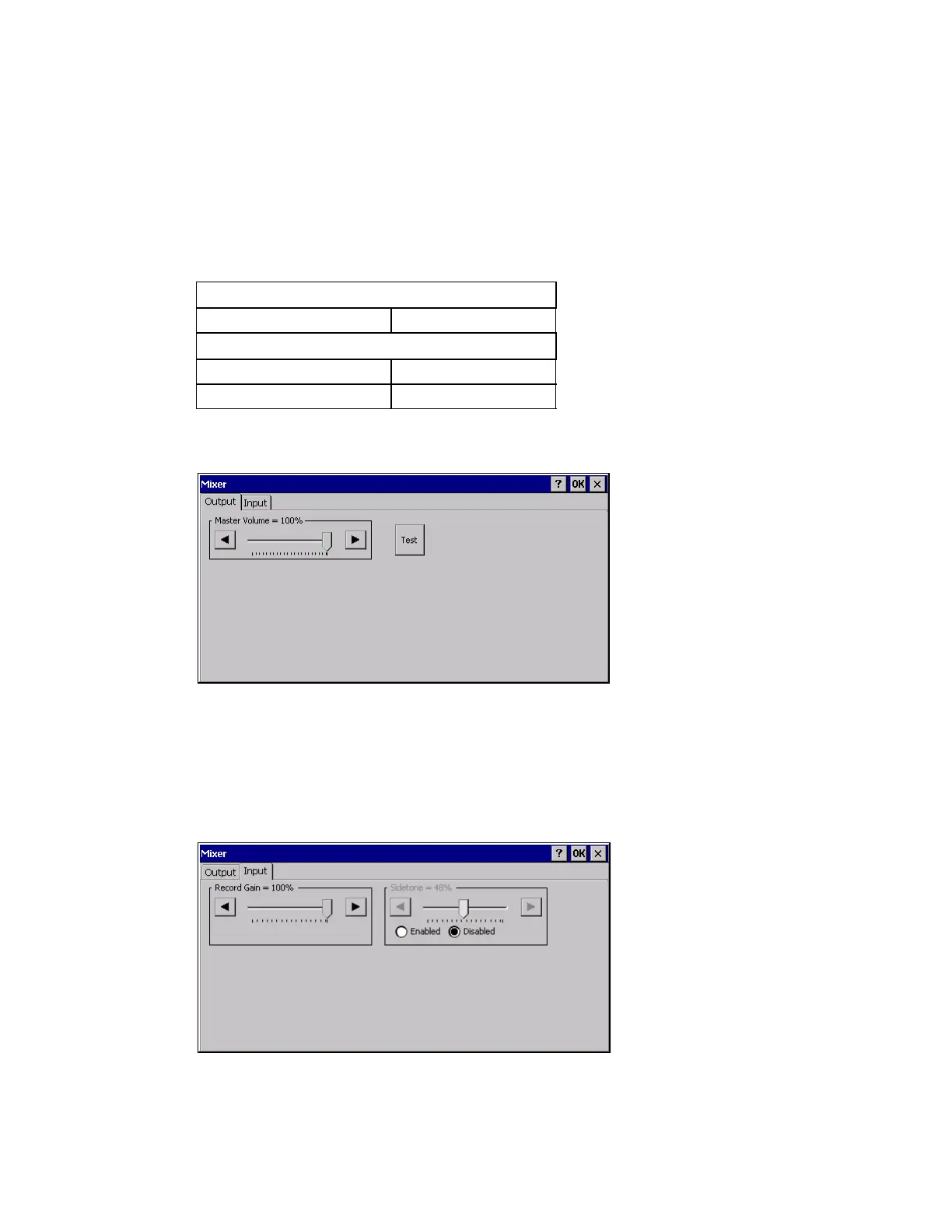
Output Panel
Tap and hold the Master Volume slider and move either left or right, or tap the left and
right arrows, to adjust Speaker volume decibel level.
Tap the Test button to play a sample sound at the selected volume.
Input Panel
Output
Master Volume - dB
Input
Record Gain 0.0 dB
Sidetone Disabled


 To Next Page