Chapter 3 Program Tools 55
◎ R
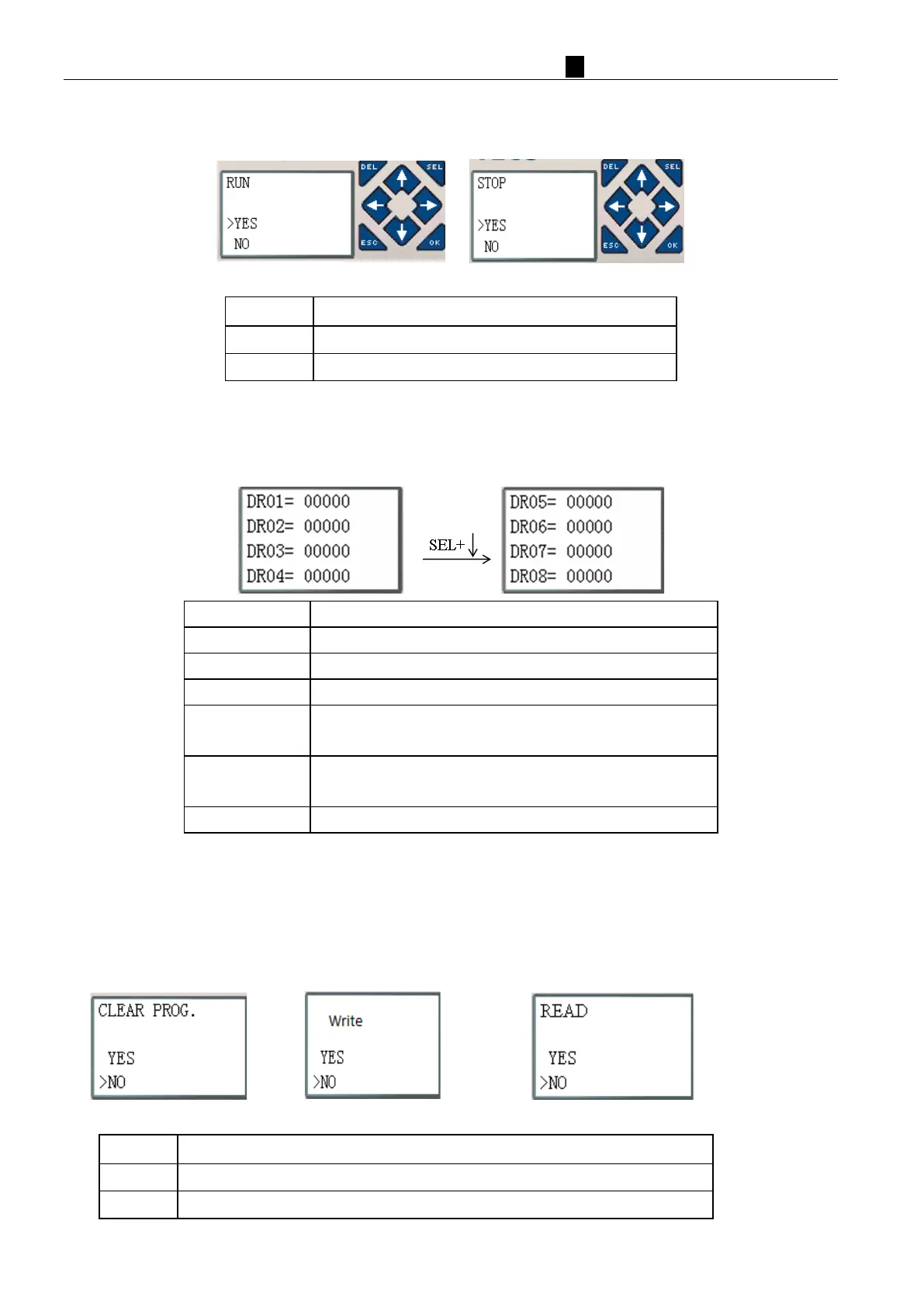
UN or STOP
(1) RUN Mode
(
2) STOP Mode
Execute the instruction, then back to main menu
◎DATA REGISTER
Displaying preset value when the smart is STOP status and displaying current value when the iSmart is in RUN
status.
↑
↓
←
→
Enter edit (edit DR display number or DR preset value)
Edit DR preset value type
‘SEL’ then ‘↑ ↓’ 1. Edit DR display number (only first line)
ESC 1. Cancel edit.
2. Back to main menu (save DR preset data)
↑
↓
◎Other Menu Items
(1) CLEAR PROGRAM (Clear RAM, Program in flash and Password at the same time)
(2) PLC->SD CARD: save the program (RAM) to SD card program spare cartridge
(3) SD CARD ->PLC: read the program from the SD card program spare cartridge to iSmart (RAM)
(1) ∼ (3) Now Press:



 To Next Page