35
front side of the platform for datum point test.
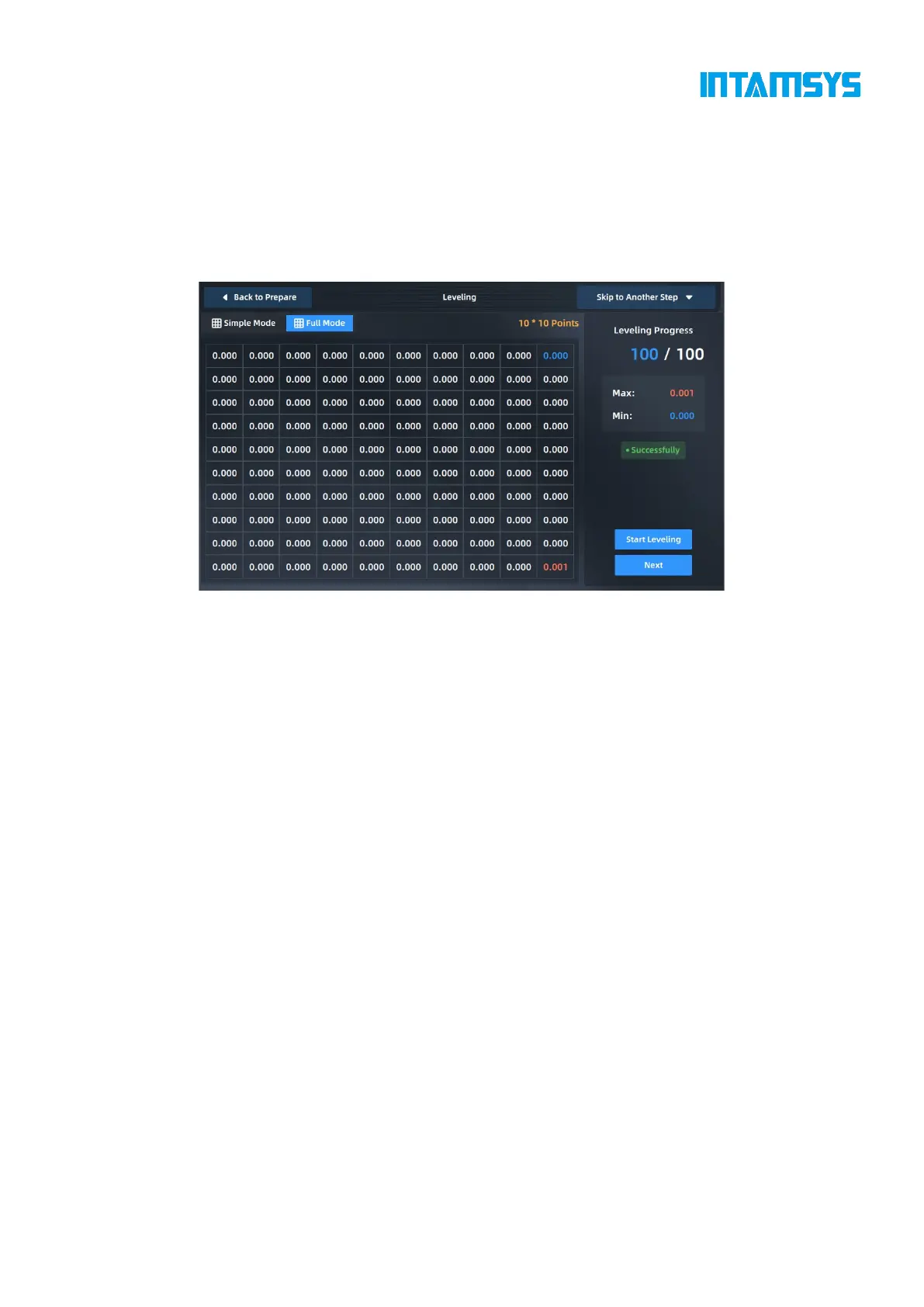
3. After the datum point test, start the 100-point leveling test. The printer automatically
performs multi-point position leveling and records the error value of each point.
4. After the leveling process, we can click "Next" to start printing if the leveling is successful.
During printing, the Z-direction position of the platform will be automatically
compensated according to the movement of the extruder.
Fig. 4.26 Automatic Leveling
Note:
During the installation of the printing build plate before leveling, it shall be correctly
adsorbed on the platform along the guide grooves on both sides of the platform base plate;
Clean the residual materials on the nozzle tip before leveling;
Clean the printing platform before leveling; no foreign matters shall be left;
Clean the chamber before leveling to prevent the hot bed being lowered from colliding
with foreign matters;
The difference between each test point and the datum point will be displayed on the interface. When
the difference between the maximum value and the minimum value of all points is greater than
0.5mm, it will prompt that leveling fails. It is recommended that the user manually adjust the
printing platform as a whole. After entering the manual leveling interface, follow the operation steps
shown in the figure.



 To Next Page