36
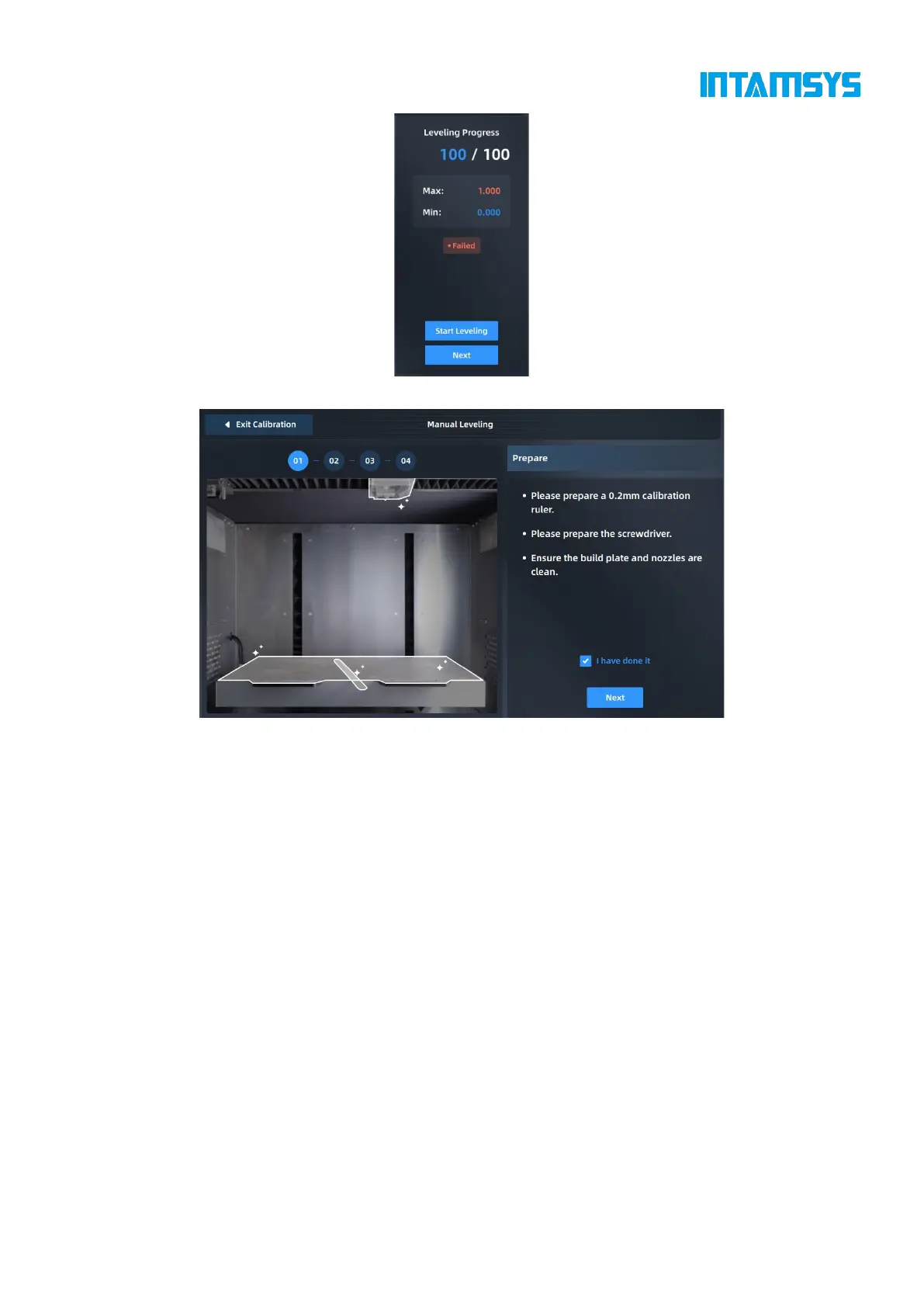
Fig. 4.27 Automatic Leveling Failed
Fig. 4.28 Manual Leveling Calibration
4.5.2.2 Calibration of manual printing platform leveling
For manual leveling, measure 4 points on the platform through a feeler gauge (thickness: 0.2 mm),
while rotating the screws under the printing platform through an M8 screwdriver to keep the distance
between nozzle tips of the 4 points and the hot bed platform consistent, so that the overall XY motion
plane is parallel to the hot bed platform. Manual leveling is achieved only by the left extruder.
1. After automatic leveling fails, enter the manual leveling interface as guided, or click
"Manual Leveling" in the Setting interface and operate according to the pop-up prompts;



 To Next Page