Radar Field Analyser - RFA641 Edition Date: 28-Feb-18
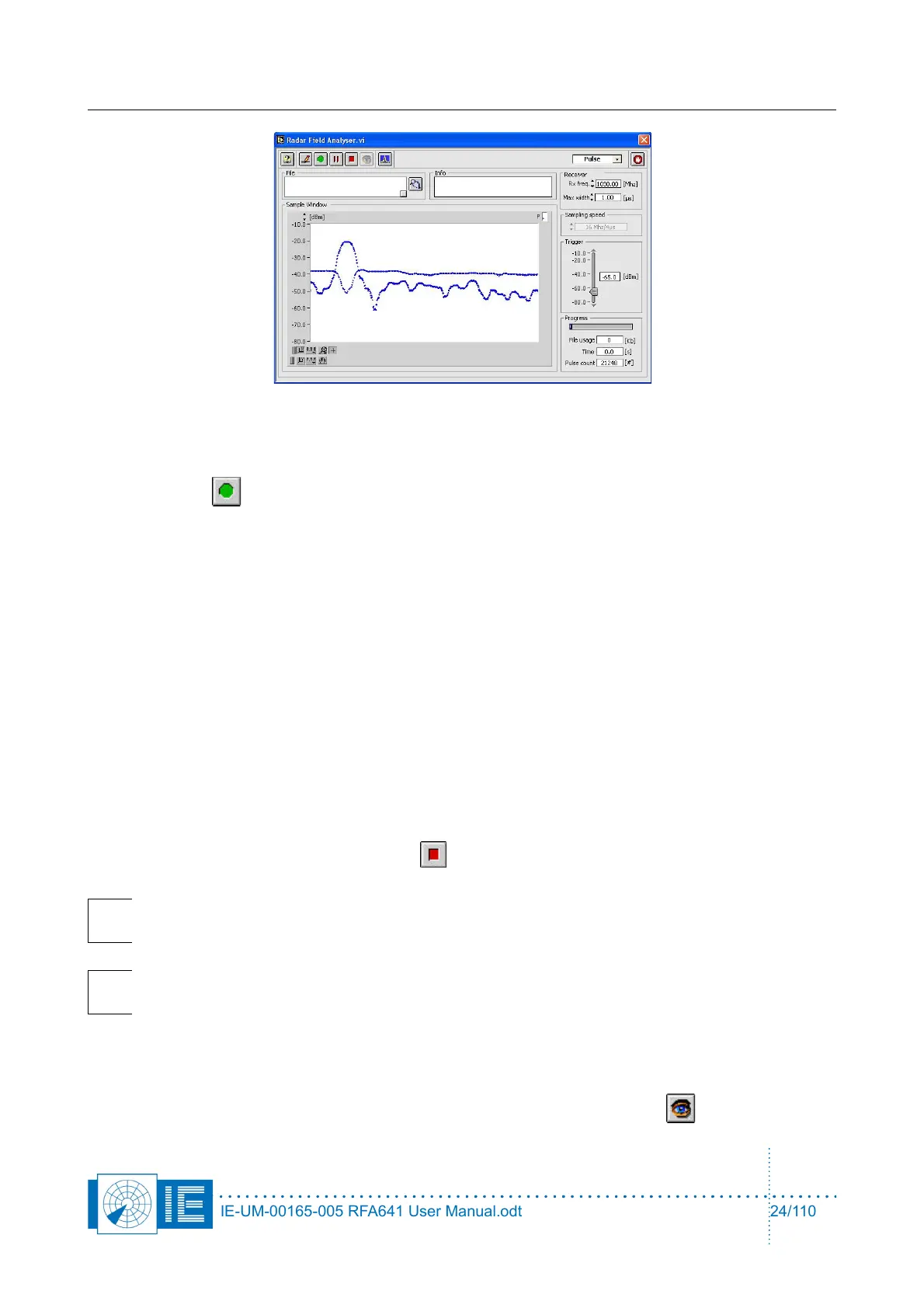
Again, this window allows you to adjust the trigger level, as such that most pulses are detected
properly and no noise is recorded.
6. Click the Record button to start the recording. A file dialog pops up, pointing to the selected
destination. The file path indicator will always reflect the latest path used. New files are therefore
always created in the last folder that was selected.
File names for the RFA recordings can be assigned automatically and are put as default name in the
file dialog box that is presented when the record button is pressed.
The default file name is built as follows:
• Folder name_yymmdd_hhmmss.pls for pulse recordings or
• Folder name_yymmdd_hhmmss.scp for scope recordings
Where Folder name consists of the first 14 characters of the selected folder to contain the files, yy
for the year, mm for the month, dd for the day, hh for the hour, mm are the minutes and ss the
seconds. Since the current time is used in the file name, each time you click the record button, a
new file will be created with a different name.
When you have selected the file name and recording directory, click the OK button of the file dialog.
The recording then starts; the time indicator and Pulse Count indicator will start incrementing.
While recording, the Progress slider will slowly fill, until the file usage (given in kB) has reached the
maximum size (parameters) or the Halt button is clicked.
Note: The check box in the File indicator in the Radar Field Analyser.vi allows to
automatically assign the default file name.
Note: Several antenna scans are needed to extract a correct HPD. Therefore a proper
recording will typically take from 30s to 60s depending on the antenna rotation speed.
In case your radar has a low PRF, it is advised to log more revolutions (i.e. 10 or more). This will
allow you later on to interleave multiple HPDs during the extraction phase.
7. Once the recording has been made, the data can be viewed using the View button.
IE-UM-00165-005 RFA641 User Manual.odt 24/110



 To Next Page