Radar Field Analyser - RFA641 Edition Date: 28-Feb-18
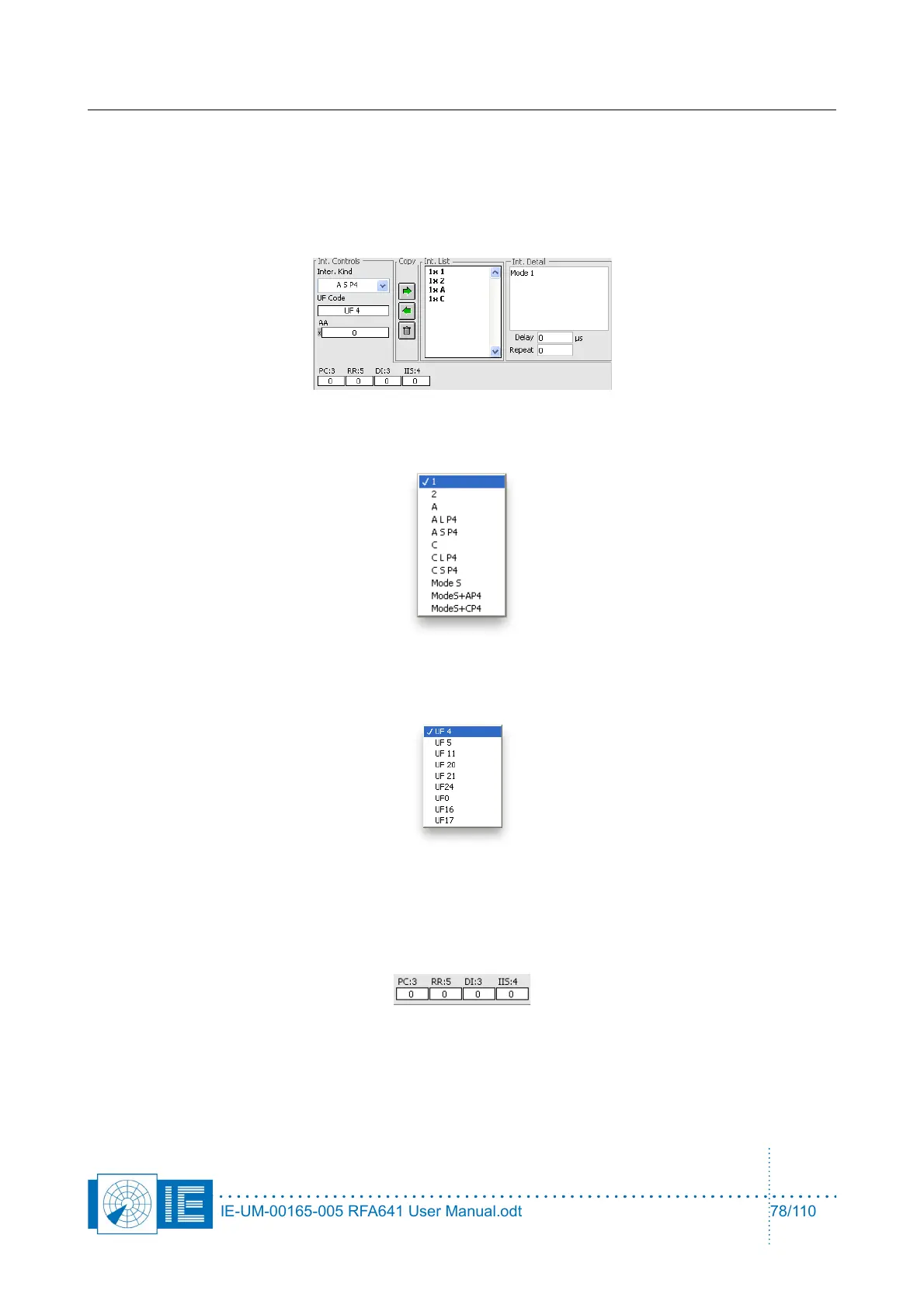
2. To define the interrogation schedule, the following general controls are available:
- Delay: delay between the successive interrogations
- Repeat: # of interrogations of this type
- AA: Mode S Aircraft Address Used by default when selecting a Mode S interrogation. This can be
user defined or derived from a DF11 reply in case the AA from DF11 check box is checked.
3. For each interrogation a number of detailed specific settings must be defined:
First of all the interrogation controls must be set. These allow you to select the interrogation type:
The following Uplink formats are supported:
An aircraft address specific for the interrogation can be entered. Upon changing the UF format, the
fields specific for that format will be presented:
1. UF4, 5, 11, 20, 21 specific interrogation fields
2. UF20,21 additionally the MA data field becomes available
IE-UM-00165-005 RFA641 User Manual.odt 78/110



 To Next Page