Radar Field Analyser - RFA641 Edition Date: 28-Feb-18
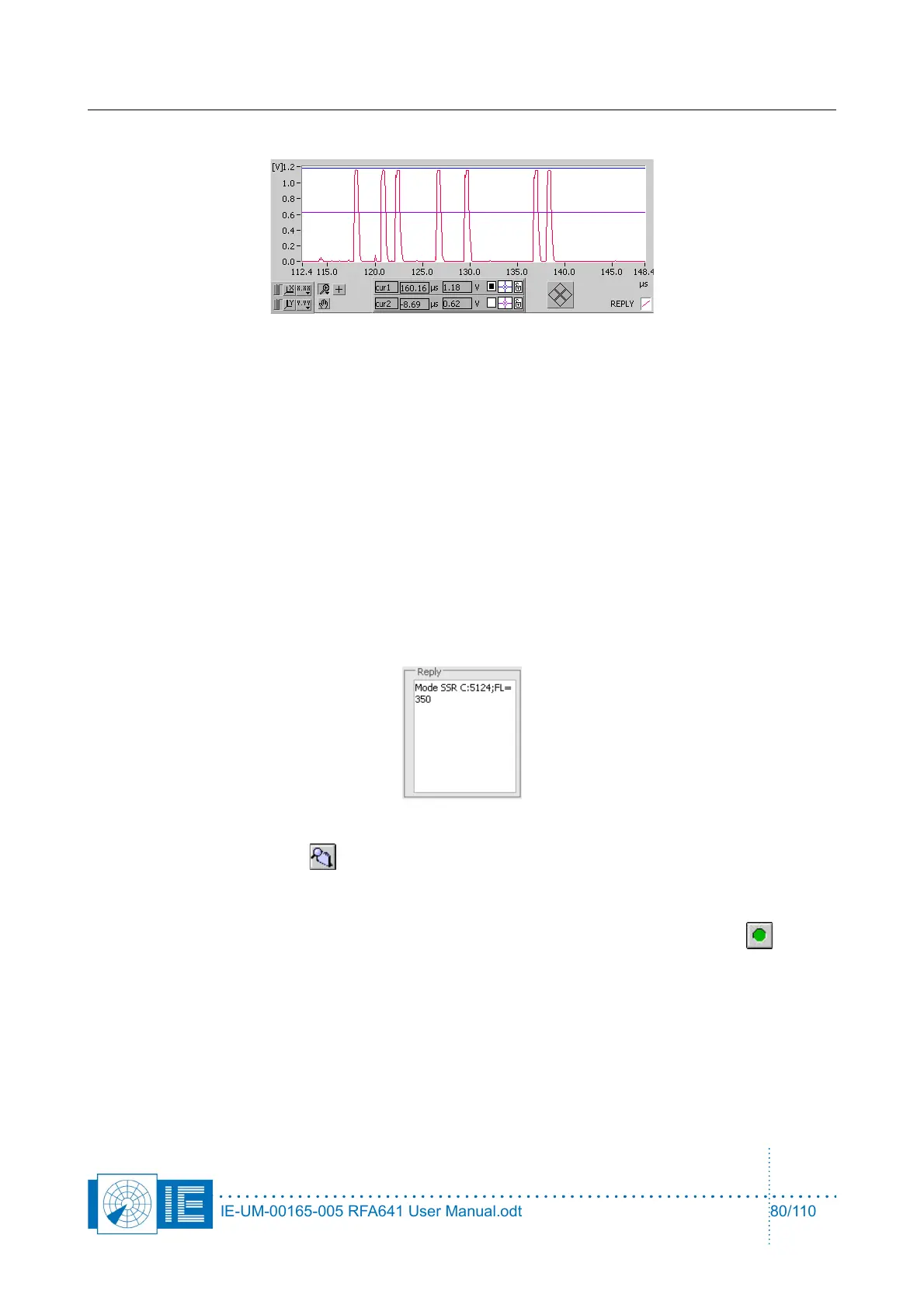
the Reply Video window. The last reply will be visible at the end of the sequence.
The sampling window is 256μs. The reply delay can be set according to the range of the transponder
under test. In case you want to replay the interrogation list over and over, you can switch on the
Continuous check box. When the end of the list is reached, the program starts over from the
beginning.
A number of counters are updated for each interrogation sent out:
◦ #ints counted : number of interrogations sent
◦ #replies : # of replies detected.
◦ #ints All Call: number of All Call Interrogations sent
◦ #replies All Call: number of All Call Replies detected.
◦ PdAC: #replies All Call/#ints All Call
The reply is also decoded and the reply data is displayed in the Reply field.
9. Click the Select Folder button to select a recording folder. A folder dialog will appear. In case no
recording folder was defined yet, use the New button to create a new folder.
Select the desired folder and click OK. The logging folder is indicated in the Logfile for video
indicator. Automatically the program is armed for recording, as indicated by the Record button.
The Ints File field indicates the number of interrogations recorded in the logfile. When the Start
button is clicked, the interrogation list is played. For each interrogation the reply video is sampled
and stored to a logfile. The logging automatically stops when the last interrogation was sent out.
During transmissions the Tx Indicator will be red.
IE-UM-00165-005 RFA641 User Manual.odt 80/110



 To Next Page