Radar Field Analyser - RFA641 Edition Date: 28-Feb-18
receiver.
3.3.3. View Recorded Pulses
3.3.3.1. RFA Data Analysis: Create HPDs from a Pulse Recording
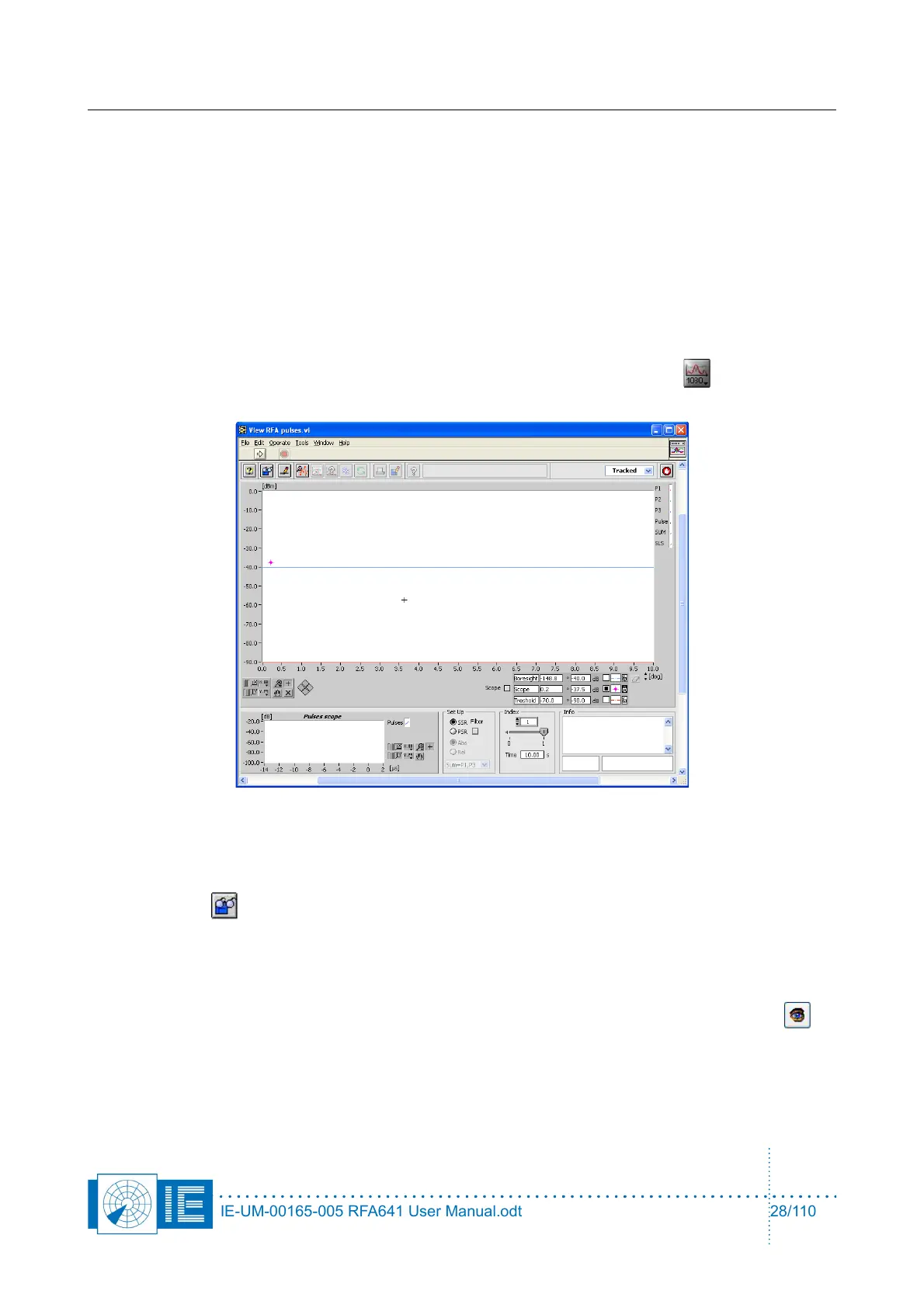
The View RFA Pulses window shows the pulses as they were recorded in time. Immediately you can
recognize the boresights of one or more radars in such a diagram. A measurement using the RFA641 should
contain at least three revolutions of the antenna pattern, but preferably more are used.
By selecting a boresight and defining the stagger timing in that boresight; the user can extract the
“fingerprint” of the specific radar under test. After this “fingerprinting”, the software will deal with extracting the
different HPD curves from the recorded pulses.
The View RFA Pulses tool can be opened from the RASS-S Toolbox using the Uplink button (select
View Recorded Pulses).
3.3.3.2. View RFA Pulses
1. Select the measurement type (SSR or PSR) in the Set Up field at the bottom of the window and click
the Load button.
2. A dialog box will pop up. You will be able to select Pulse files or Scope files, as they were recorded
with the RFA Recorder.
If a Pulse file (.pls) is selected, then go straight on to point 2.
If a scope file is selected (.scp) or if the RFA Recorder is in scope mode when the View Data
button is pressed, the View Scope Recording window will open first.
IE-UM-00165-005 RFA641 User Manual.odt 28/110



 To Next Page