Radar Field Analyser - RFA641 Edition Date: 28-Feb-18
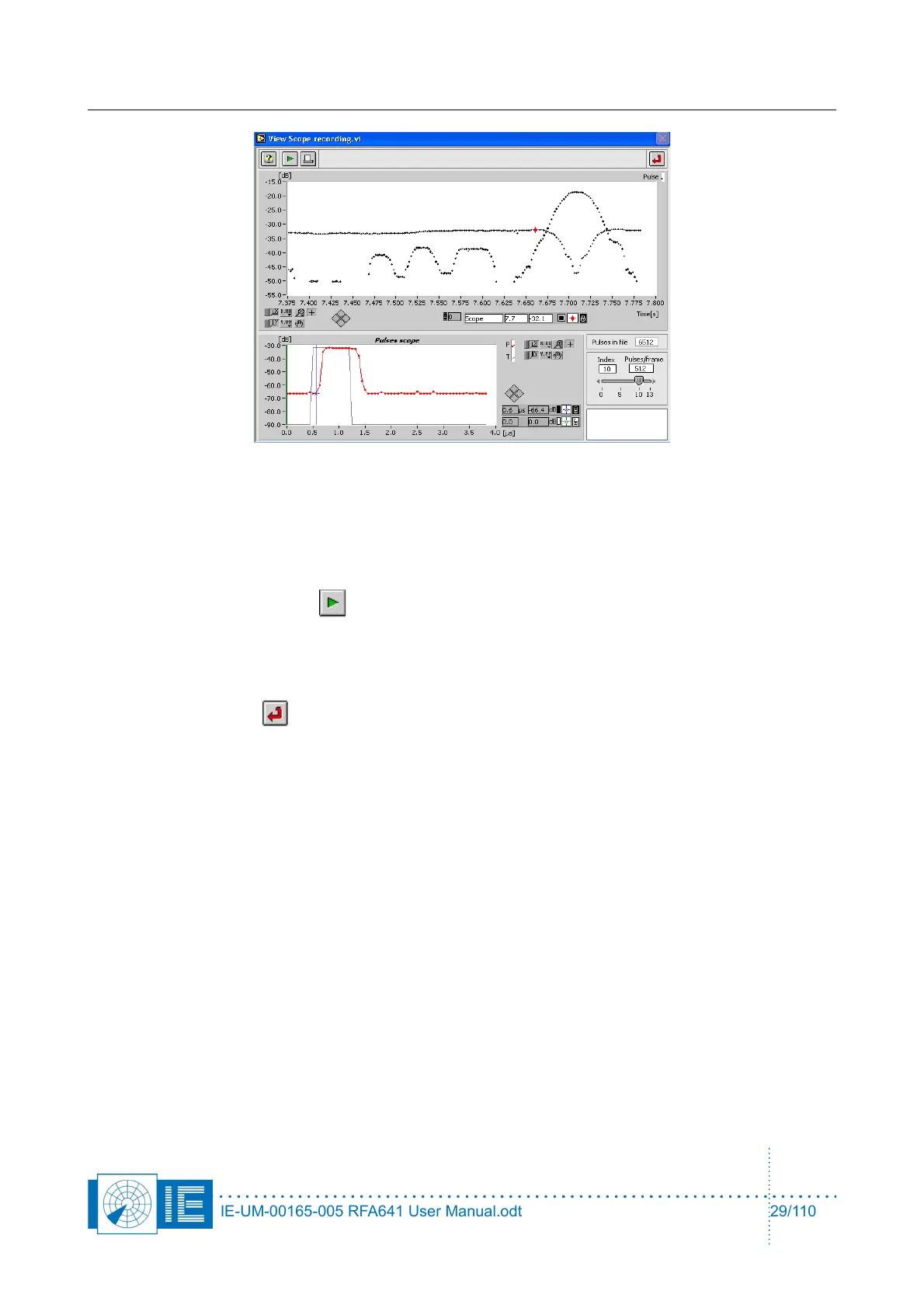
The View Scope Recording program reads the consecutive recorded scope waveforms from disk
and determines for each of the recorded waveforms the pulses and their amplitudes. This is done
using the same algorithm as is performed in the Radar Field Analyser in real-time, when performing
pulse recordings. The pulses with their calculated amplitudes are displayed in the Pulse graph, in
frames of a selectable number of pulses (using the Pulses/frame control).
If required, click the Play button to convert the Scope file into a Pulse file.
During the conversion process, the Pulse graph will be updated to indicate the progress of the
conversion. The program automatically creates a file on disk with the .pls file extension alongside the
source file.
Click the Return button to return to the View RFA Pulses Window.
In case you click the Return button without having converted the file, the program will warn and ask
again if a pulse conversion must be executed.
2. Now the pulses in the file are read and displayed with a fixed time frame length in the View RFA
Pulses window. The length of the time frame can be selected using the Time control, which is limited
to a maximum of 30s to limit memory size. The Index slider will select one of the frames to be
displayed: if the frame slider is set at 0 and the Time control at 5 seconds, the data between t=0 and
t=5 seconds will be shown. When positioned at 1, the frame between 5 and 10 seconds is shown,
etc.
Depending on whether the data is a PSR or SSR recording, the graphs content will look a little
different. If the SSR/PSR switch is set to PSR, a single curve can be recognized (as in figure 20); if
the switch is set to SSR you will recognize P1, P2 and P3 (as in figure 21).
IE-UM-00165-005 RFA641 User Manual.odt 29/110



 To Next Page