Radar Field Analyser - RFA641 Edition Date: 28-Feb-18
4.6. View Rx Calibration
4.6.1. Theory
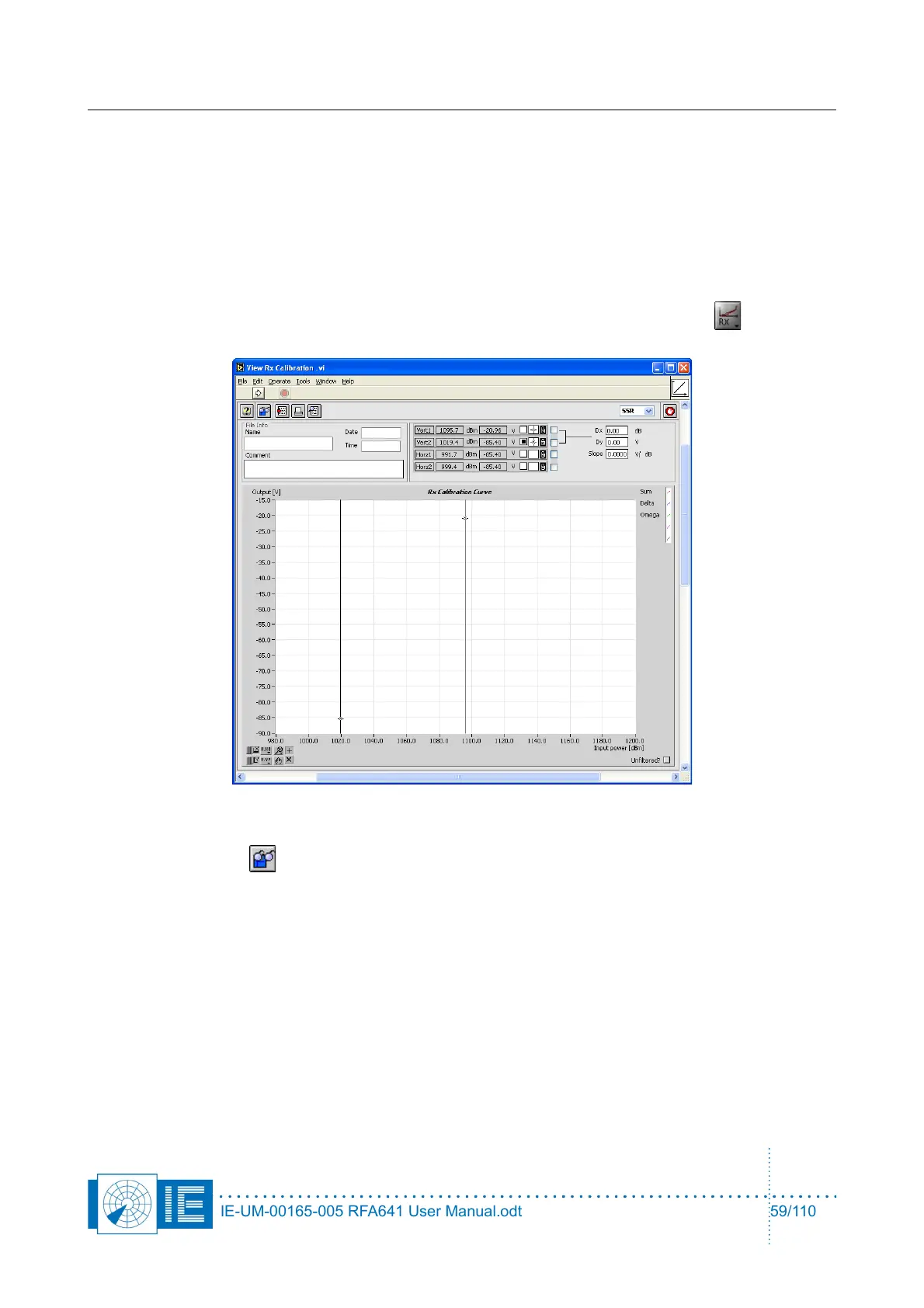
A universal tool is available to display and print out (to a printer or a report) the measured Rx Calibration, Rx
Bandwidth or STC measurement results. Depending on the file type selected, the frontpanel layout of the tool
will change to display the correct items.
4.6.2. Getting Started
The View Receiver Calibration software is loaded from the RASS-S Toolbox using the Rx button (in the
list the software is called View Cal, BW, STC Logfiles).
4.6.3. Software
1. Click the Load button to select a receiver measurement file. This can either be a Rx Calibration,
Rx Bandwidth or STC measurement result file. Depending on the selected radar type, the dialog will
by default point to the CALIB subdirectory of the (M)SSR or PSR directory of the active campaign
folder.
IE-UM-00165-005 RFA641 User Manual.odt 59/110



 To Next Page