Radar Field Analyser - RFA641 Edition Date: 28-Feb-18
Note: In case your radar system has a low PRF and a large stagger pattern make sure to
select enough points of the stagger pattern. Never select a portion with a gap as a wrong
period will be measured.
4. Once the pulses for determining the stagger pattern are selected (zoomed in), click the Stagger
button.
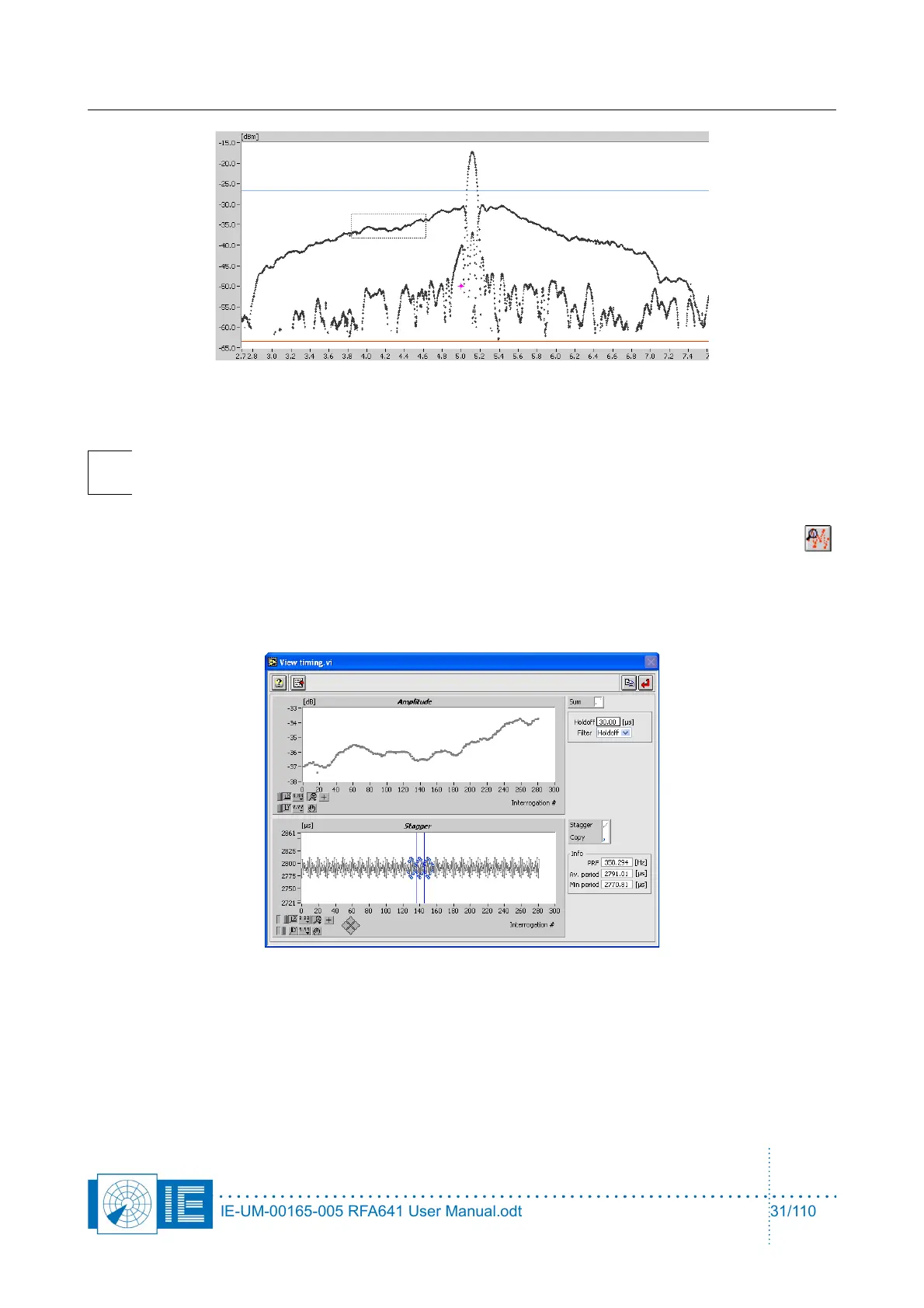
The View Timing window will pop up. The top graph will show all pulses that were located inside the
zoomed area, while the bottom part shows the timing pattern (stagger pattern) of the selected
pulses.
The X-axis shows the pulse index, the Y-axis shows the corresponding time interval between pulses
in µs, taking into account the timing filter parameters that can be set using the two controls at the
right side of the window.
A number of parameters are calculated from the selected portion of the stagger pattern and are
shown in the info fields in the View Timing window.
IE-UM-00165-005 RFA641 User Manual.odt 31/110



 To Next Page