Radar Field Analyser - RFA641 Edition Date: 28-Feb-18
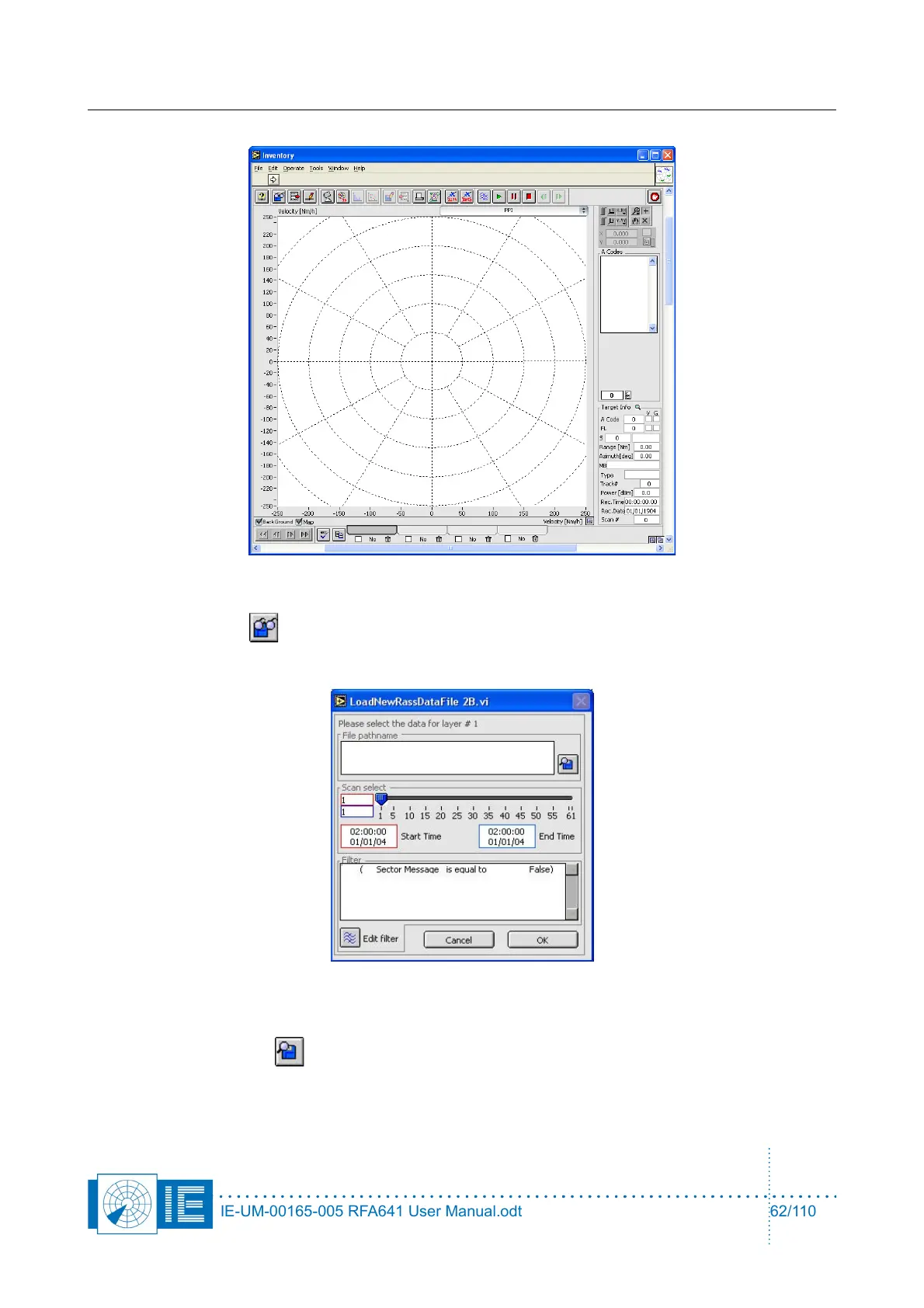
1. Click the Load button to select a Sectorial STC or DSTC measurement result file.
The following window will pop up:
It allows you to select a file and to load a number of scans out of an S4 plot file.
Click the Find File button to load the data. By default it will point to the RESULTS directory of
the active campaign folder. Select the desired file and click OK. Since only one scan is available, you
don’t need to alter the default scan selection. Just click OK and load the file into a layer of the
inventory.
IE-UM-00165-005 RFA641 User Manual.odt 62/110



 To Next Page