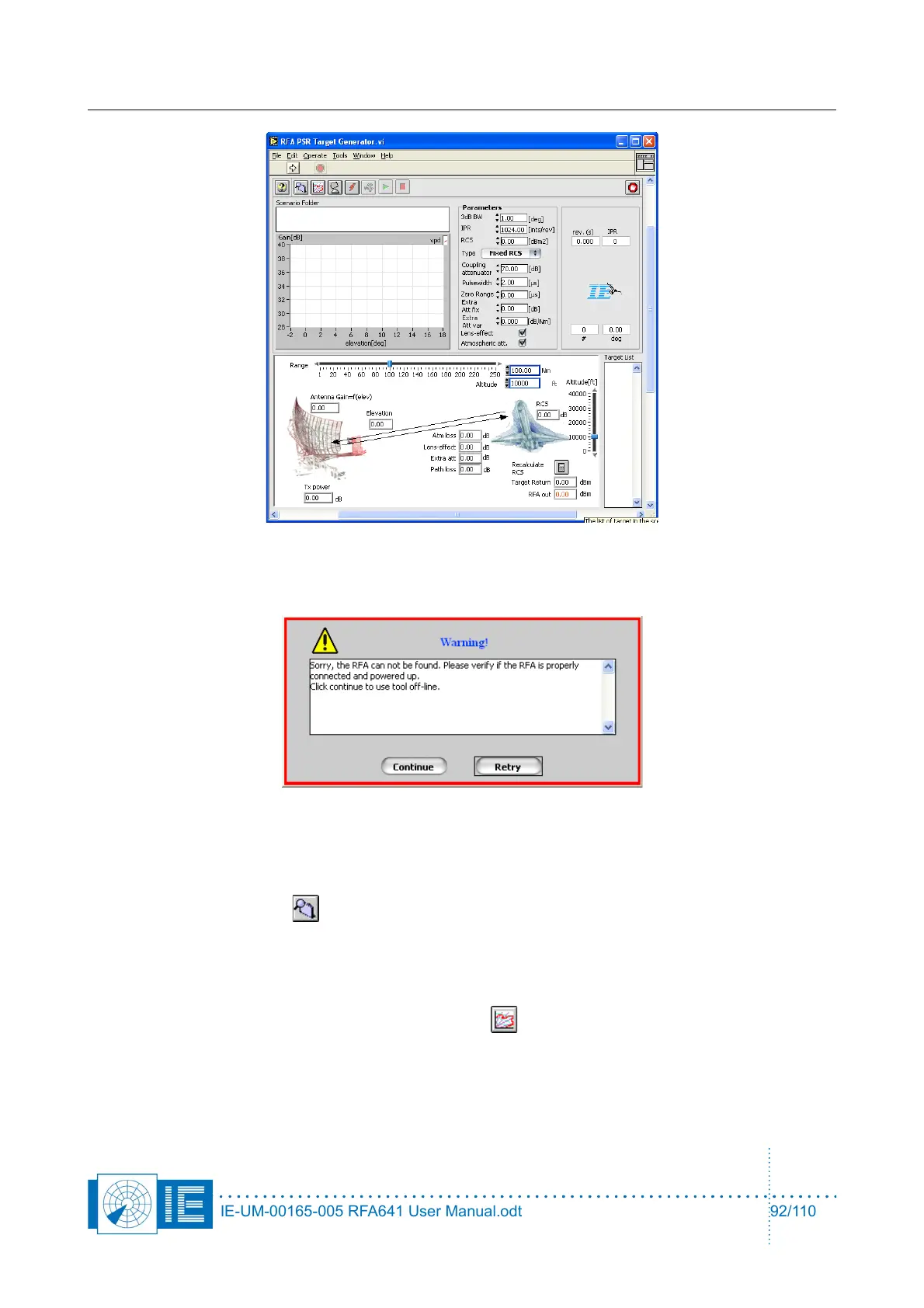
Radar Field Analyser - RFA641 Edition Date: 28-Feb-18
The RFA641 is normally connected to the workstation. If this is not the case, the tool can also be used offline
so you can simply check the scenario or use the tool for educational purposes. In case the RFA641 can not
be found, following dialog box will be shown:
Click on the Continue button if you want to proceed off line. If not, connect the RFA641 to the USB2 bus and
click Retry.
10.3.2. Scenario Selection
Now select a scenario folder ( ) that contains the scenario that was previously compiled in the scenario
generator: the file path will appear in the Scenario folder control.
10.3.3. Vertical Diagram Selection
Next select a Vertical diagram. These can typically be found in the Campaign folder under
PSR:VPD:CURVES and can be evoked using this button: . After selection of the VPD curve, the tool will
try to open the Site file. The site file can be used to enter the Antenna Gain, Frequency of the radar, Tx
power and k-factor parameters. These are used to determine the absolute gain of the antenna as a function
of elevation of the targets. The gain of Channel 2 and 3 (“Gain Ch2” ) is not used in this application, neither is
the Rx sensitivity. Select the vertical model ( 1/1 earth, 4/3 earth, 5/4 earth or custom k factor) to determine
IE-UM-00165-005 RFA641 User Manual.odt 92/110



 To Next Page