Radar Field Analyser - RFA641 Edition Date: 28-Feb-18
3.3.6. View HPD Logfiles
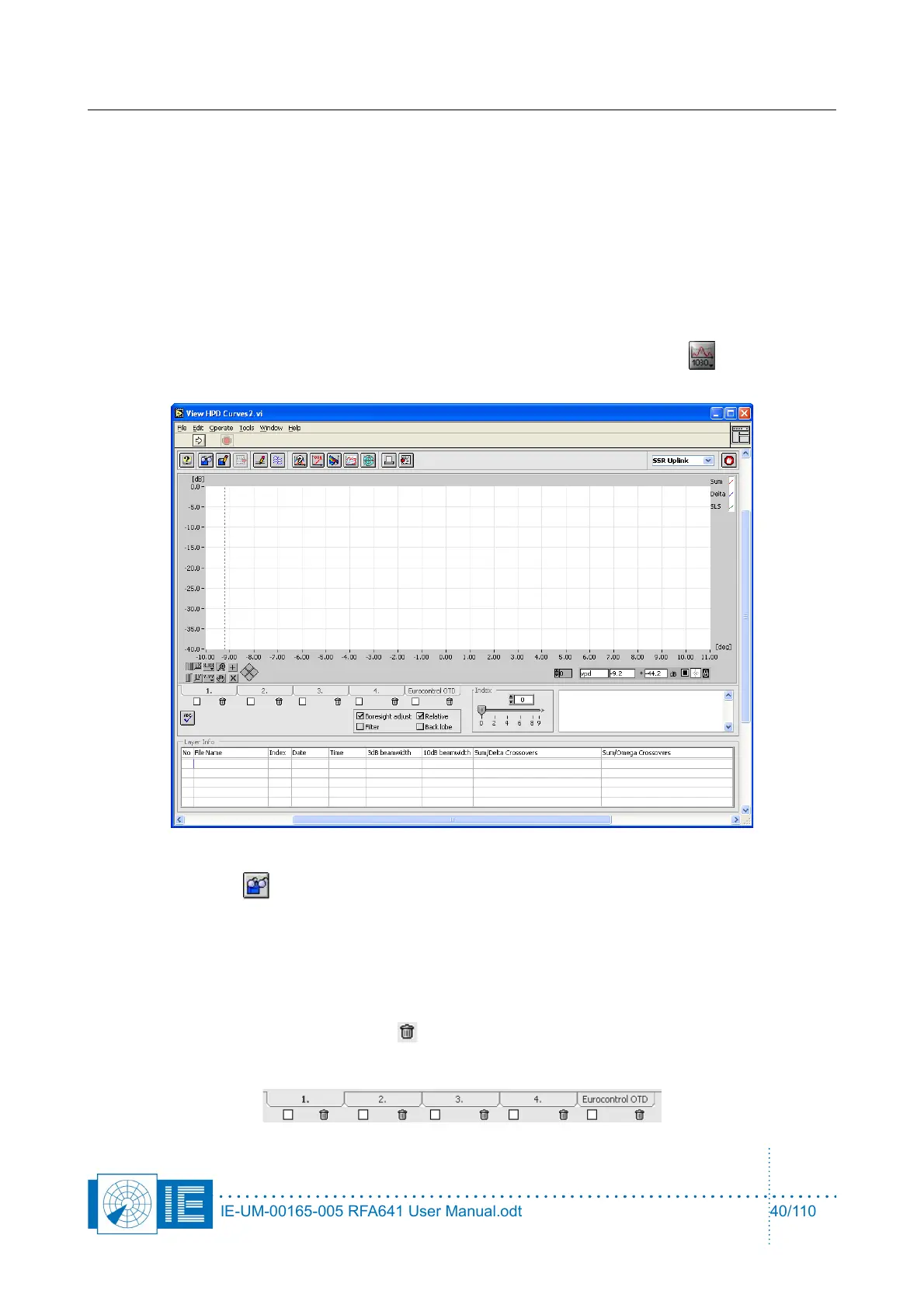
To view the measured antenna diagrams, RASS-S contains a universal tool, called View HPD Logging. The
program is capable of reading, recognising and displaying Uplink and Downlink HPD logfiles of both (M)SSR
and PSR measurements. It is possible to overlay antenna diagrams for comparison in up to five layers.
3.3.6.1. View (M)SSR Uplink Logfiles
To view the measured antenna diagrams, RASS-S contains a universal tool, called View HPD Logging. The
program is capable of reading, recognizing and displaying Uplink and Downlink HPD logfiles of both (M)SSR
and PSR measurements.
The View HPD Curves tool can be opened from the RASS-S Toolbox using the Uplink button (select
View HPD Logfiles).
1. Use the Load button to select a downlink logfile, select the file of interest and click the OK
button. The selected file will be displayed in the active layer and its file name will be presented in the
Layer info sub-window, the date and time of the recording is shown and diagram parameters of the
selected logging are displayed.
2. It is possible to overlay antenna diagrams for comparison in up to five layers: Select a layer by
clicking on a layer tab. The View HPD Logfiles program allows to overlay up to 5 layers. Each of the
layers can be temporarily hidden. This is done by means of the check box selectors to select the
displaying of the curves. The Empty button allows clearing the active layer. It is even possible to
superimpose SSR Uplink, SSR Downlink, PSR Uplink or PSR Downlink curves on top of each other.
Any combination is possible.
IE-UM-00165-005 RFA641 User Manual.odt 40/110



 To Next Page