4-18 Maxor Operator’s Manual www.javad.com
OPERATION
Clearing the NVRAM
4
Using PCView to Clear NVRAM
1. Connect your receiver and computer. See “Connecting the Maxor and a
Computer” on page 2-9 for this procedure.
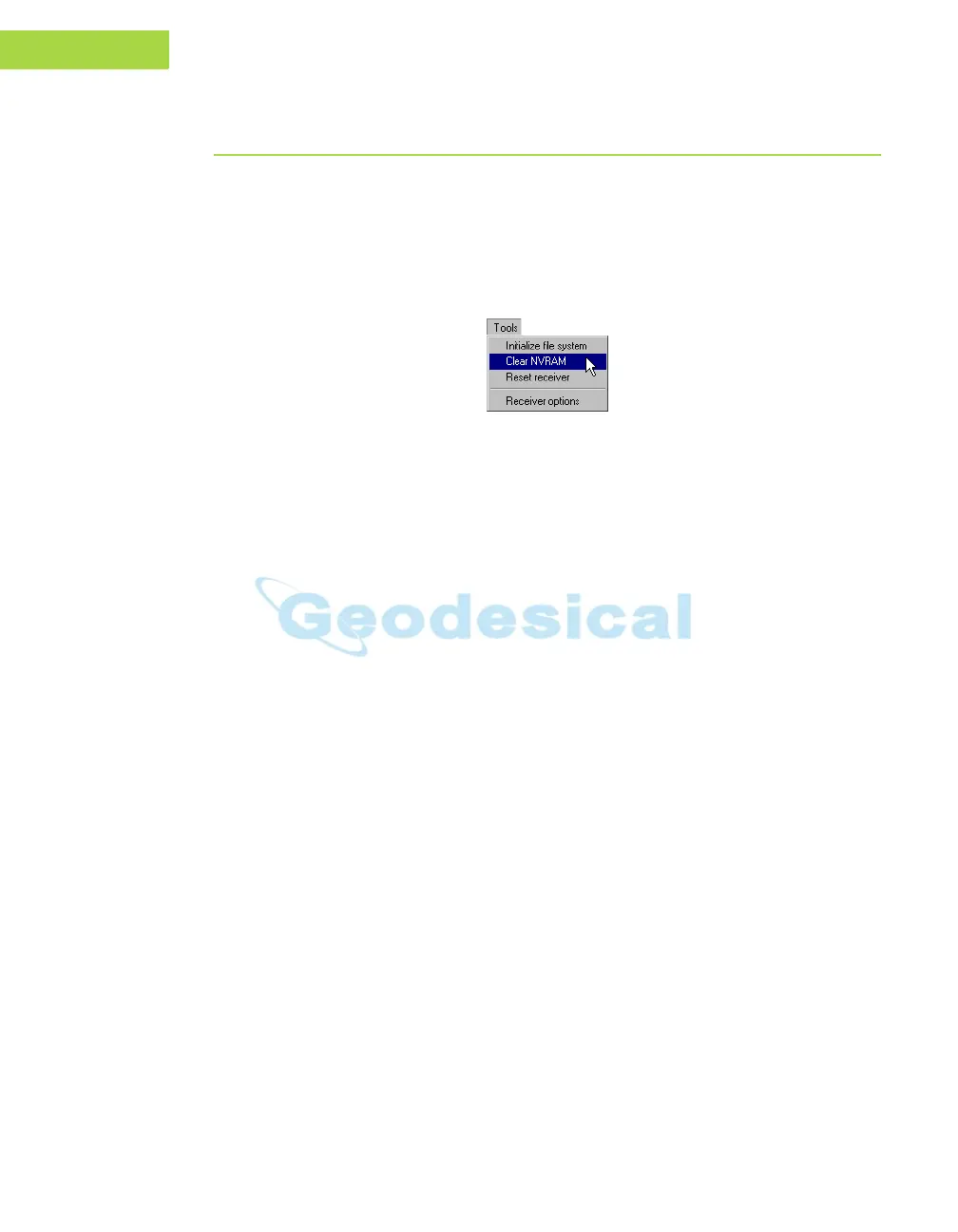
2. Click Tools->Clear NVRAM (Figure 4-11).
3. Click OK at th
e clear NVRAM conf
irmation dialog box. The REC LED
rapidly flashes green and red; the STAT LED flashes red.
Figure 4-11. Tools->Clear NVRAM
The receiver will automatically disconnect once the NVRAM is cleared.



 To Next Page