www.javad.com Maxor Operator’s Manual 3-9
SETUP AND MEASURING
Measuring with the Maxor
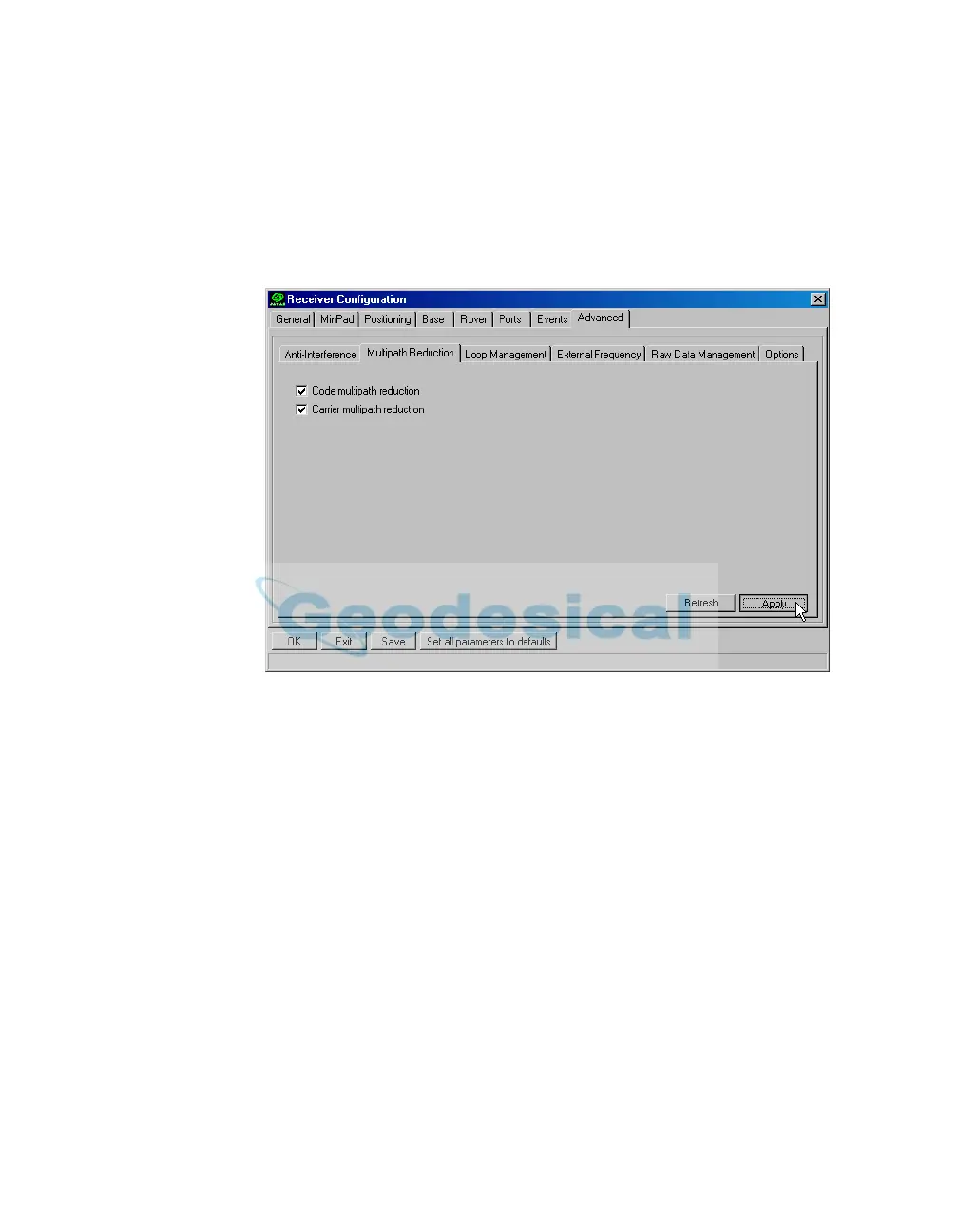
3. Click the Advanced tab and then the Multipath tab, set the following
parameters, then click Apply (Figure 3-6 on page 3-9):
• Code Multip
ath Reduction – enab
le
• Carrier Multipath Reduction – en
able
Figure 3-6. Advanced->Multipath
4. Click the Loop Management tab and set the following parameters,
then click Apply (Figure 3-7 on page 3-10):
• Enable Common Tracking – enable



 To Next Page