www.javad.com Maxor Operator’s Manual 4-27
OPERATION
Loading New Firmware
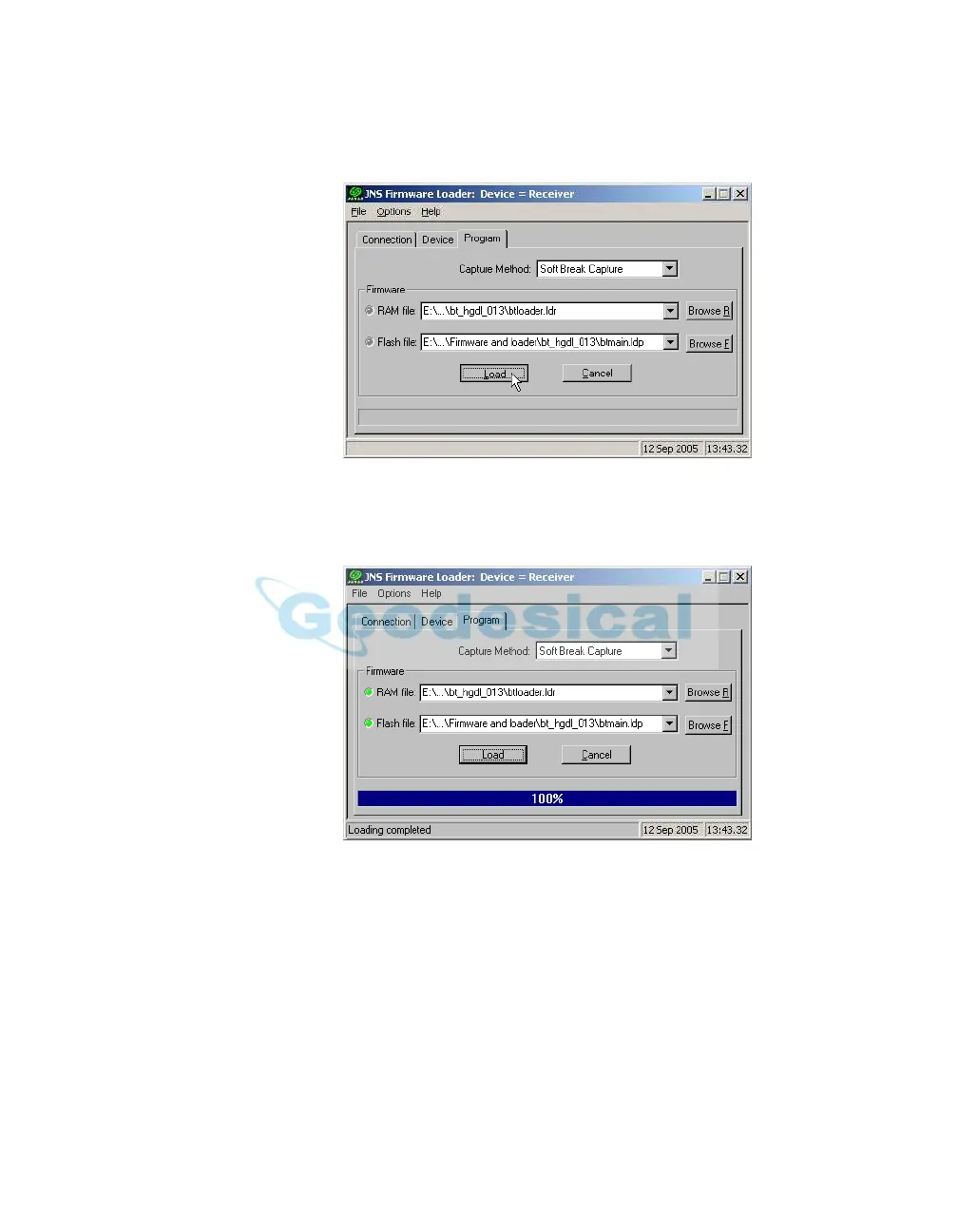
3. Browse for and select the Bluetooth module’s RAM file and Flash file
(Figure 4-20 on page 4-27).
Figure 4-20. Program Tab Settings
4. Click Load and wait until 100% of the files load into your receiver
(Figure 4-21).
Figure 4-21. Bluetooth Firmware Load Complete
Notice:
If you selected an incorrect file, an error message
displays at the bottom of the dialog box. Select the
correct file.
5. Click File -> Exit.



 To Next Page