www.javad.com Maxor Operator’s Manual 4-5
OPERATION
Using MinPad
Battery LED
The color of the BATT LED indicates the level of internal battery charge in
the Maxor:
• Green – indicates greater than 90% charge.
• Orange – indicates an intermediate char
ge.
• Red – indicates
less than 10% charge.
The pattern of blinks of the BATT LED also indicates the source of power.
When data recording is ON, and the FN key is...
Not pressed
Red
No free memory; hardware problem with
d
ata r
ecording.
If FN key mode is «LED blink mode switch»
Green
Data recording started (post-p
rocessing
oc
cupation mode undefined).
If FN key mode is «Occupation mode switch»
Green
Data recording started (Kinematic post-
p
rocessing occupation mode).
Orange
Da
ta recording started (Static post-
processing occupation mode).
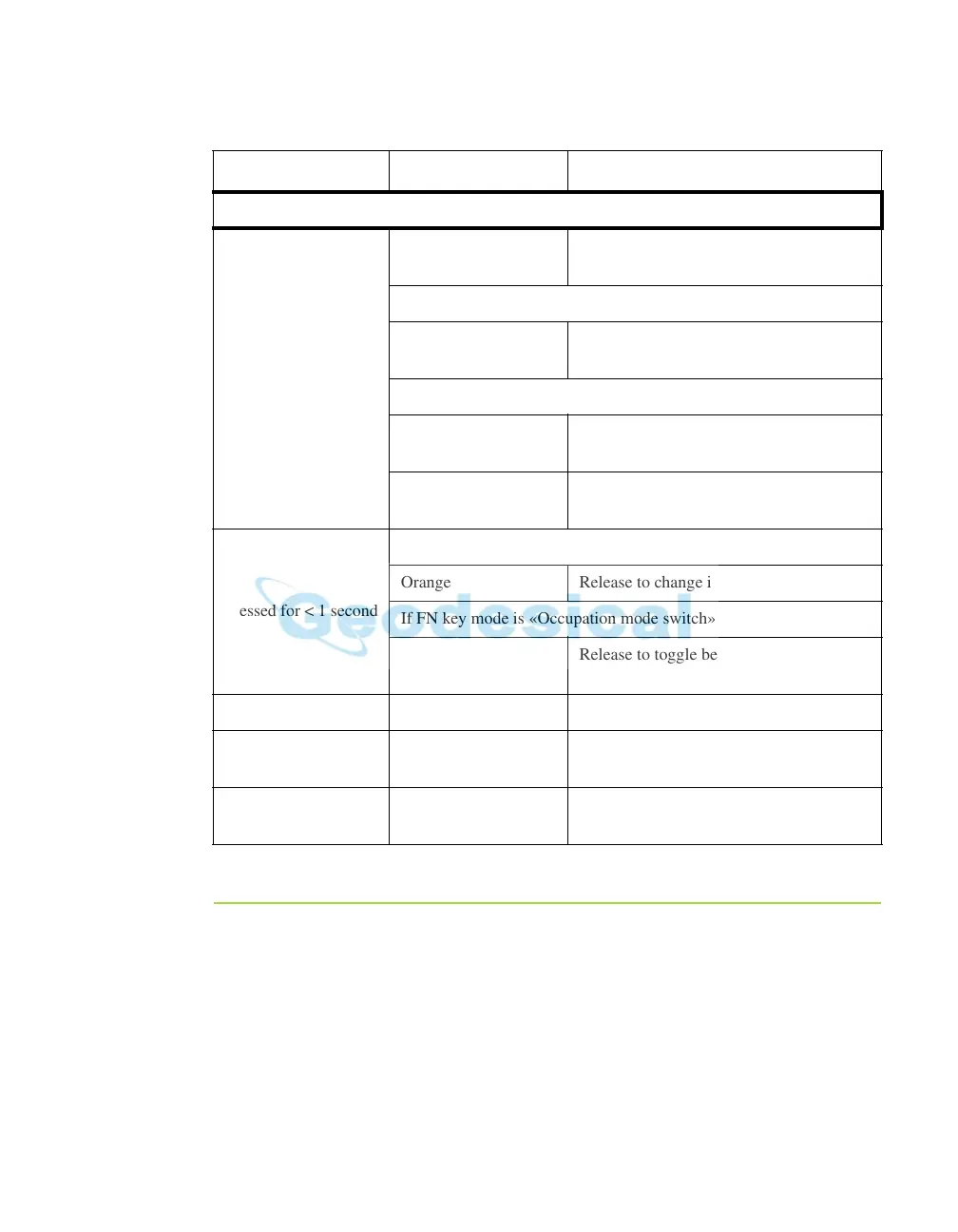
Pressed for < 1 second
If FN k
ey mode is «LED blink
mode switch»
Orange Rele
ase to change information mode.
If FN key mode is «Occupation mode switch»
Orange
Release to toggle between Static and
Kinematic post-processing modes.
Pressed for 1–5 No light Re
lease to stop data recording.
Pressed for 5–8
seconds
Red
Release to turn serial port A baud rate to
9
600 bps.
Pressed for > 8
seconds
No light No function (data recording still on).
Table 4-1.
FN Key Functions and REC LED Status (Continued)
FN Key REC LED Status



 To Next Page