2-4 Maxor Operator’s Manual www.javad.com
CONFIGURATION
Powering the Maxor
2
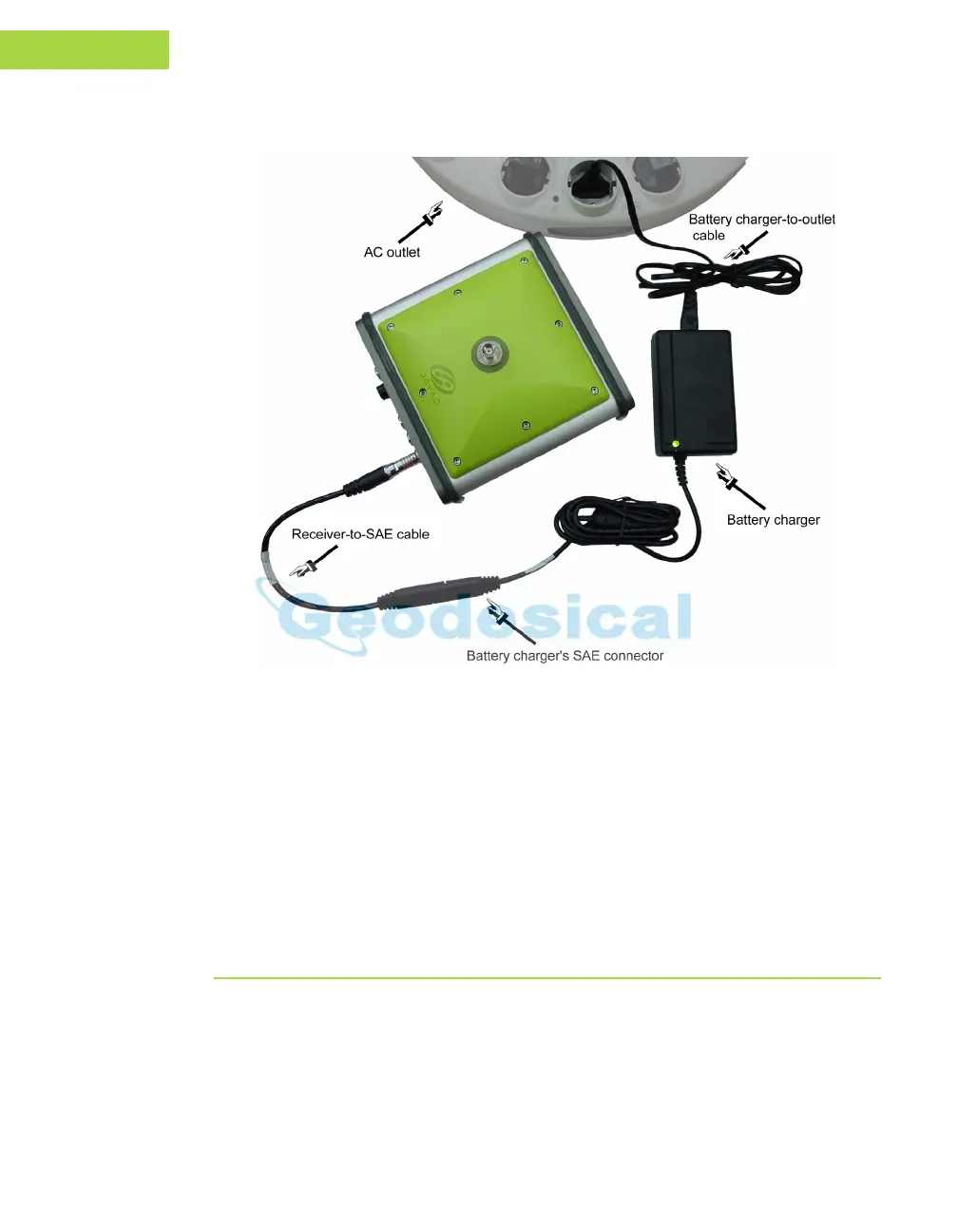
Figure 2-1. Maxor Charging
Tip:
View the pattern of blinks of the BATT LED to make
sure the receiver takes power from the external source.
Solid light – an External power supply is used and the
batteries are not being charged.
Blinking once a second – an external power supply is
used and the batteries are being charged.
Power Management
Use JNS's PCView software to manage the receiver's power. The complete
description of PCView exceeds the scope of this manual, but can be found
in the PCView Software Manual. The latest copy of this software and the
manual can be downloaded from the JNS website (http://www.javad.com).



 To Next Page