www.javad.com Maxor Operator’s Manual 5-3
TROUBLESHOOTING
Power Problems
Power Problems
All Maxor receivers are preset in the factory as "Auto Mode" for both the power
and charger. If you want to check these settings,
1. Connect your receiver and computer and run PCView (see “Connecting the
Maxor and a Computer” on page 2-9).
2. Once connected, click Configuration->Receiver.
3. On the General tab, view the Power and Charger fields.
These fields should be set to Auto. If not, change them to Auto and
click
Apply.
Tip:
Clearing the NVRAM will also return the receiver to
Auto Mode (see “Clearing the NVRAM” on page 4-17).
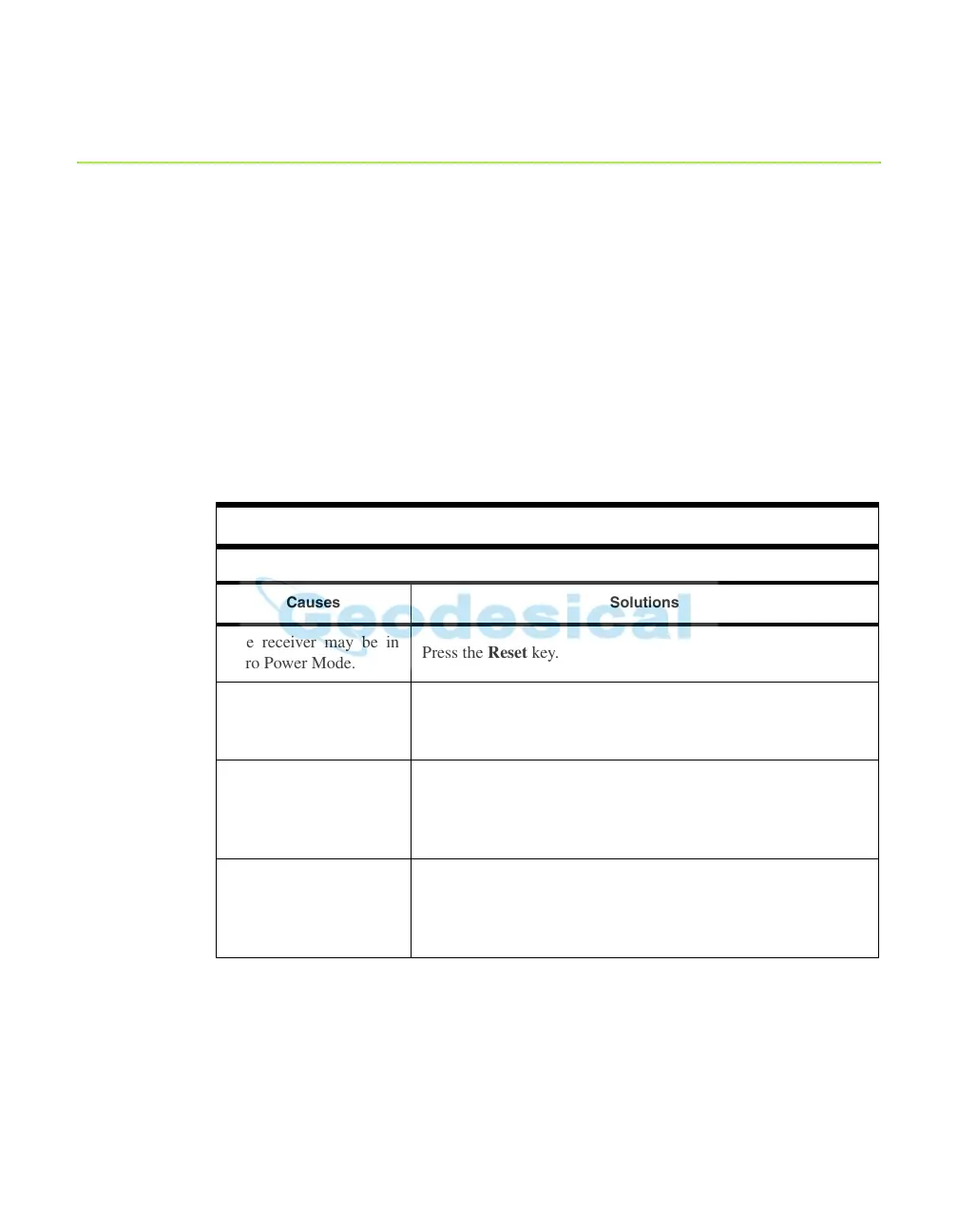
Problem
The receiver does not power up.
Causes Solutions
The receiver may be in
Zero Power Mode.
Press the Re
set key.
If n
o external power
source used, batteries
may be discharged.
Connect a fully charged external po
wer source and retry
. See
“Powering the Maxor” on page 2-2.
The receiver has an
external po
wer source,
but internal batteries are
discharged.
Charge the batteries overnight. See“Powering the Maxor” on
page 2-2.
The receiver may have a
defective charger
or
defective internal
batteries.
If after charging your internal batteries overnight, and your
Maxor is not po
wering,
contact JNS Customer Support for
advice.



 To Next Page