2-14 Maxor Operator’s Manual www.javad.com
CONFIGURATION
Maxor Configuration
2
Maxor Configuration
PCView is JNS's receiver configuration software, used to configure the various
parts of the Maxor receiver. Any settings made using PCView will be saved in
the receiver's memory, and will be reflected when you use the MinPad. The full
range of PCView configuration and function is outside the scope of this manual.
Notice:
Refer to the PCView Software Manual to manage all
possible Maxor receiver configurations.
The following configuration is recommended for the most common
applications. Howe
ver, you can select configuration parameters as needed for
your particular jobsite.
Notice:
Click Apply after making any configuration change,
otherwise the receiver will not accept the change.
1. Connect your receiver and computer. See “Connecting the Maxor and a
Computer” on page 2-9 for this procedure.
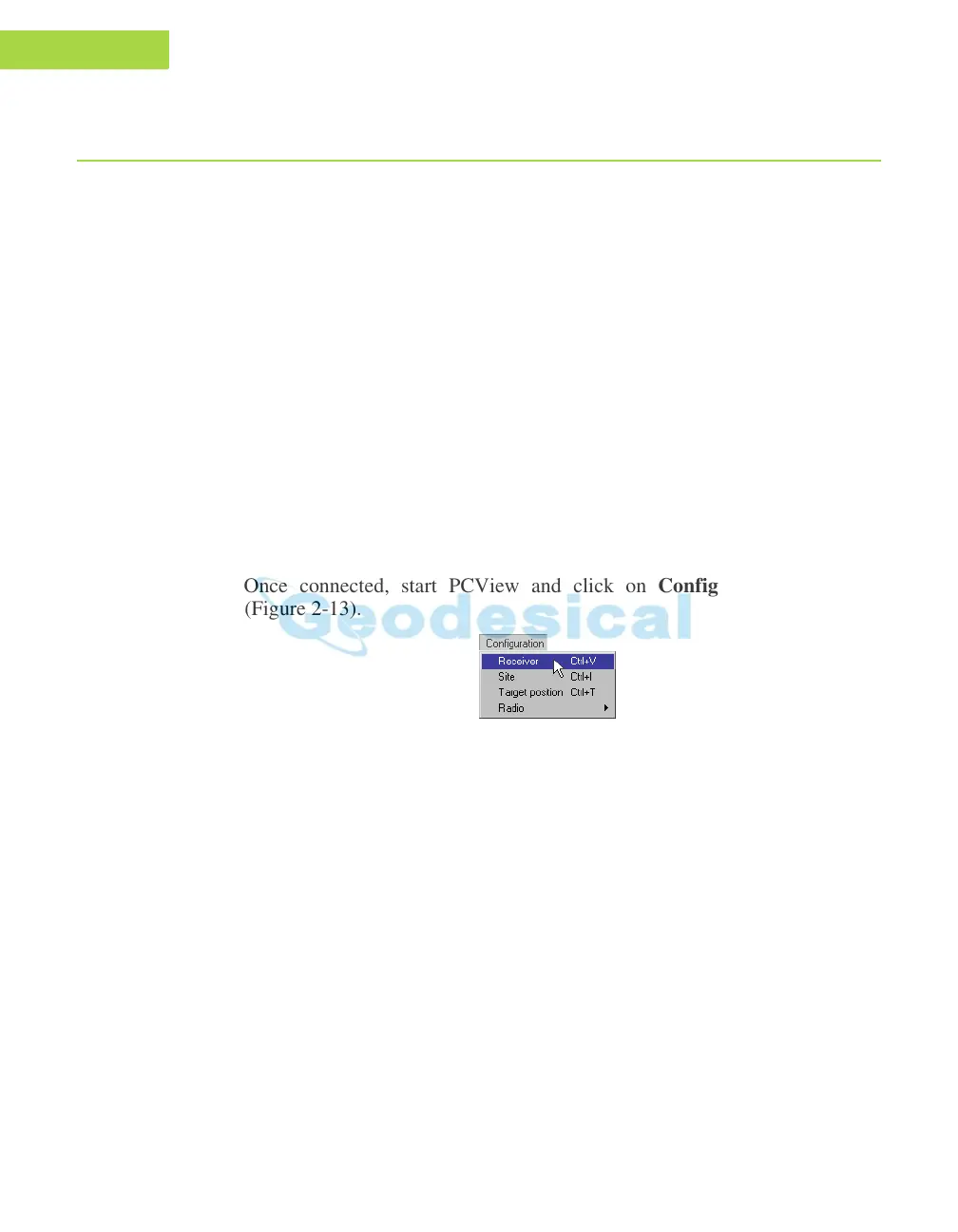
2. Once connected, start PCView and click on Configuration->Receiver
(Figure 2-13).
Figure 2-13. Configuration->Receiver
The Receiver Configuration dialog box displays (Figure 2-14 on page 2-15).



 To Next Page