www.javad.com Maxor Operator’s Manual A-1
APPENDIX A
Creating Scripts
Script files allow you to save manual commands into one file. You can then
load this single script instead of typing each individual command. Use the
following procedure to create script files.
Tip:
For more information on script files, see the PCView
Software Manual.
1. Connect your receiver and computer. See “Connecting the Maxor and a
Computer” on page 2-9 for this procedure.
2. Start PCView.
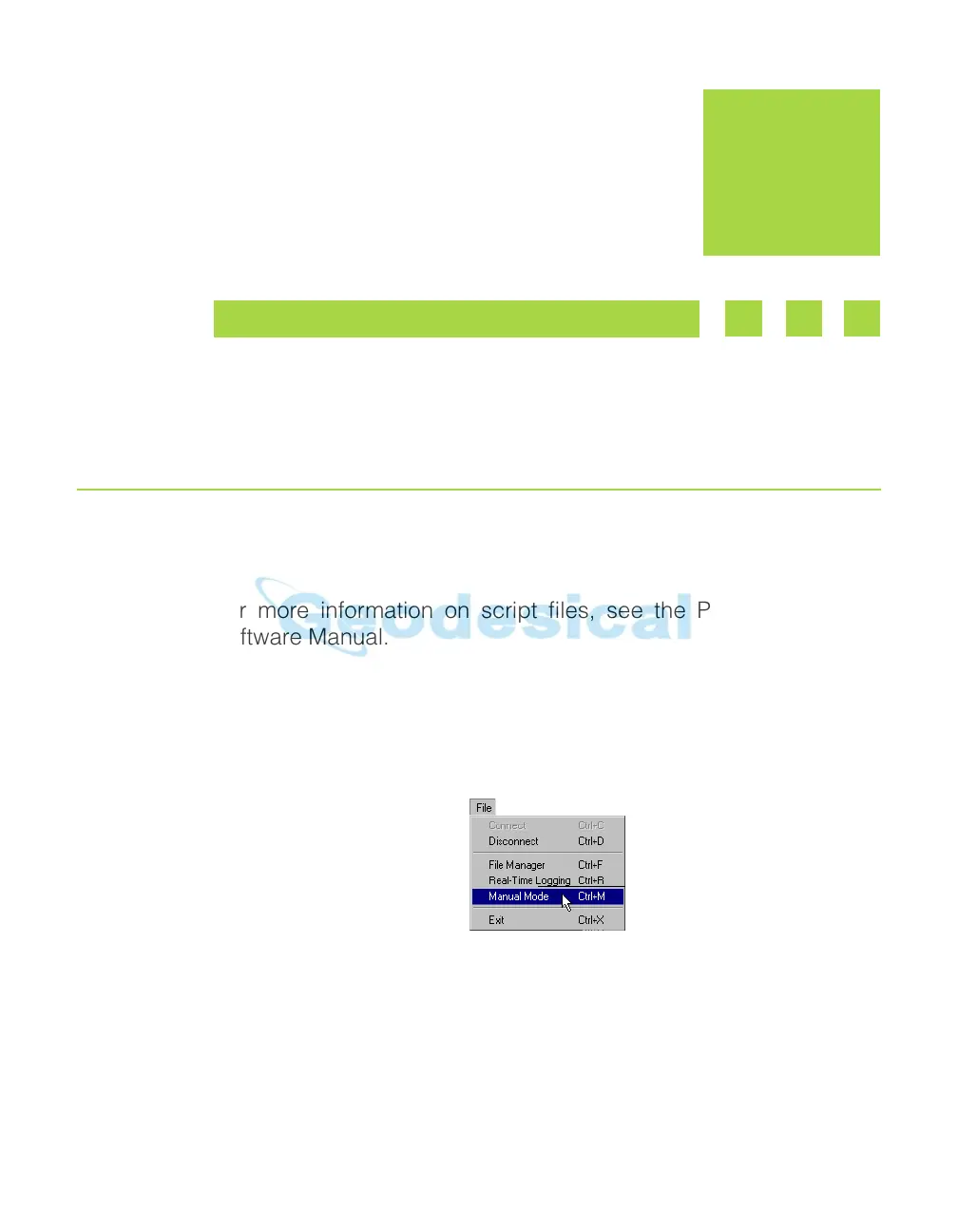
3. Click on File->Manual Mode.
Figure A-1. File->Manual Mode
4. Click Edit script.
5. Navigate to the folder in which you want to save the script file.
6. Type the file name. All files have a .jpc extension.



 To Next Page