www.javad.com Maxor Operator’s Manual 4-21
OPERATION
Checking Firmware Version
Checking Firmware Version
Use PCView to check the firmware version of your receiver.
Notice:
The Maxor receiver should be loaded with firmware
version 2.3 or newer.
1. Connect your receiver and computer. See “Connecting the Maxor and a
Computer” on page 2-9 for this procedure.
2. Start PCView.
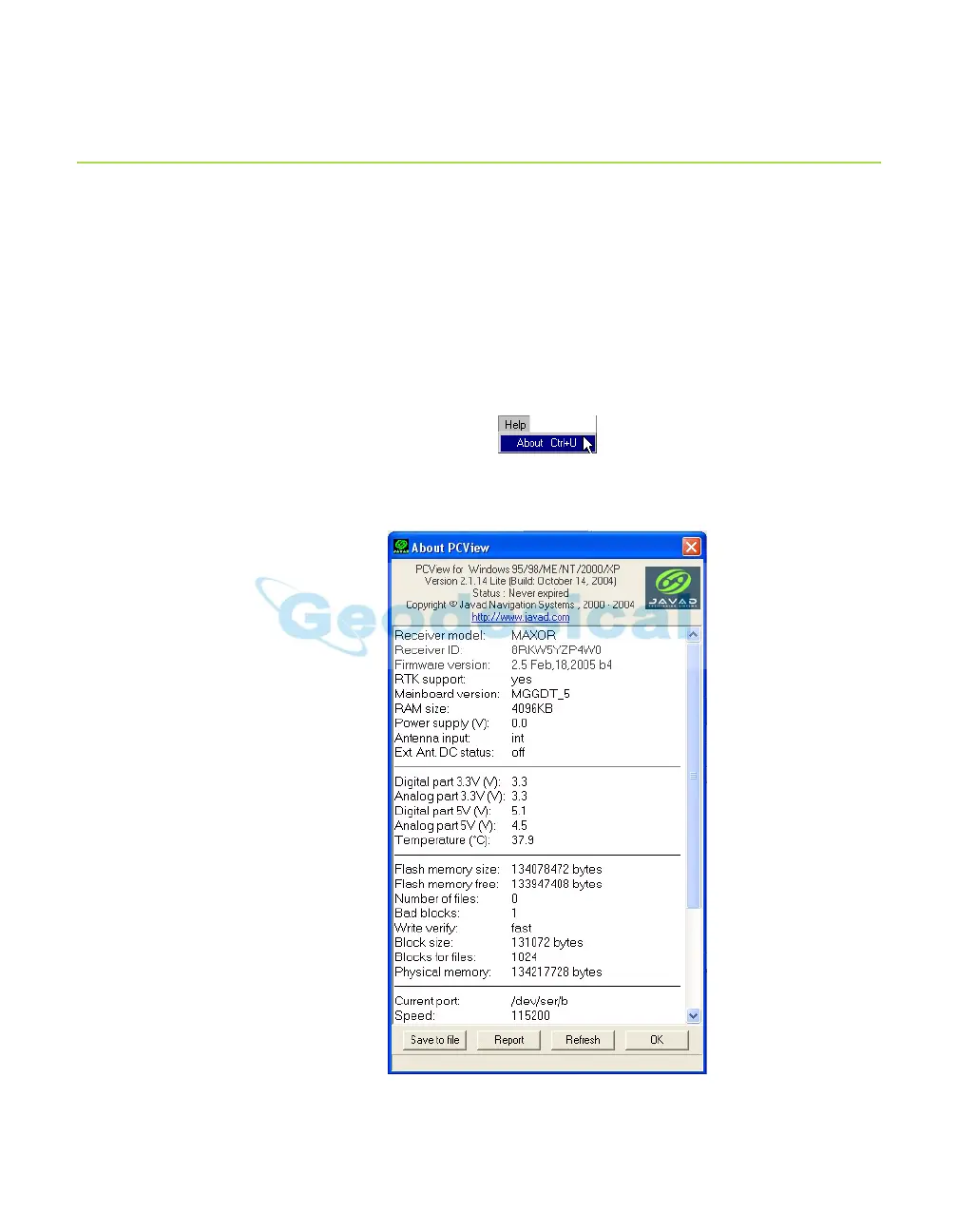
3. Click on Help->About (Figure 4-12).
Figure 4-12. Help->About
The About PCView dialog box opens (Figure 4-13).
Figure 4-13. About PCView



 To Next Page