2-40 Maxor Operator’s Manual www.javad.com
CONFIGURATION
Bluetooth® Module Configuration
2
Bluetooth® Module Configuration
Use BTCONF, the Bluetooth® module’s configuration program, and your
computer to:
• access the Bluetooth® wireless technology module
• configure the Bluetooth® module
• check or change the module’s configuration
To access the Bluetooth® wireless technology
module, first download
and
install BTCONF, then connect your computer and the receiver and run the
configuration program.
1. Create or locate the following folder:
C:\Program Files\JNS\BTCONF
2. Download btconf.zip from the JNS website (http://www.javad.com) and
unzip it into the BTCONF folder. This file contains Btconf.exe, the
executable file for the Bluetooth® module configuration program.
To uninstall, or remove, BTCONF, delete any applicable BTCONF directories
or folders,
and any BTCONF shortcuts.
Once you have BTCONF available, follow these steps to configure the
Bluetoo
th® module.
1. Using the RS232 cable, connect the serial port of your computer to the
receiver’s serial port A.
2. Press the power buttons on the receiver and computer to turn them on.
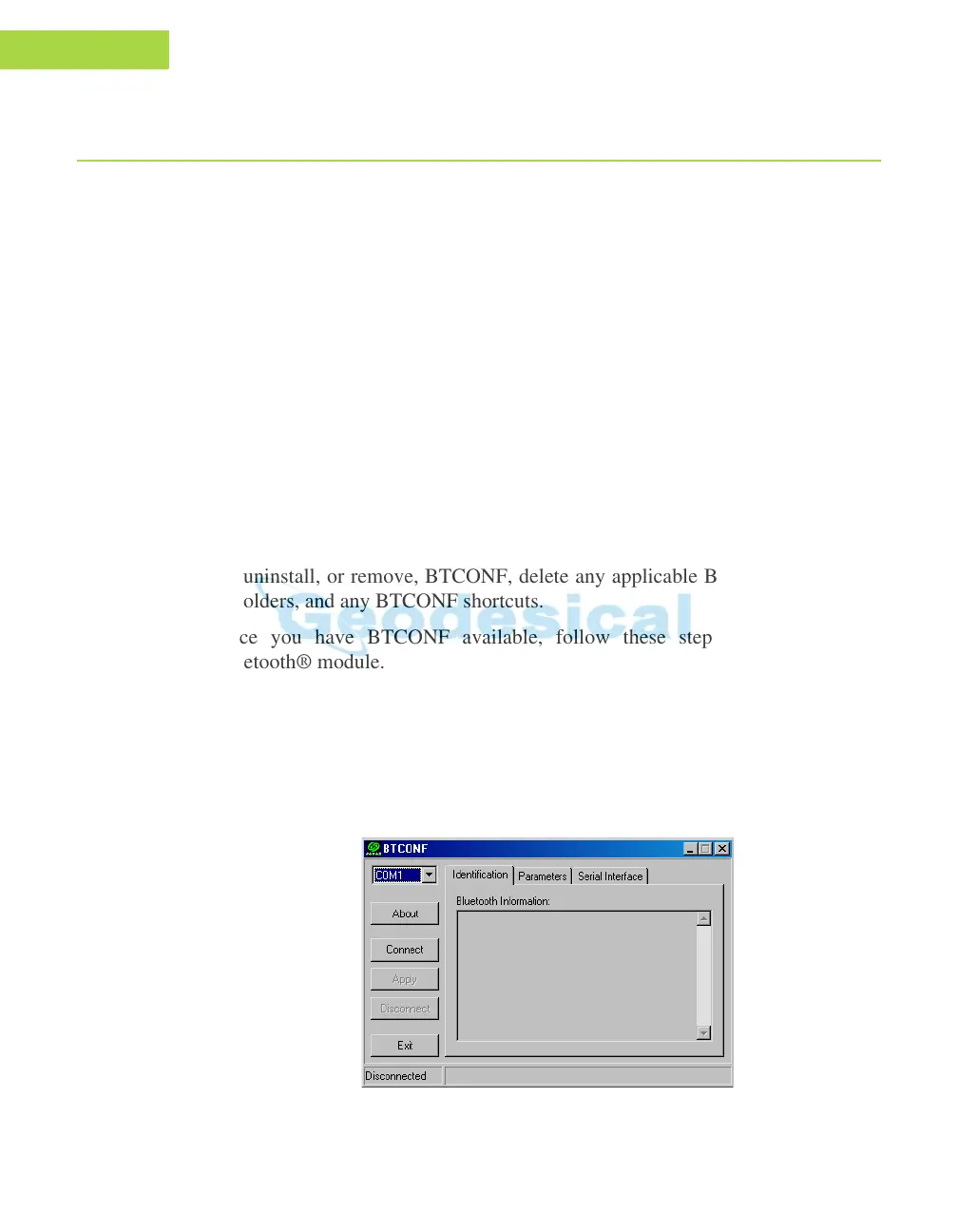
3. Run the Bluetooth® module configuration program (Btconf.exe) (Figure 2-
30).
Figure 2-30. Bluetooth® Module Configuration Main Screen



 To Next Page