www.javad.com Maxor Operator’s Manual 2-41
CONFIGURATION
Bluetooth® Module Configuration
Note that the lower left corner shows a “Disconnected” status for the
computer and Bluetooth® module.
For BTCONF version and copyright information, click the About button
.
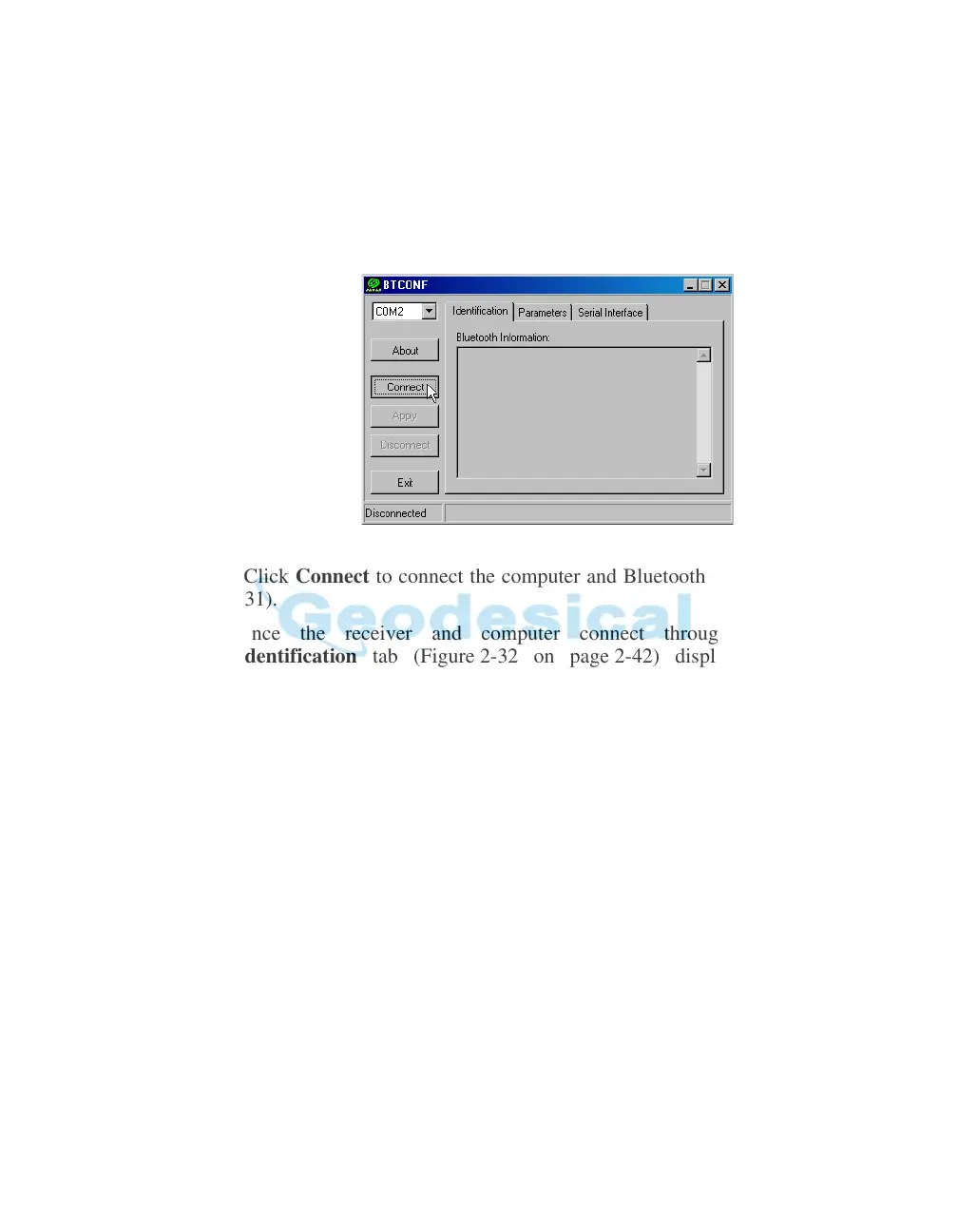
4. From the drop-down list in the upper left corner, select the computer serial
port used for communication (Figure 2-31).
Figure 2-31. Select Communication Port and Click Connect
5. Click Connect to connect the computer and Bluetooth® module (Figure 2-
31).
Once the receiver and computer connect through BTCONF, the
Identification tab (Figure 2-
32 on page 2-42) displays the following
information:
• Bluetooth® name – the name of the Bluetooth® module, set in
the
Parameters tab.
• Bluetooth® address – the un
ique electronic address for your Bluetooth®
module.
• Firmware base.



 To Next Page