2-30 Maxor Operator’s Manual www.javad.com
CONFIGURATION
Radio Configuration
2
9. From the Output Power control (see Figure 2-22 on page 2-28),
select the level of RF transmit power from 10 mW to 2 W.
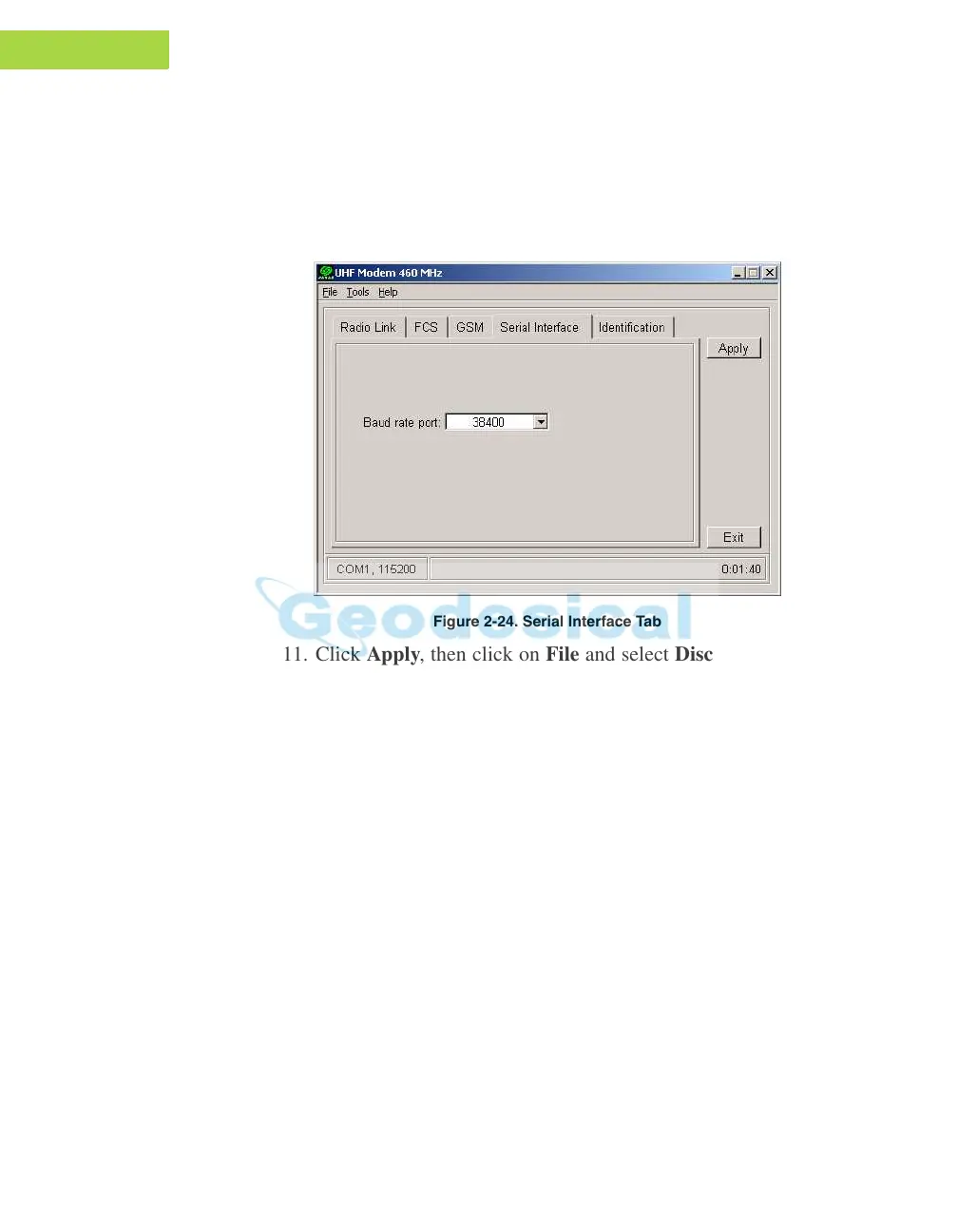
10. Click the Serial In
terface tab (Figure 2-24) and select a baud rate
for the modem’s serial port. The same rate must be used for both the
receiver and the modem.
Figure 2-24. Serial Interface Tab
11. Click Apply, then click on File and select Disconnect. If you want
to close the program, click File->Exit.
12. Start PCView and set up the receiver to run as an RTK Base
Station. F
or ho
w to set up an RTK Base using PCView, refere to
“Setting up an RTK Base Station” on page 3-13 and PCVie
w
Software Manual.
Set Radio Link Parameters for Free Channel Scan
1. Repeat steps 1-9 from “Set Radio Link Parameters for a Dedicated
Channel” on page 2-28.



 To Next Page