5-6 Maxor Operator’s Manual www.javad.com
TROUBLESHOOTING
Receiver Problems
5
Poor satellite geometry
(PDOP/GDOP values are
too high).
Conduct your measuring when PDOP values are low. Use the
Standalone Mission Planning tool (http://www.javad.com) to
track DOP values.
The elevation mask is
above 15 degrees.
Lower the elevation mask.
The receiver and the
antenna
hav
e a poor
connection.
Ensure the cable is undamaged.
Check the cable connector attachment to the receiver. Remove
and reattach the cable connector to ensure a secure connection.
The Base and Rover
modems are se
t to
different radio channels.
Set the Base and Rover receivers to the
same radio channel.
See “Radio Configuration” on
page 2-26.
Problem
The receiver cannot obtain Code Differential and/or RTK solutions.
Causes Solutions
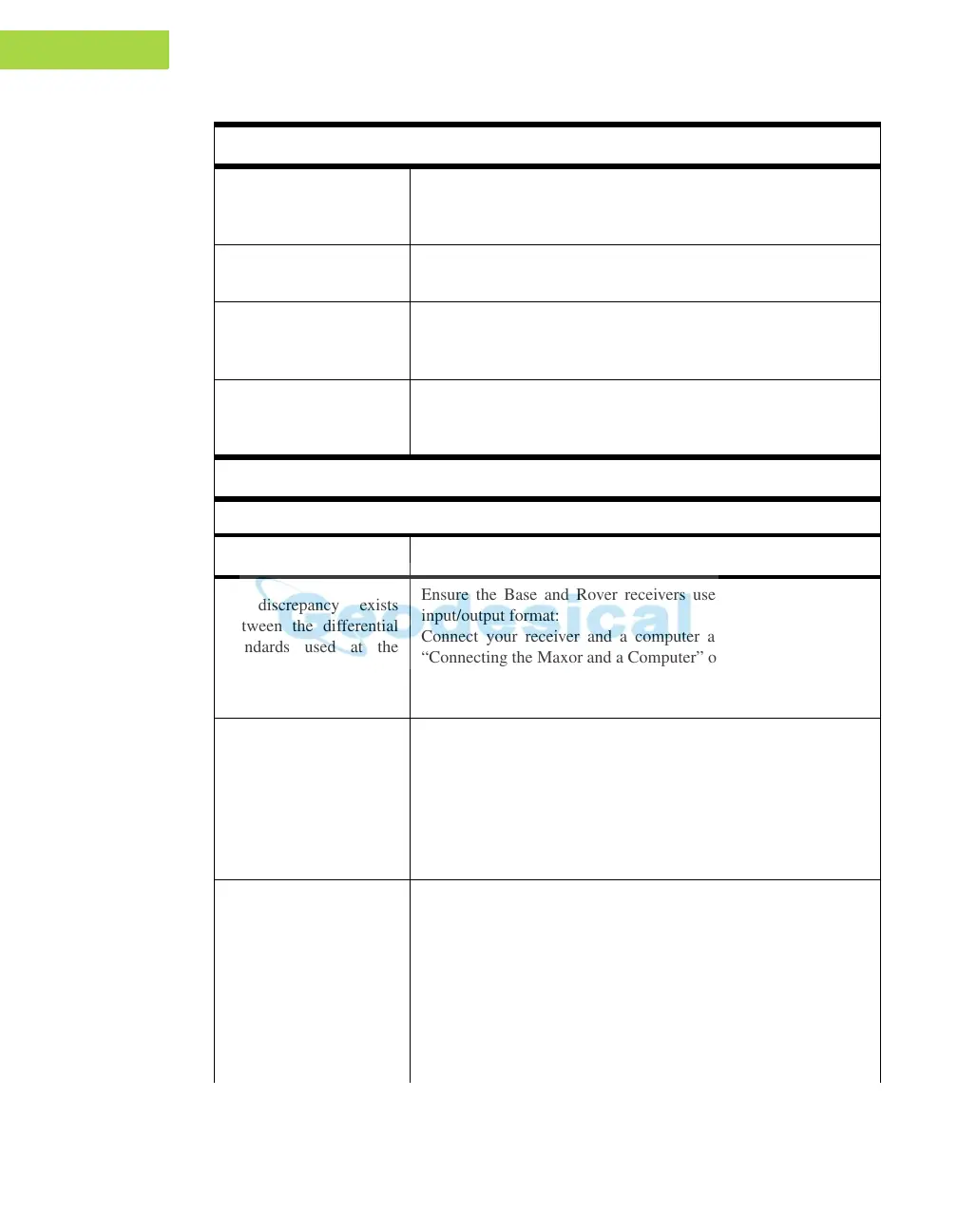
A discrepancy exists
between the differential
standards used at the
Base and Rover
receivers.
Ensure the Base and Rover receivers use th
e same corrections
input/output format:
Connect your receiver and a computer and start PCView. See
“Connecting the Maxor and a Computer” on page 2-9.
Click Conf
iguration->Receiver->Ports and set the same input/
output format f
or both receivers.
The specified link rate is
not compa
tible with the
link rates the modem
supports.
The link rate is the rate at
which data transmits
over the RF link.
Chang
e the link rate to that which your modem supports. See the
modem’s manual for link
rate support information.
See “Radio Configuration” on page 2-26 for checking the current
link rate and changing the link rate.
The specified baud rate
is
not compa
tible with
the baud rates the
modem supports.
The baud rate is the rate
at whic
h the receiver
transmits differential
messages to the modem
and vice versa.
Change the baud rate to that which your modem supports. See the
modem’s manual for baud
rate support information.
See “Radio Configuration” on page 2-26 for checking the current
baud rate and changing the baud rate.
Problem



 To Next Page