Install a Front Door with Filter
Be sure you have the following tools and parts before you begin:
• A Phillips(+) screwdriver, number 2 (not provided)
• Front door (provided)
• Three cable seals—Two seals for the right side and one for the le side (provided)
• Cable management system (provided)
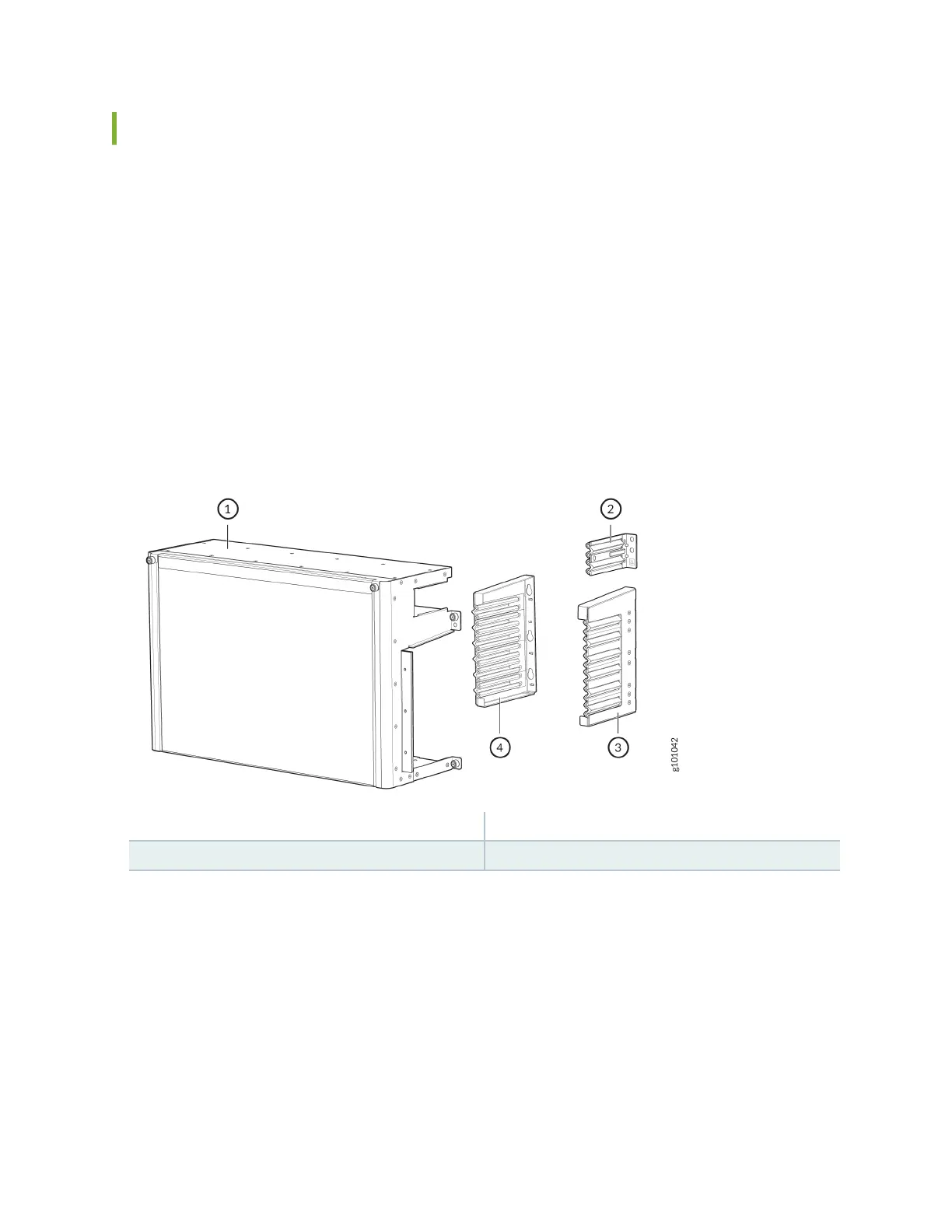
See Figure 47 on page 130 for the shipped components.
Figure 47: JNP10004-FRPNL1 Components
1—
Front door with lter frame
3—
Right cable seal
2—
Roung Control Board (RCB) cable seal
4—
Le cable seal
130











 To Next Page