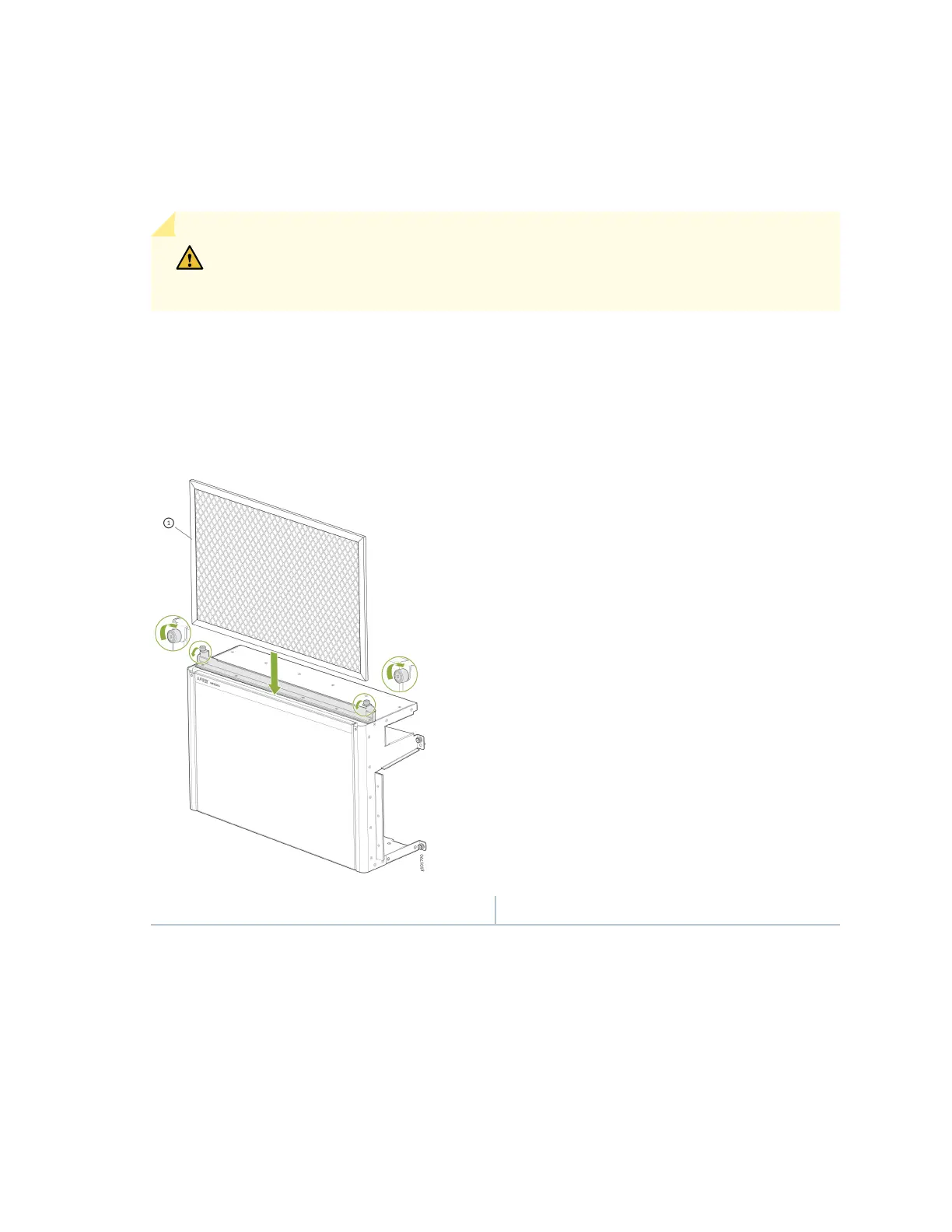
To install the air lter in the front door:
1. Turn the knobs on the air lter frame counter-clockwise, and ip the frame cover up to uncover the
top of the front door.
CAUTION: Juniper Networks recommends installing the air lter to prevent harmful
debris from entering the chassis.
2. Hold the air lter with both hands and insert it through the top of the front door unl it stops. See
Figure 50 on page 133.
Figure 50: Insert the Air Filter into an MX10004 Front Door
1— Air lter
3. Flip the air lter frame down, over the front door, and turn the knobs on the air lter frame clockwise
to secure the frame over the air lter.
To remove the air lter from the front door:
1. Turn the knobs on both sides of the air lter frame counter-clockwise and ip the frame cover up to
uncover the top of the front door.
133











 To Next Page