2—
OK Power OK
4—
1 Power source input 0
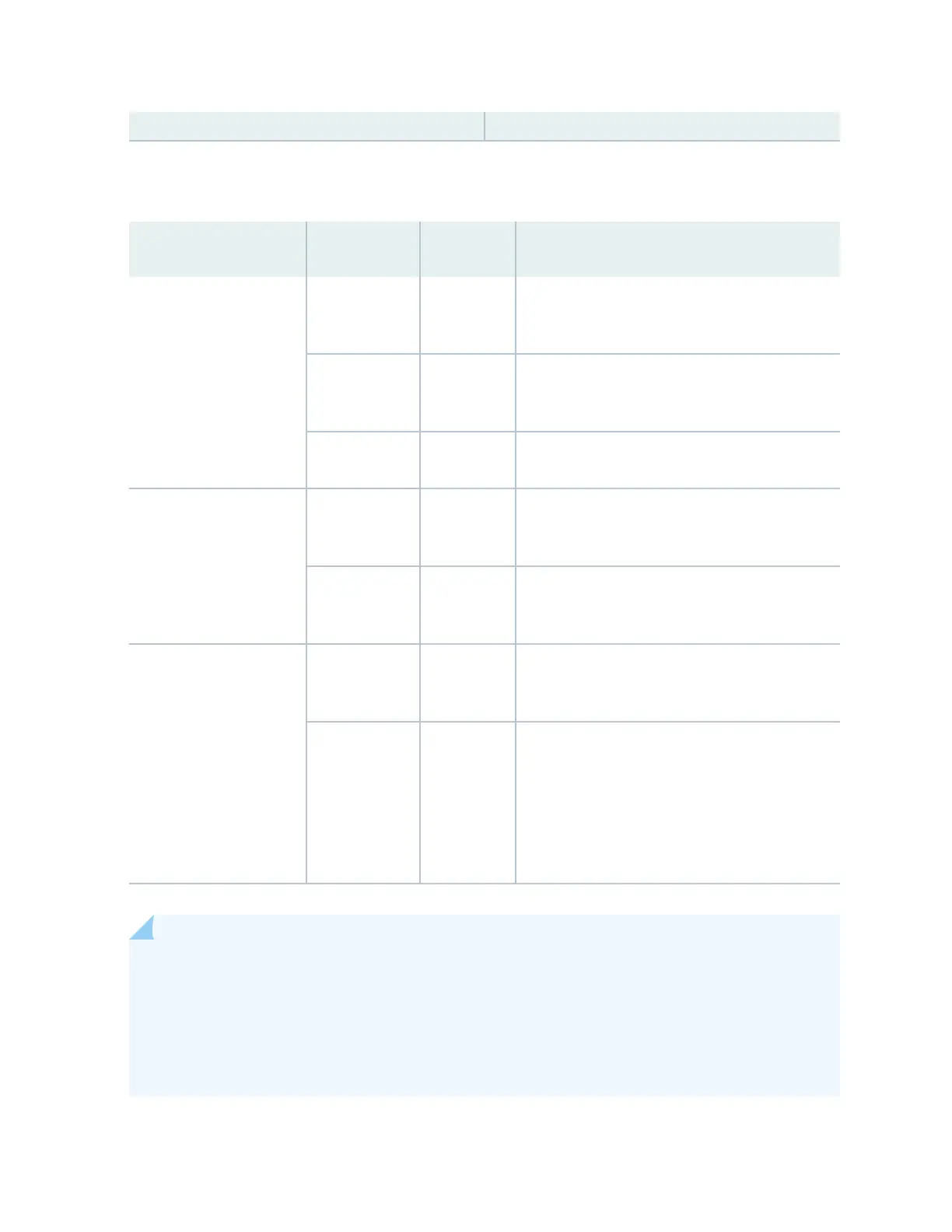
Table 21 on page 54 describes the LEDs on a JNP10K-PWR-DC2 power supply.
Table 21: LEDs on a JNP10K-PWR-DC2 Power Supply
LED Color State Descripon
1 (INP0 in CLI output) or 2
(INP1 in CLI output)
Green Solid The DC power is within normal operang range
(-40 VDC to -72 VDC).
Yellow Blinking The DC power input voltage is not within normal
operang range.
Unlit O The power supply is switched o.
OK (Power OK) Green Solid The DC power output is within normal operang
range.
Yellow Blinking The power supply output is out of the power
limits.
! (Fault) Red Solid The power supply has failed and must be
replaced.
Unlit O The power supply is funconing normally. Or, only
one input is powered and the enable switch for
the input that is not powered is set to ON. See
"Install a JNP10K-PWR-DC2 Power Supply" on
page 154 for more informaon about the enable
switches.
NOTE: If the 1 or 2 and the OK LED are unlit, the power cables are not installed properly or the
power supply has failed.
If the 1 or 2 LED is lit green and the OK LED is unlit, the power supply is not installed properly or
the power supply has an internal failure.
If the ! LED is blinking, add a power supply to balance the power demand and supply.
54











 To Next Page